
Custom roles and the 14 access switches
Make your own roles and choose exactly what each one can see, like costs, contract money, or labor rates.
Who can do this: Owner.
Last updated
Hidden numbers are removed by the server, not just hidden on the screen.
Steps
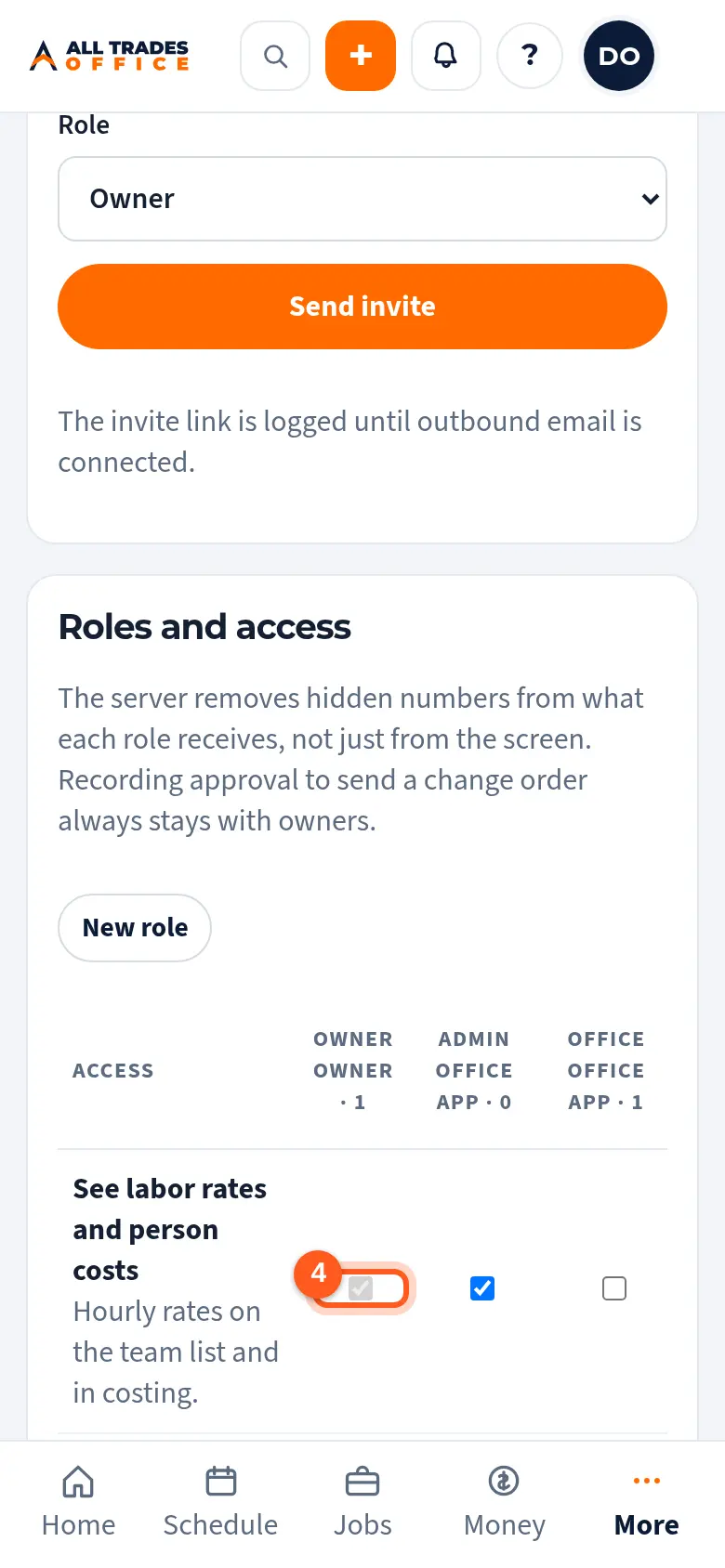
In People & access, scroll to Roles and access. Each row is a switch, and each column is a role.
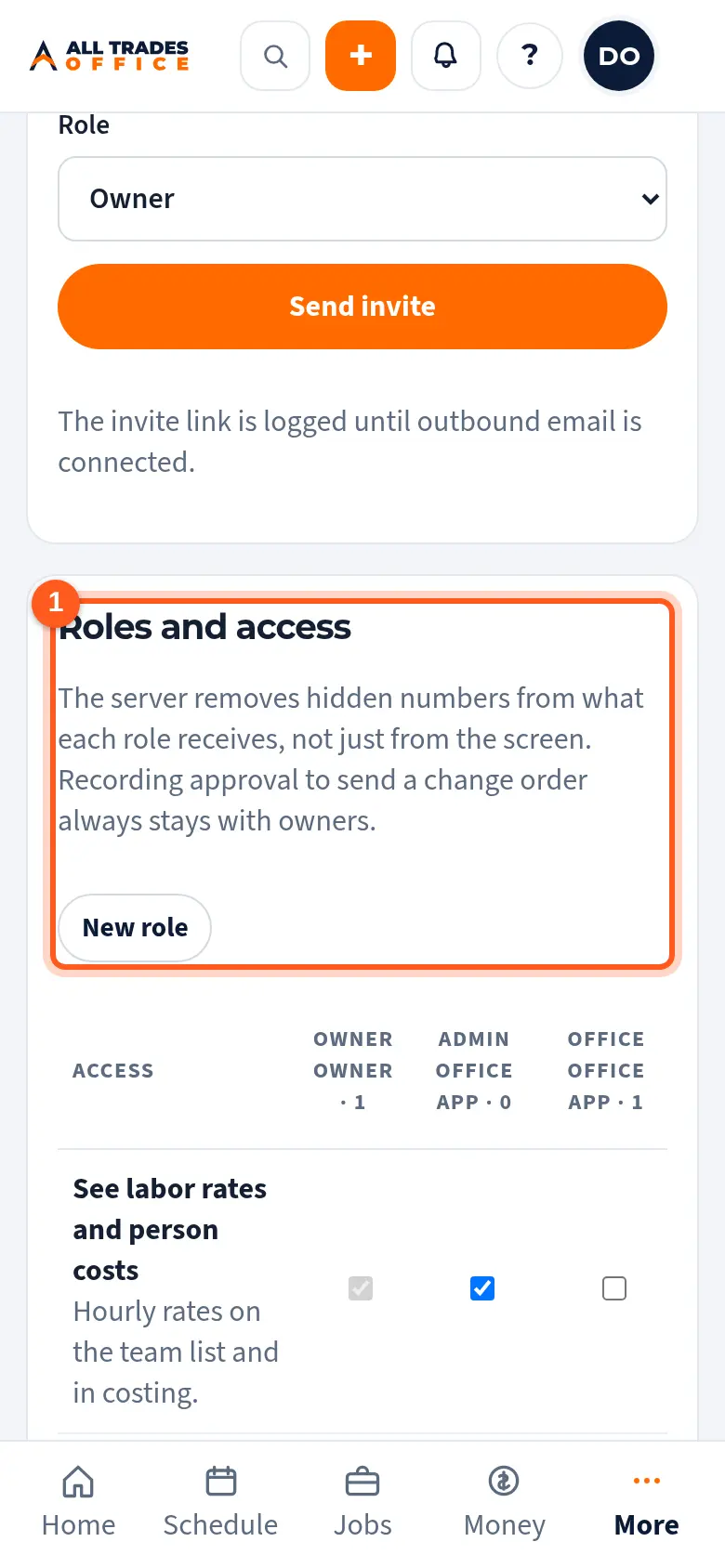
Tap New role.
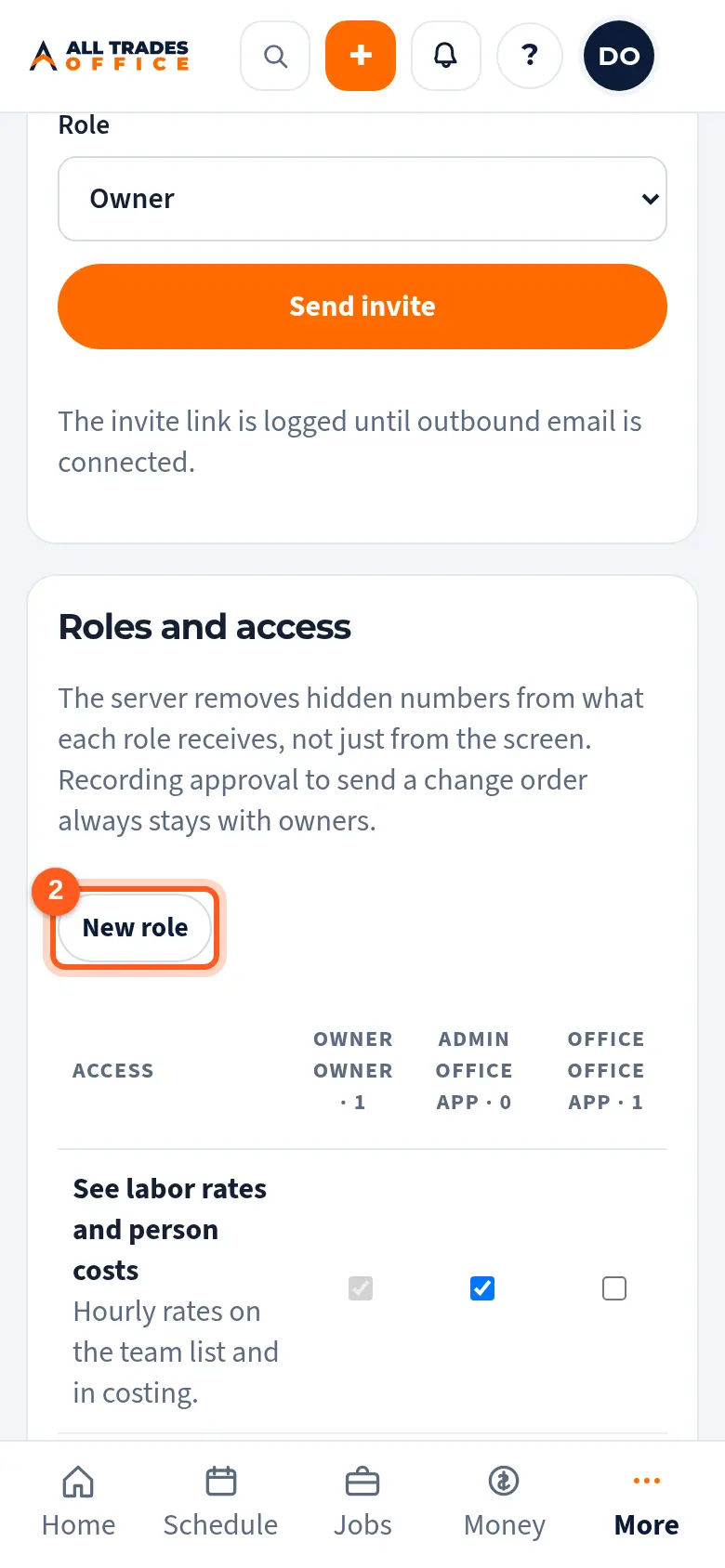
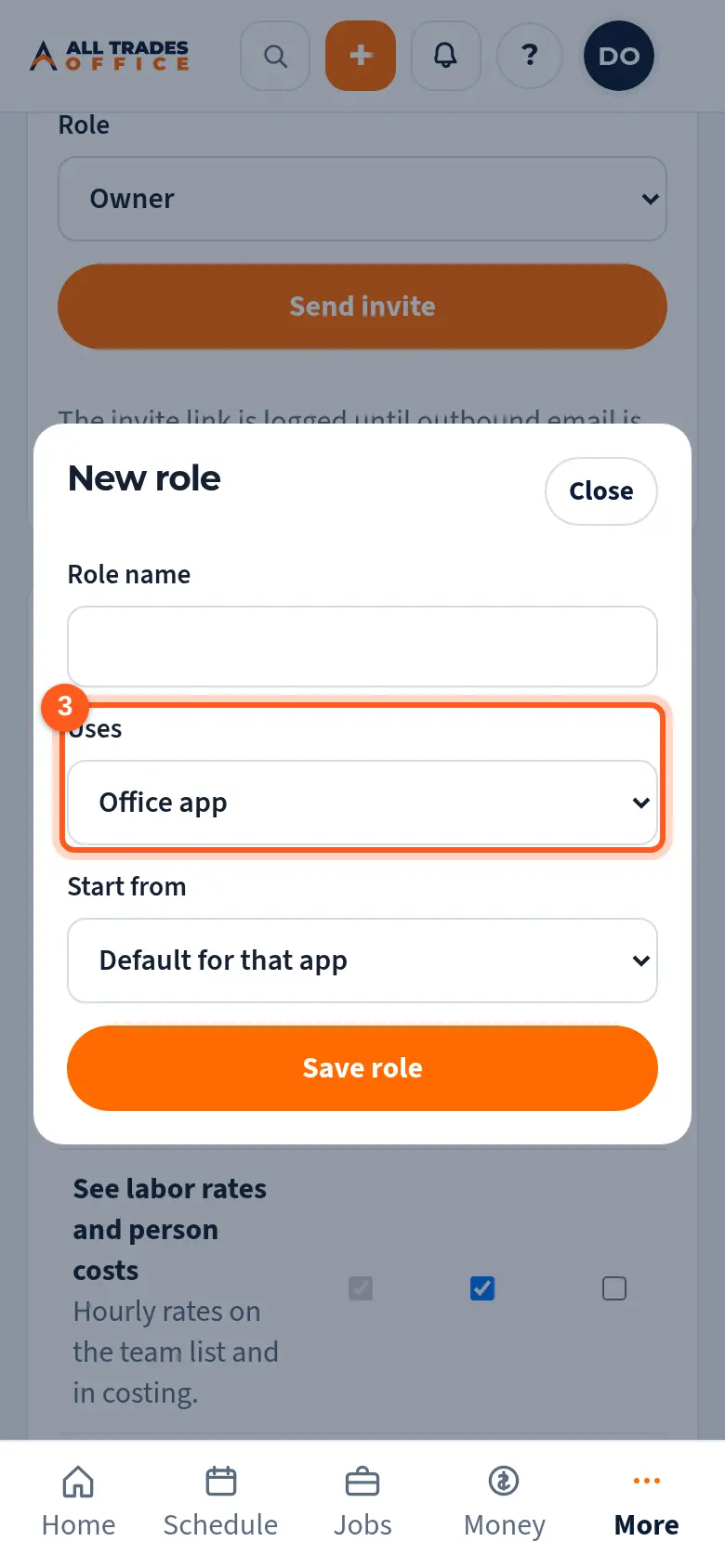
Name it (like "Foreman"), choose whether it uses the Office app or the Field app, pick a role to start from, and tap Save role.
Tick or untick the switches in its column. Changes save right away.
Good to know
- Only owners can change roles. The Owner role always has full access.
- Recording approval to send a change order always stays with owners.
Related
- Invite people and choose their roleAdd someone to your company and pick what they can see and do.
- I can't see costs or moneyCosts, contract values, and labor rates show only to roles that are allowed to see them.