
Invite people and choose their role
Add someone to your company and pick what they can see and do.
Who can do this: Owner, Admin with “Manage team and company settings” turned on for their role.
Last updated
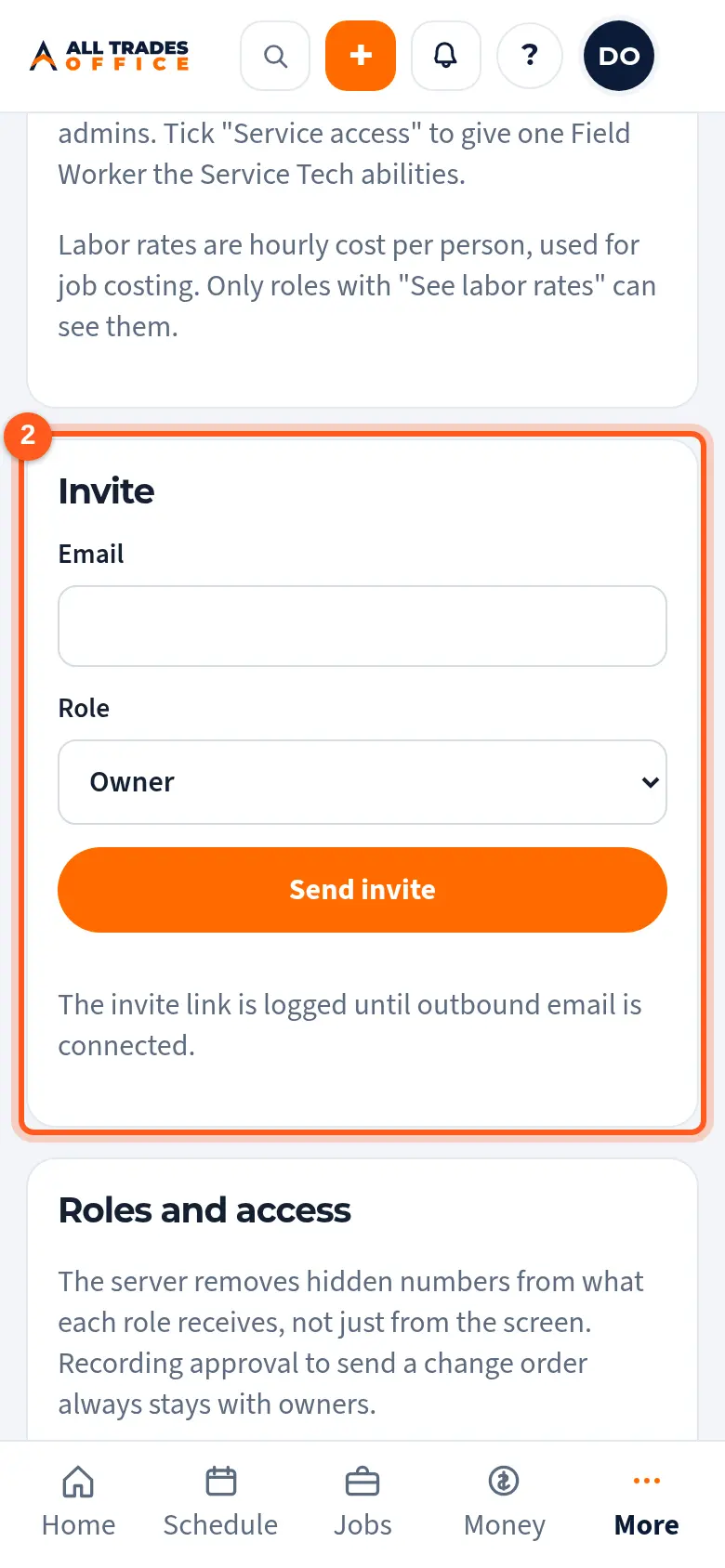
They get an email with a link to join. Pending invites are listed until they accept.
Steps
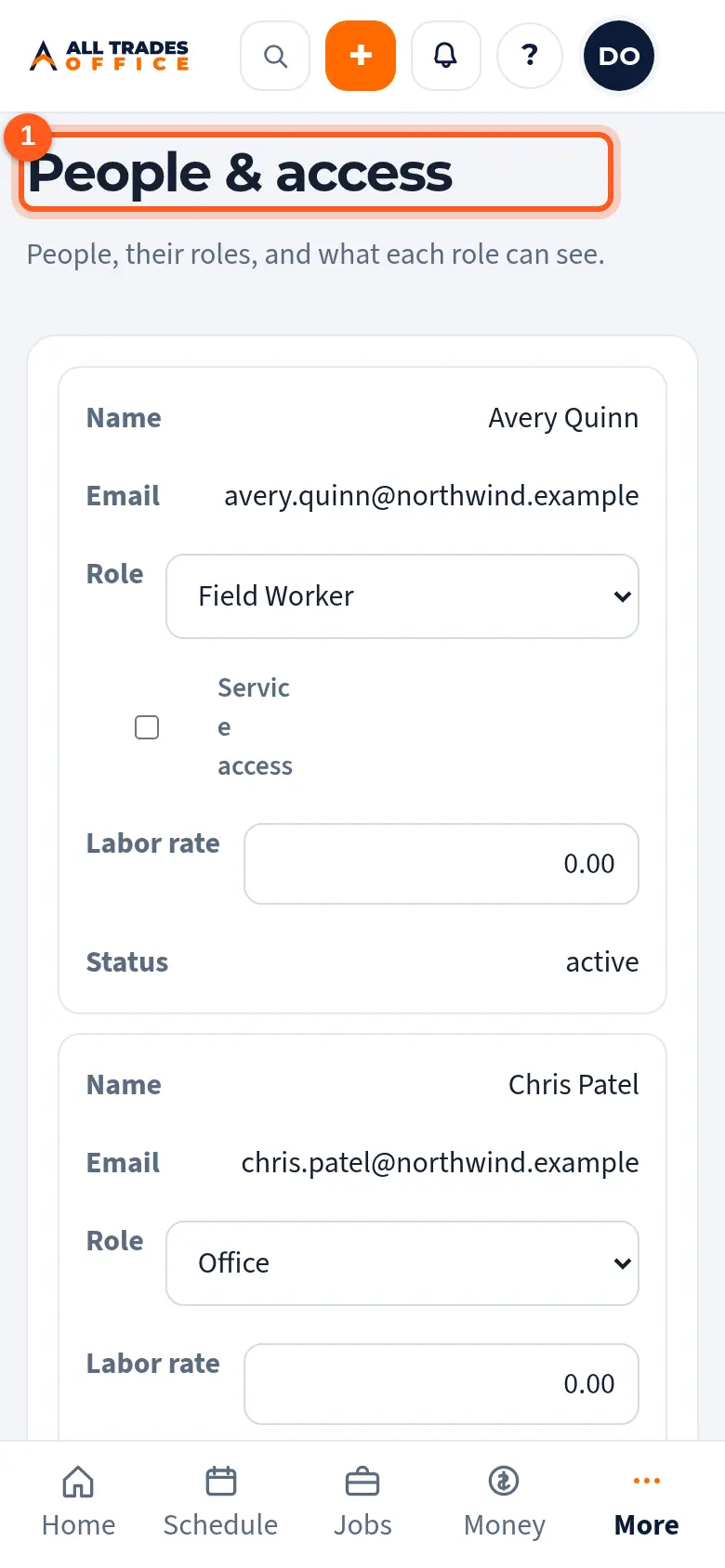
Open People & access from the menu.
Under Invite, type their email, pick their Role, and tap Send invite.
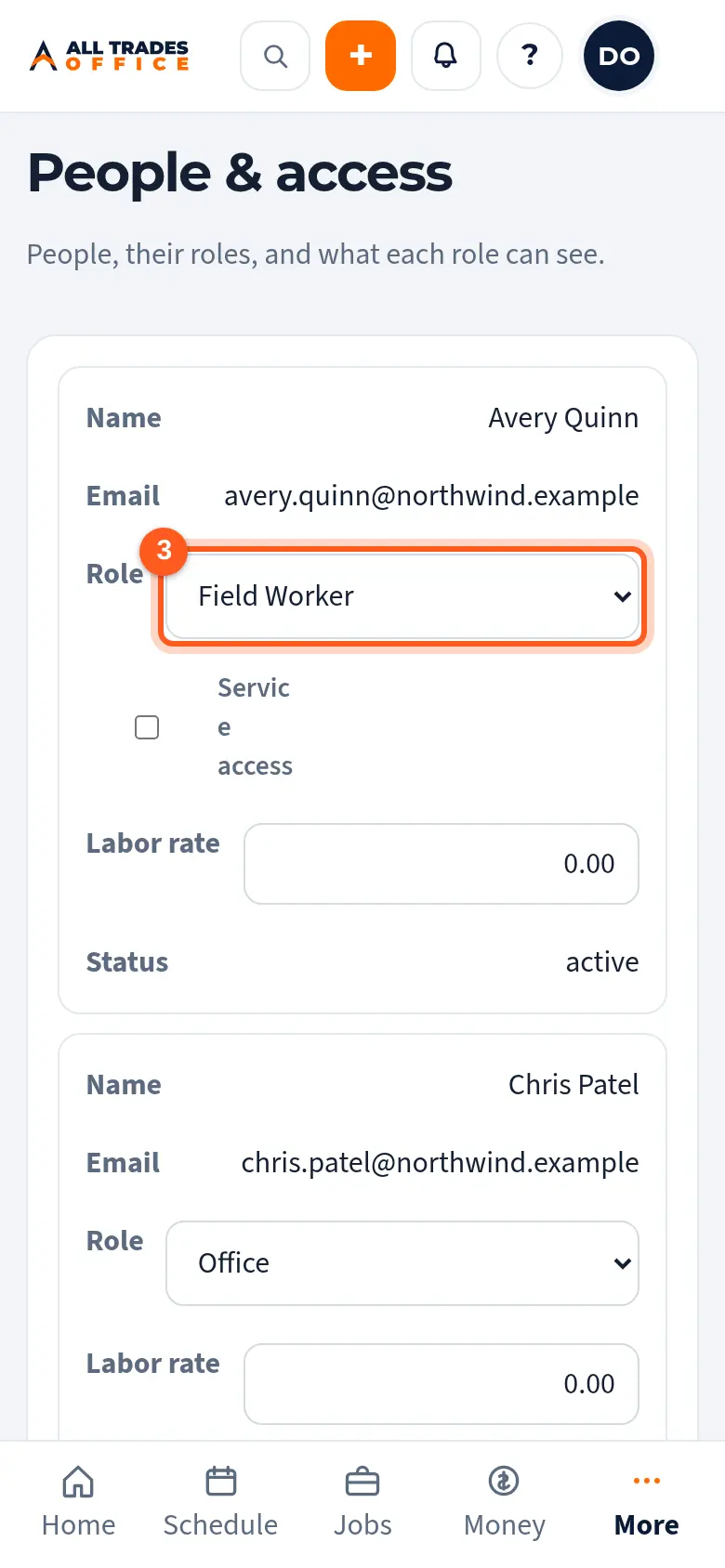
To change someone's role later, pick a new one next to their name.
The built-in roles
- Owner: everything, including approving what goes to customers.
- Admin and Office: run the office. Office can't see labor rates or post announcements.
- Service Tech: their jobs on the phone, the price book, field payments, and adding items to jobs.
- Field Worker: clock in, see assigned work without money, add photos and daily reports.
Related
- Custom roles and the 14 access switchesMake your own roles and choose exactly what each one can see, like costs, contract money, or labor rates.
- Service access for a Field WorkerLet one Field Worker use the price book, take payments, and add items to their jobs.
- Signing inSign in with a link and code sent to your email, or with a password.