
Fix "Needs attention" items in QuickBooks
See what didn't sync, fix it, and try again.
Who can do this: Owner. Needs: QuickBooks Online turned on in Settings → Features.
Last updated
Once connected, open the Sync log tab.
- Under Needs attention, read what went wrong on each item. Most often it's a customer or item that isn't matched yet.
- Fix it, for example by matching the customer on the Customers tab.
- Tap Retry on the item.
If the connection says Reconnect needed, tap Reconnect and sign in at Intuit again. Nothing is lost.
Steps
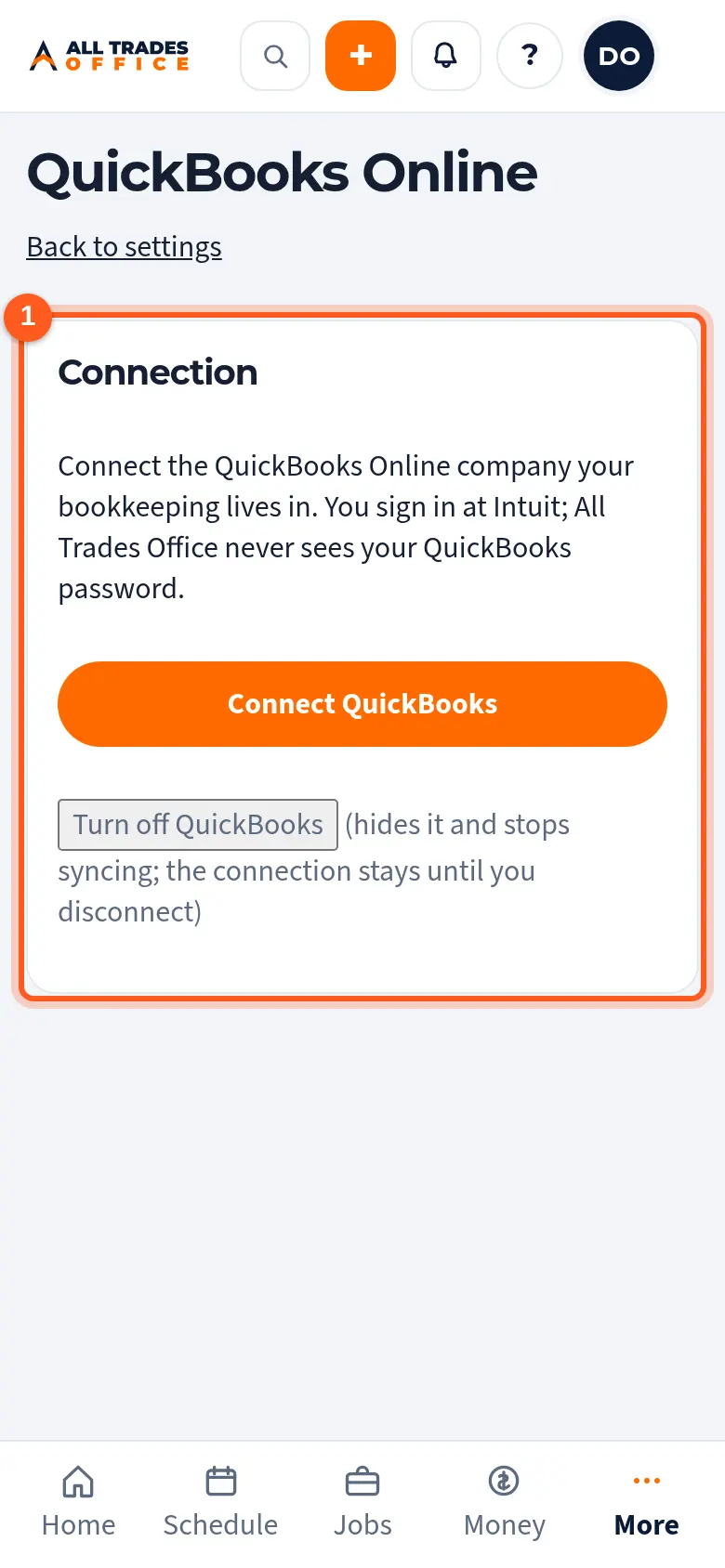
Open Settings → Integrations. The Connection section shows how many items need attention.
Related
- Match customers, items, and deposit accountsTell QuickBooks which customer, item, and bank account each thing belongs to before the first sync.
- What syncs with QuickBooks, and what never doesInvoices and payments go to QuickBooks. QuickBooks never emails your customers.