
Manage vendors
Keep your suppliers' account numbers, contacts, and order emails in one place.
Who can do this: Owner, Admin, Office. Needs: Purchasing / POs turned on in Settings → Features.
Last updated
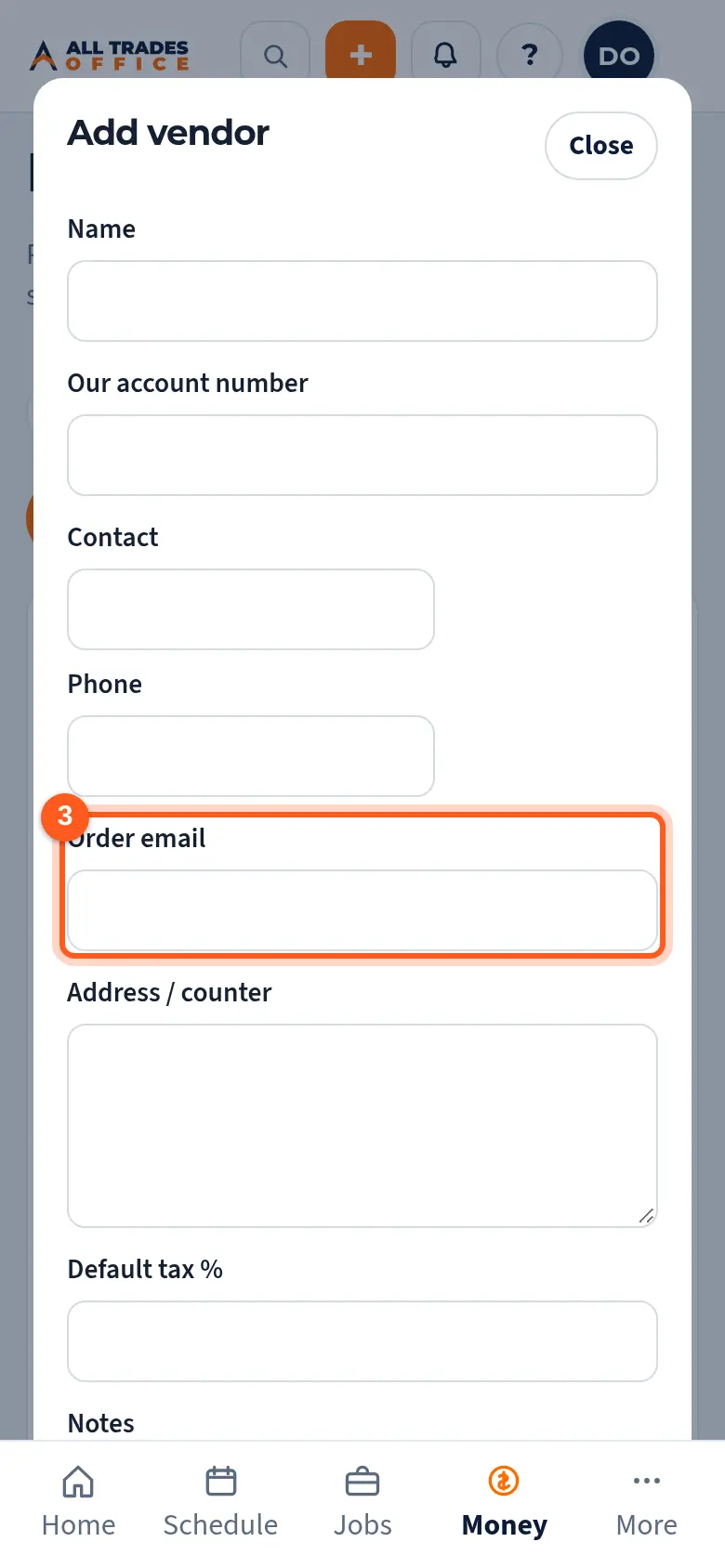
The order email is where Email to supplier sends a PO.
Steps
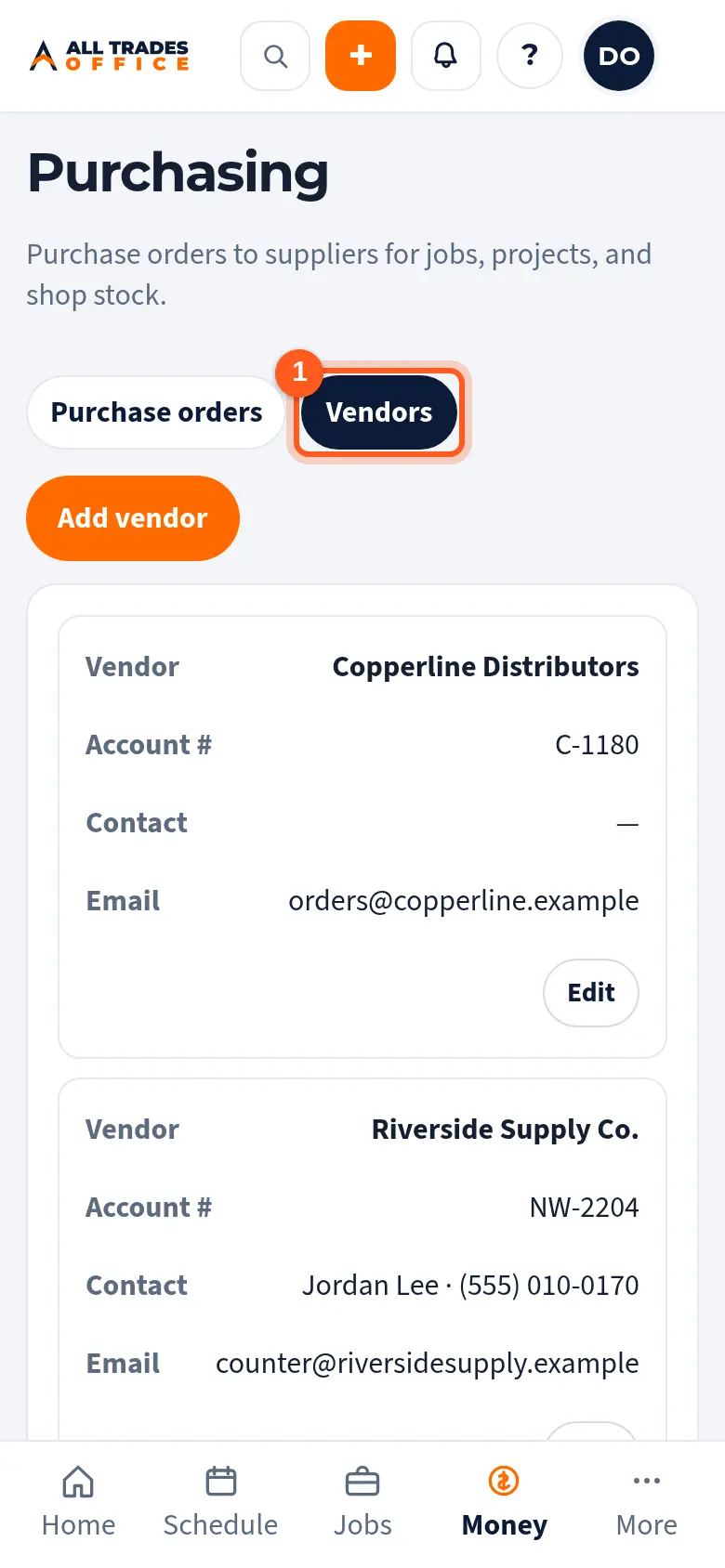
Open Purchasing and tap Vendors.
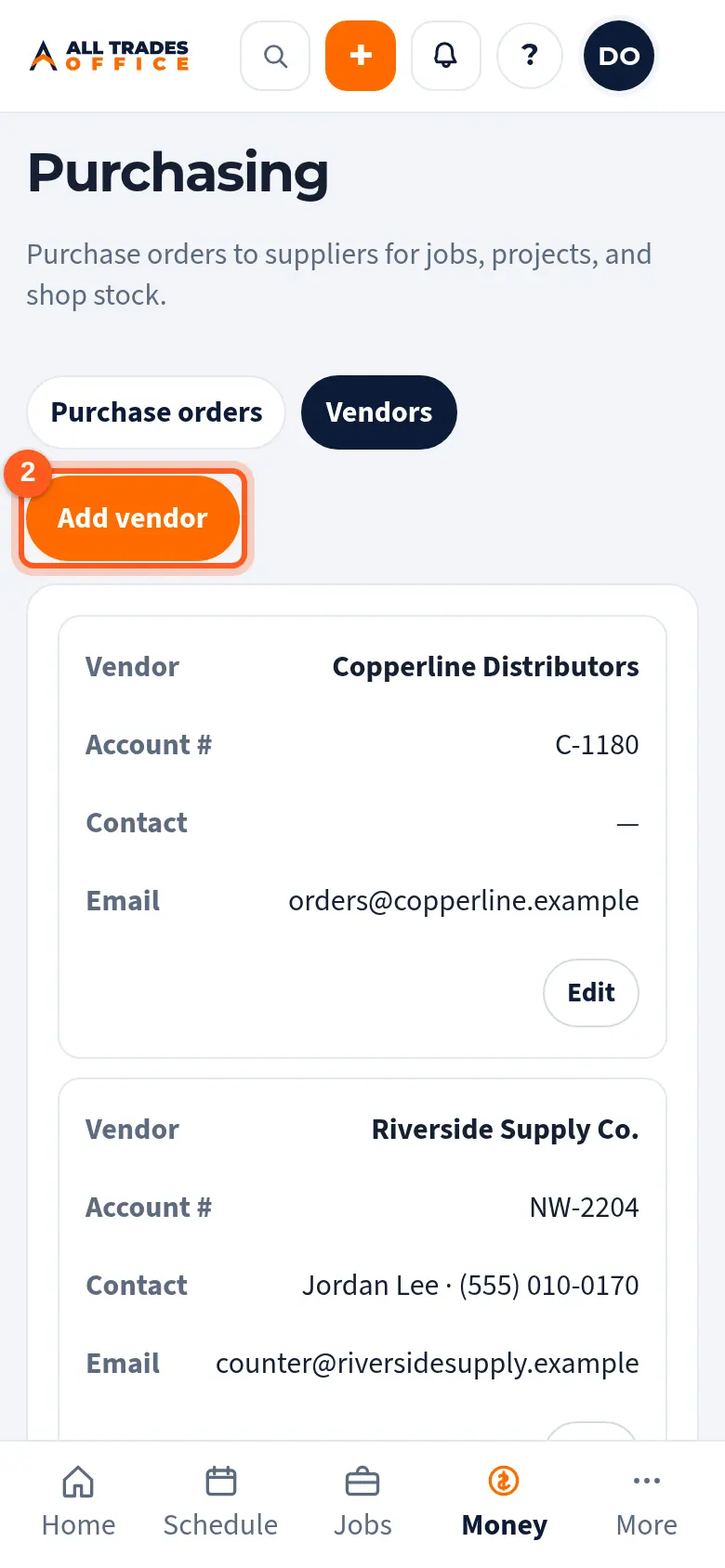
Tap Add vendor, or Edit next to one.
Fill in the name, your account number, the contact, and the Order email POs go to. Tap Save.
Related
- Create a purchase order and send it to a vendorStart a PO from a project, job, or the shop, add the items, and send it to the supplier.