
Read a customer's history and balances
See every project, estimate, job, and invoice for a customer, with totals and what they still owe.
Who can do this: Owner, Admin, Office with “See customer financials and invoices” turned on for their role.
Last updated
A customer's page is their whole history with your company in one place.
Steps
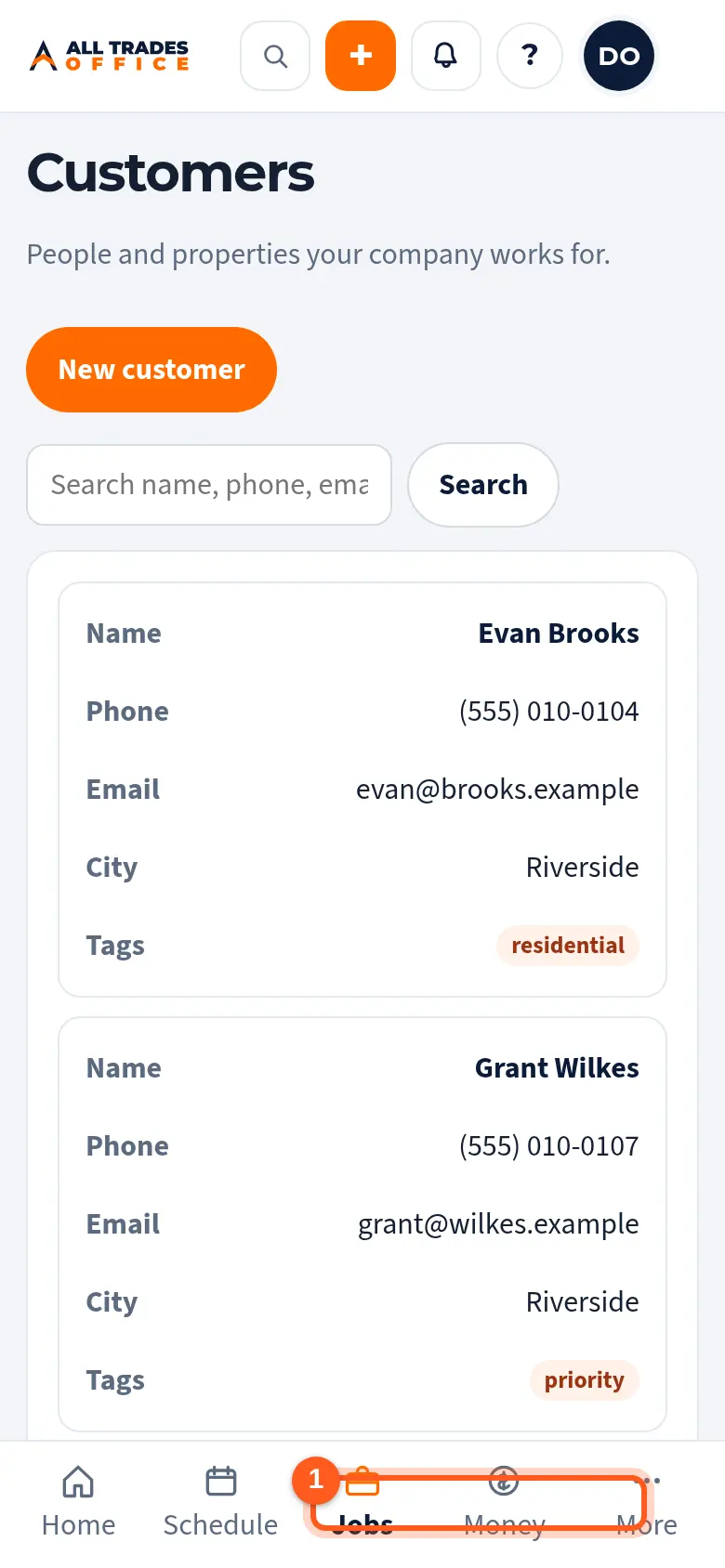
Open Customers and tap the customer.
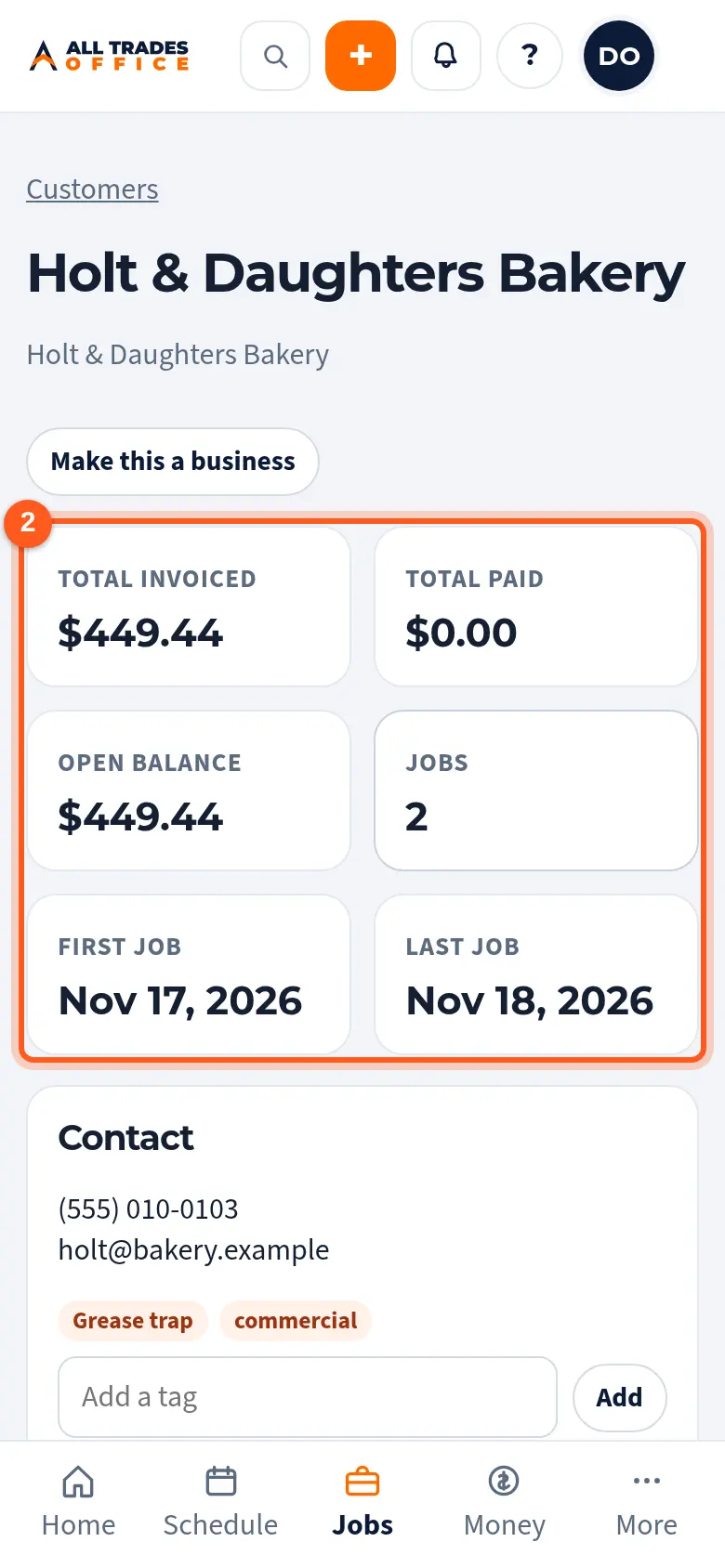
The summary at the top shows total invoiced, total paid, the open balance, the number of jobs, and the first and last job dates.
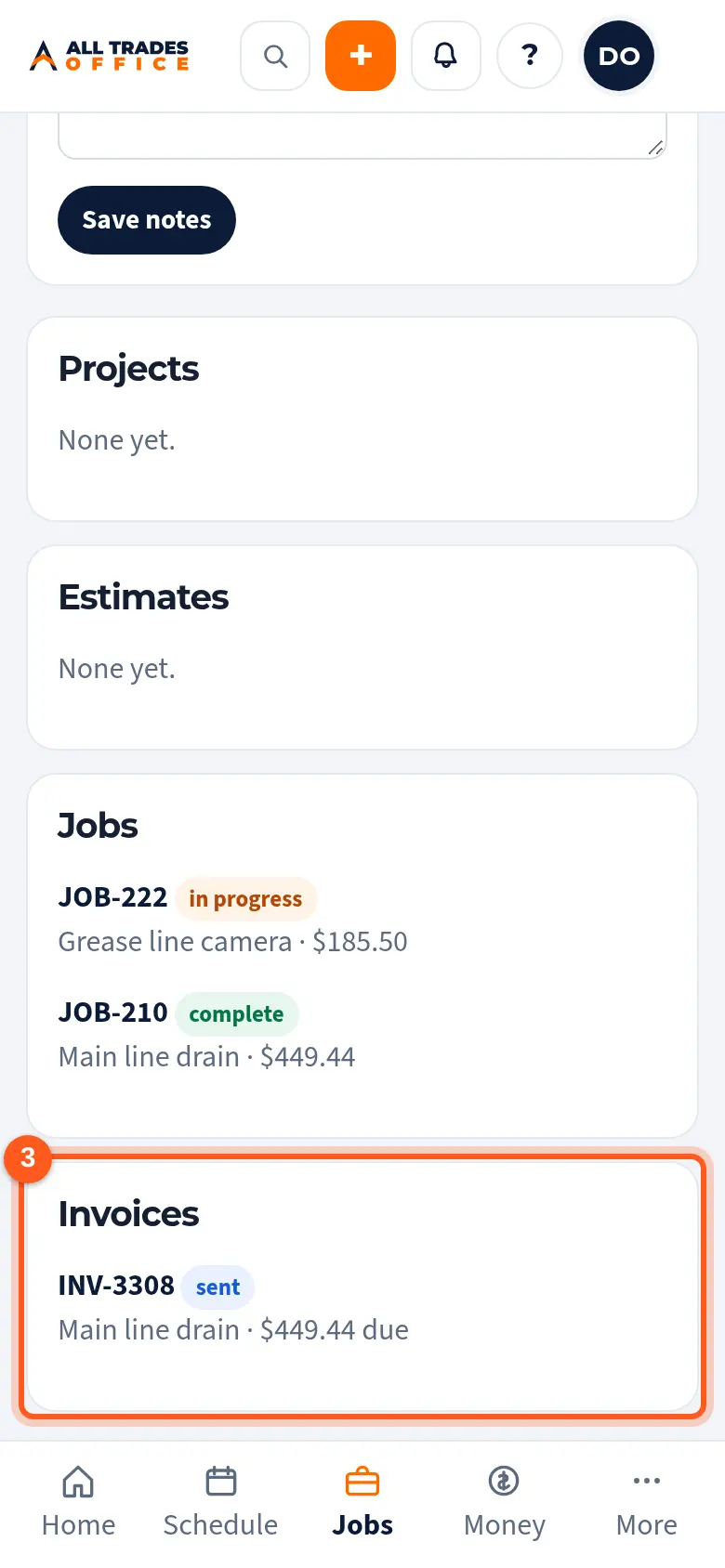
Scroll down for their Projects, Estimates, Jobs, and Invoices. Tap any row to open it.
Good to know
- Money (invoiced, paid, balances) only shows to people whose role can see customer financials. Others see the jobs and dates without the dollars.
- Service Techs and Field Workers don't see customer balances by default. Your owner sets this in People & access.
Related
- Create an invoice and record paymentsMake an invoice from a finished job, send the customer a link, and record checks or cash.
- I can't see costs or moneyCosts, contract values, and labor rates show only to roles that are allowed to see them.