
Read your win/loss and hit-rate charts
See how many bids you win, how that changes over time, and which GCs you win with.
Who can do this: Owner, Admin, Office. Needs: Bids and proposals turned on in Settings → Features.
Last updated
The charts fill in as you record results on your bids.
Steps
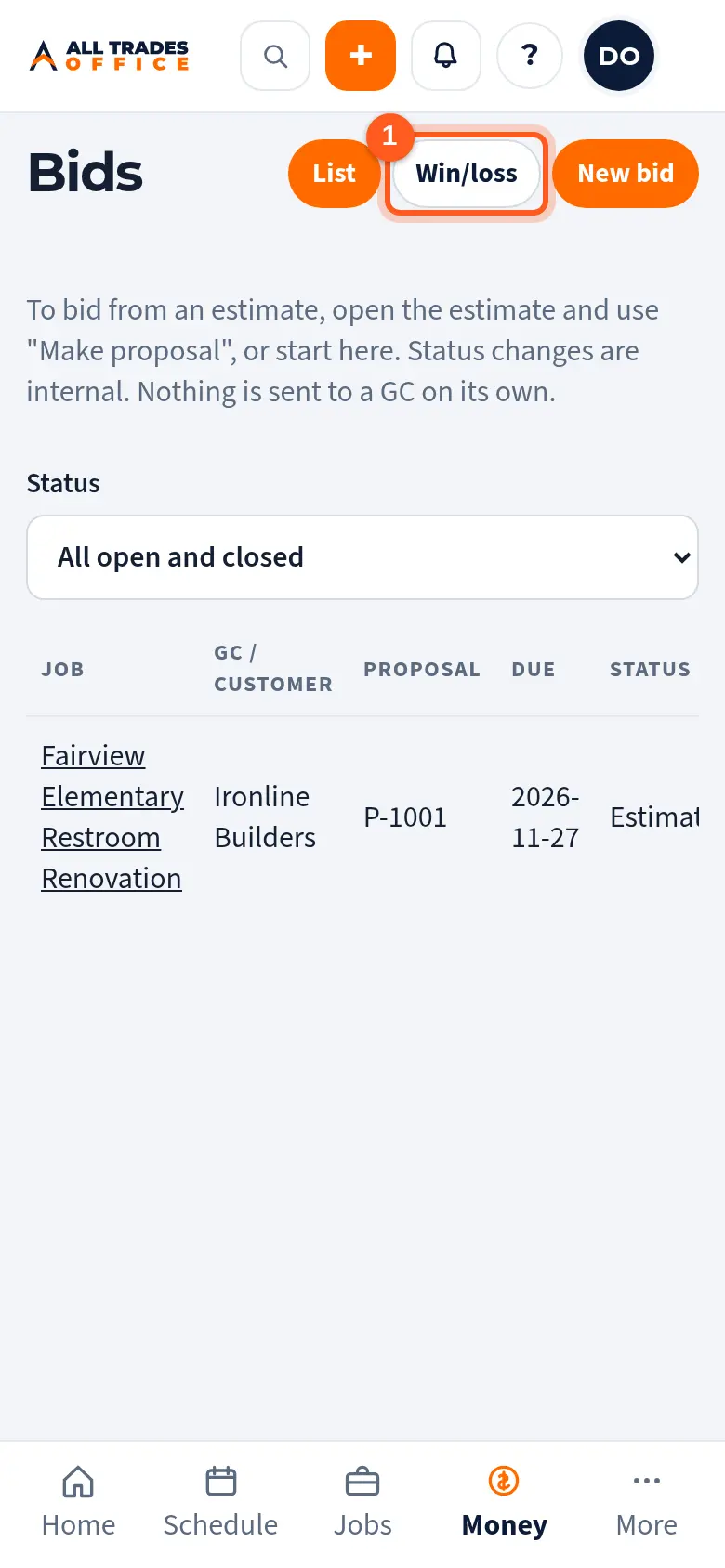
Open Bids and tap Win/loss.
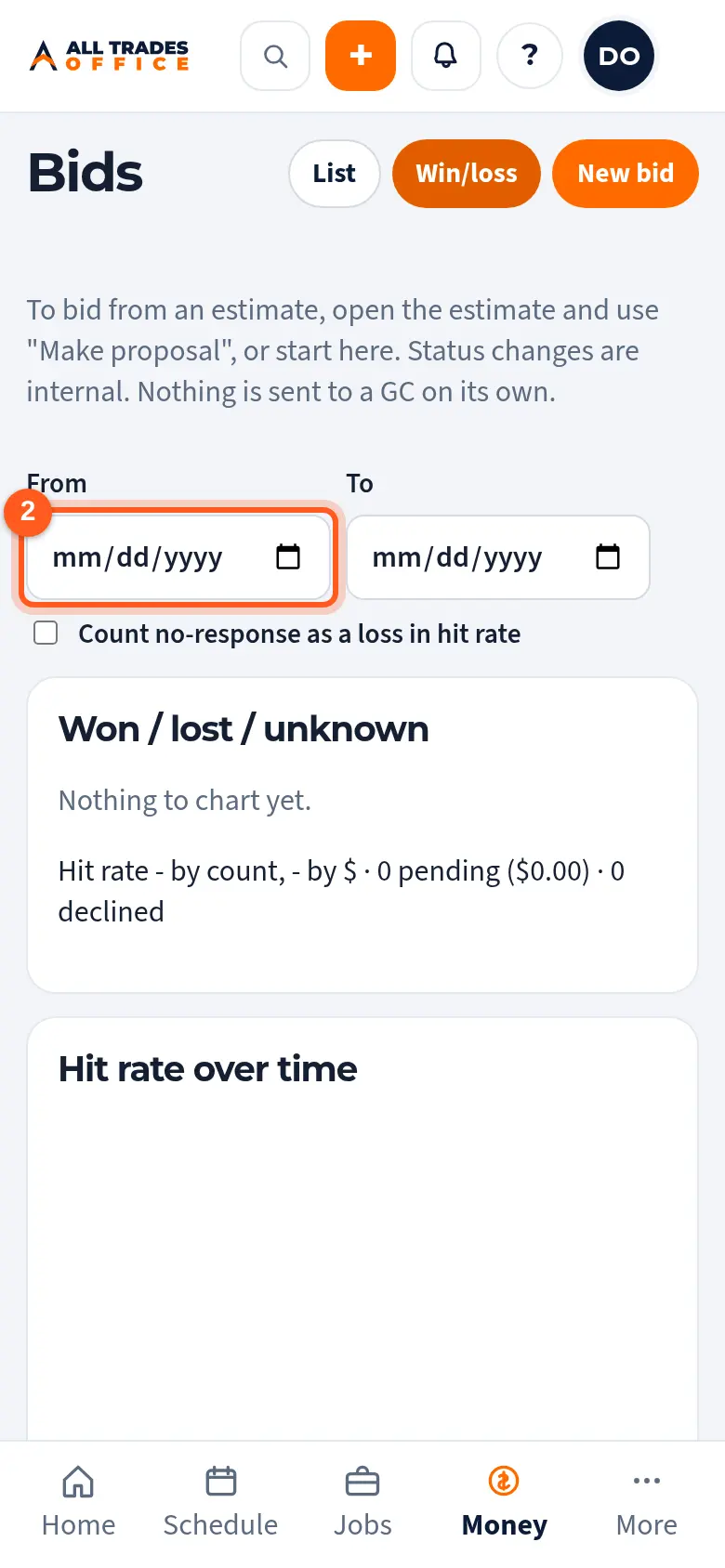
Pick a date range with From and To. Untick Count no-response as a loss if you'd rather leave those out.
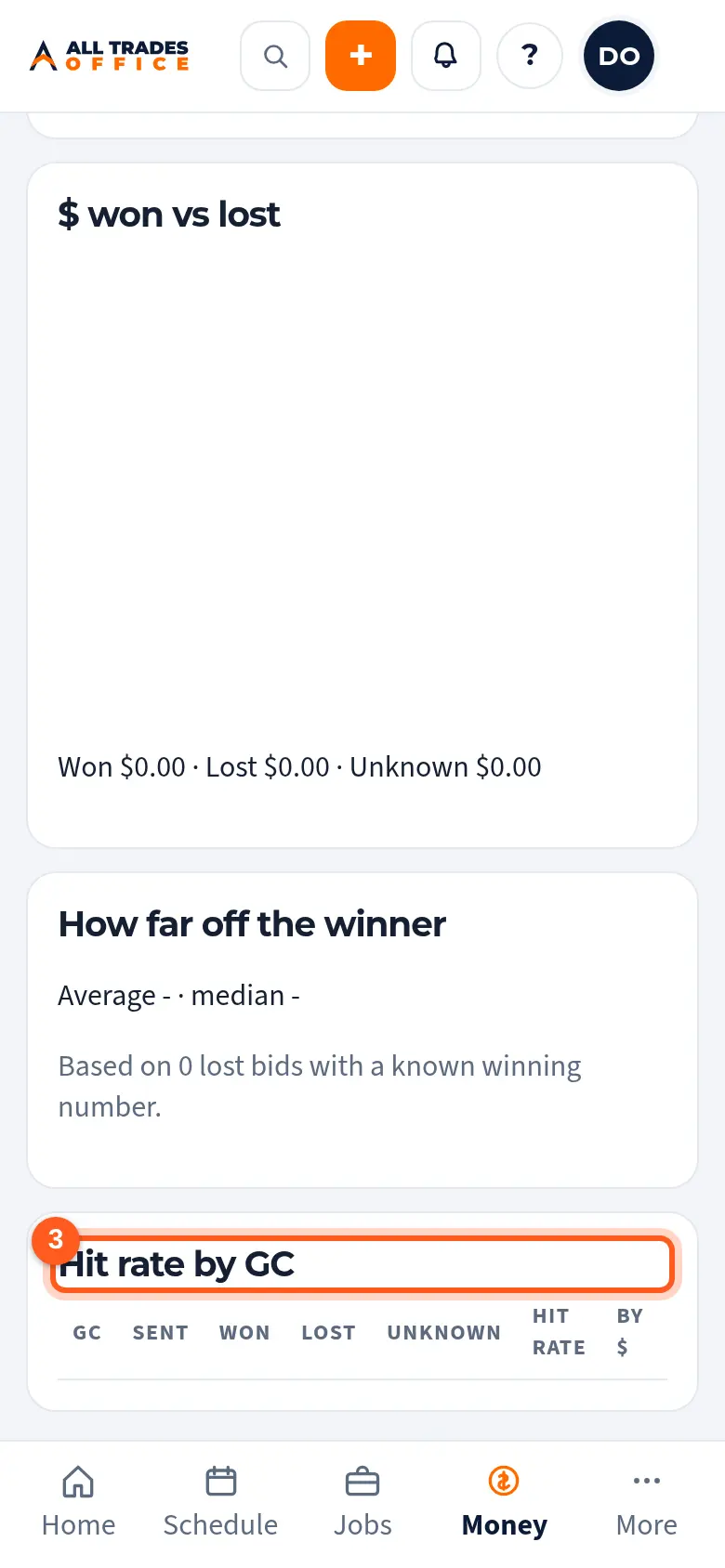
Scroll for won/lost counts, hit rate over time, dollars won versus lost, how far off the winner you were, and hit rate by GC.
Good to know
- A bid counts once you mark it awarded, lost, or no response.
Related
- Track a bid on the bid board and log follow-upsKeep every bid, due date, and GC in one list, and log each call or email.