
Set up service plans
Add maintenance plans with a price, member discount and included visits.
Who can do this: Owner, Admin. Needs: Service plans turned on in Settings → Features.
Last updated
Owners and admins can add and change plans. A plan has a price billed monthly or yearly, a member discount on labor, materials or both, and a number of included visits a year.
Steps
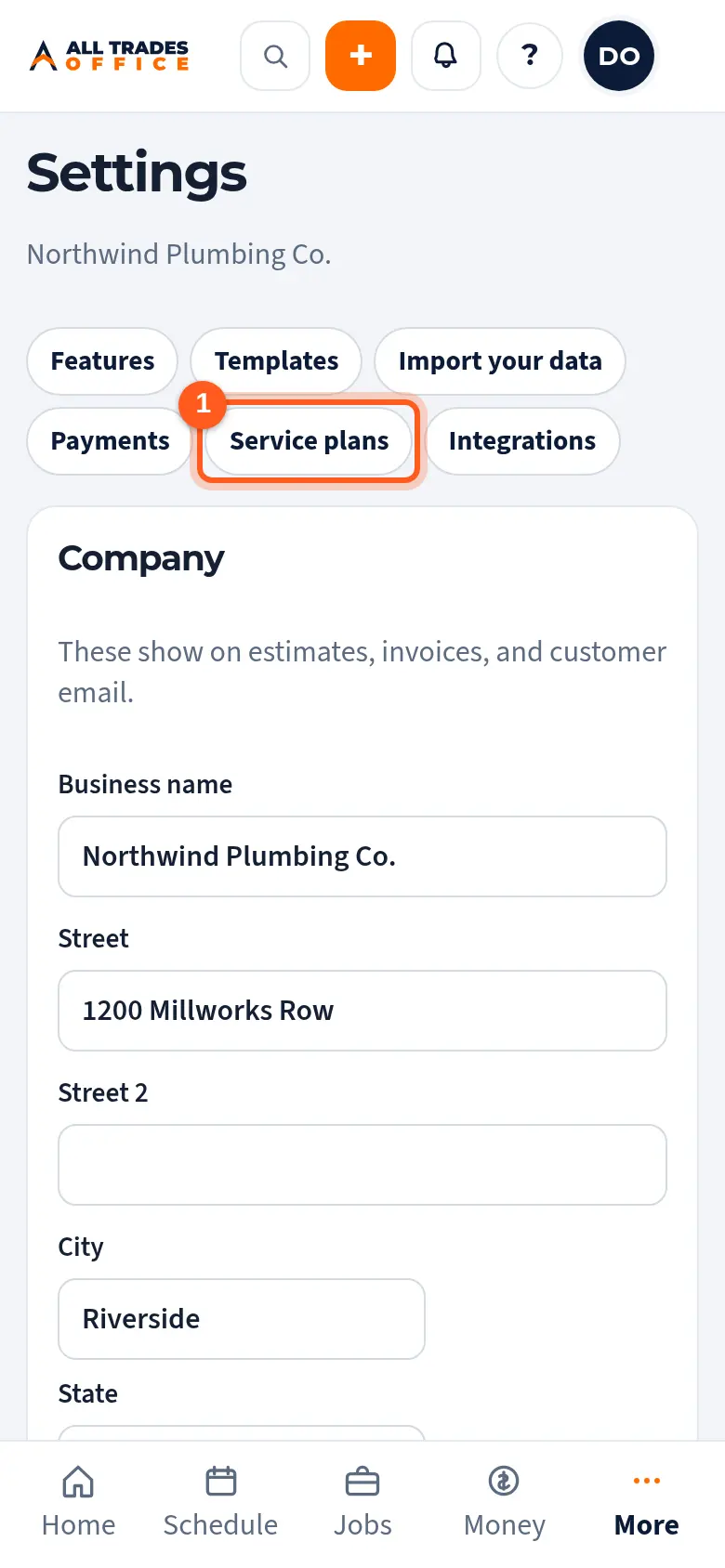
Open Settings and tap Service plans at the top.
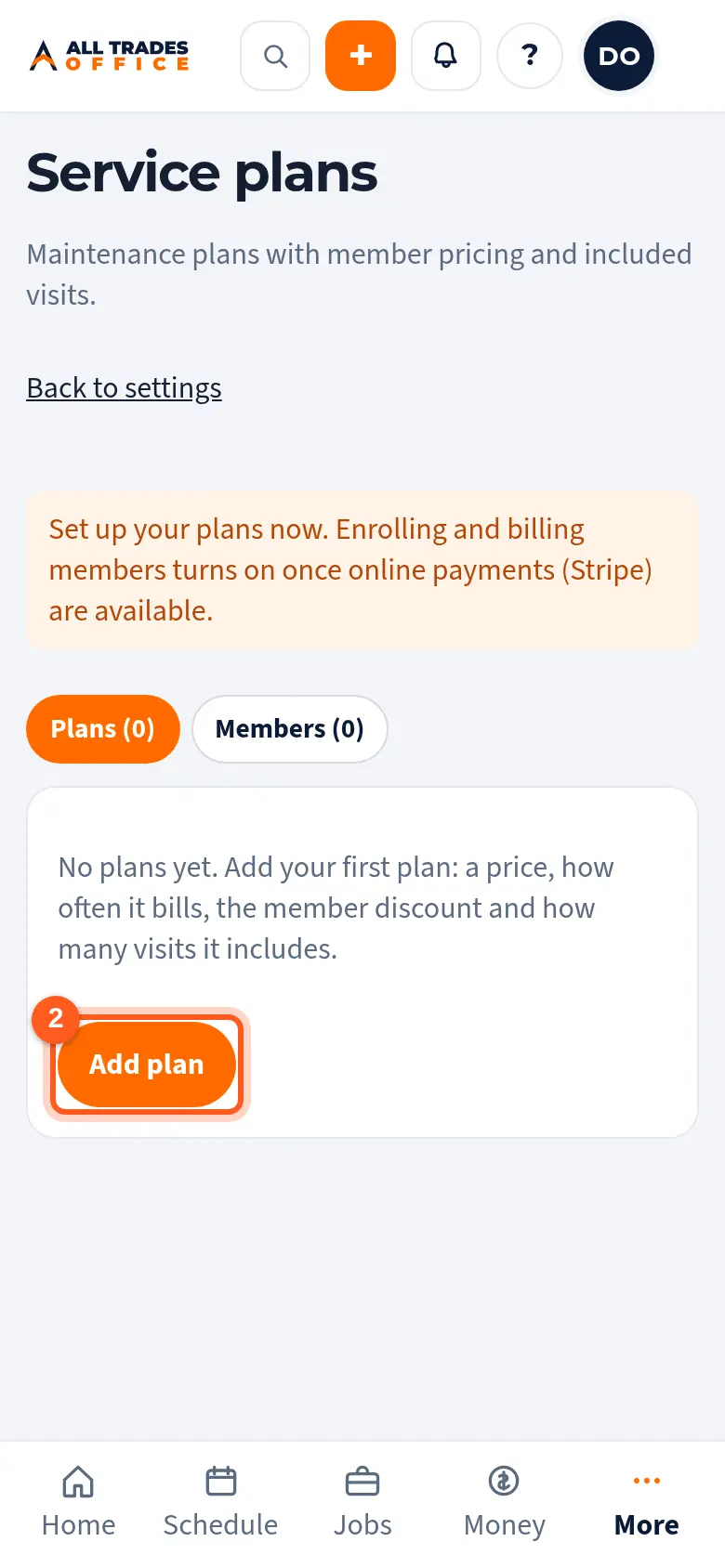
Tap Add plan.
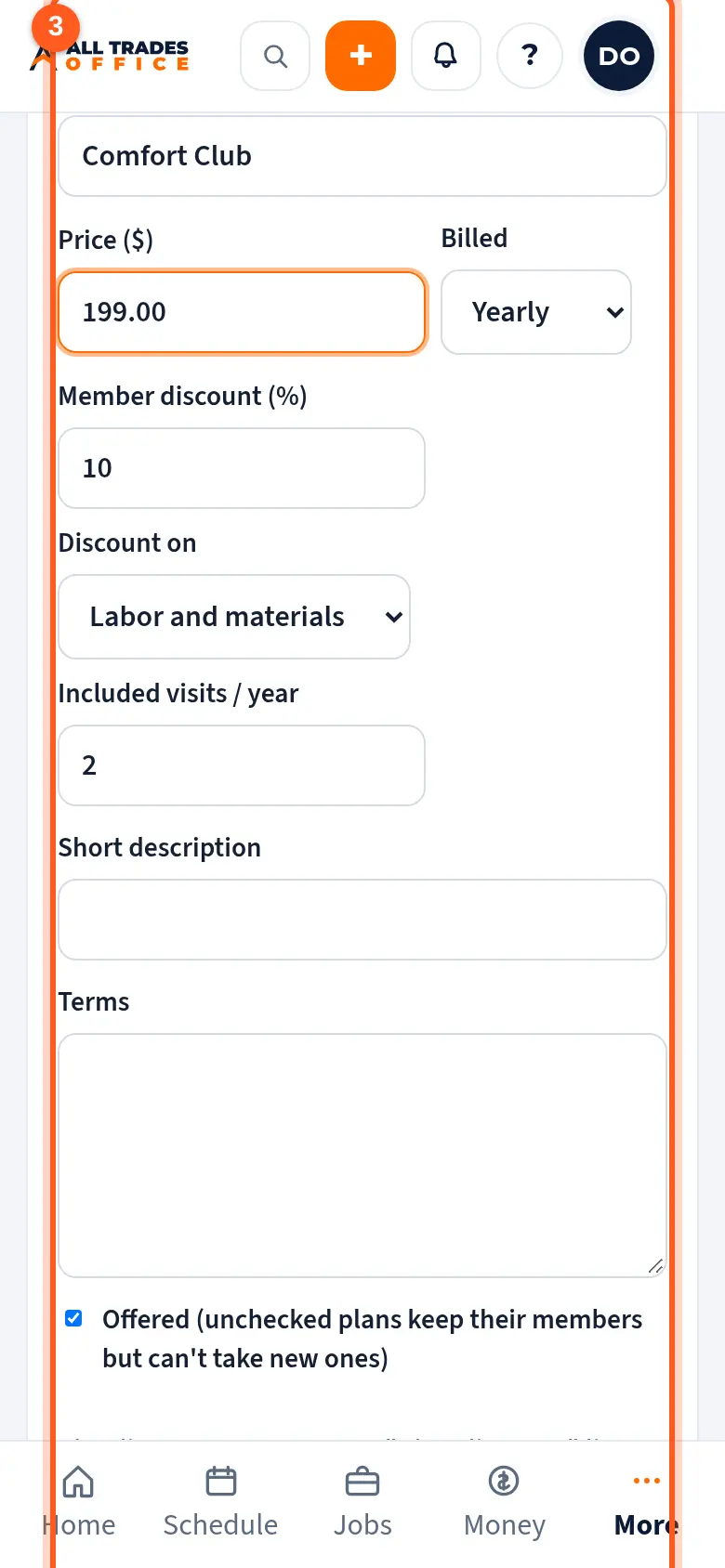
Enter the name, price, how often it bills, the member discount, what it applies to, and the visits it includes. Tap Save plan.
Good to know
- Members' new estimates and invoices get a Plan discount line on their own. You can't edit that line; change the plan instead.
- Labor means service items and materials means material items from your price book.
- Each included visit becomes an unscheduled job, and you get a reminder two weeks before it's due.
- Enrolling customers and billing them turns on once online payments are switched on. See Online payments with Stripe.
- Changing a price applies to new members. Changing the discount updates members' draft estimates and invoices.
Related
- Online payments with StripeWhere online card and bank payments will be set up, and what customers see.