
Online payments with Stripe
Where online card and bank payments will be set up, and what customers see.
Who can do this: Owner.
Last updated
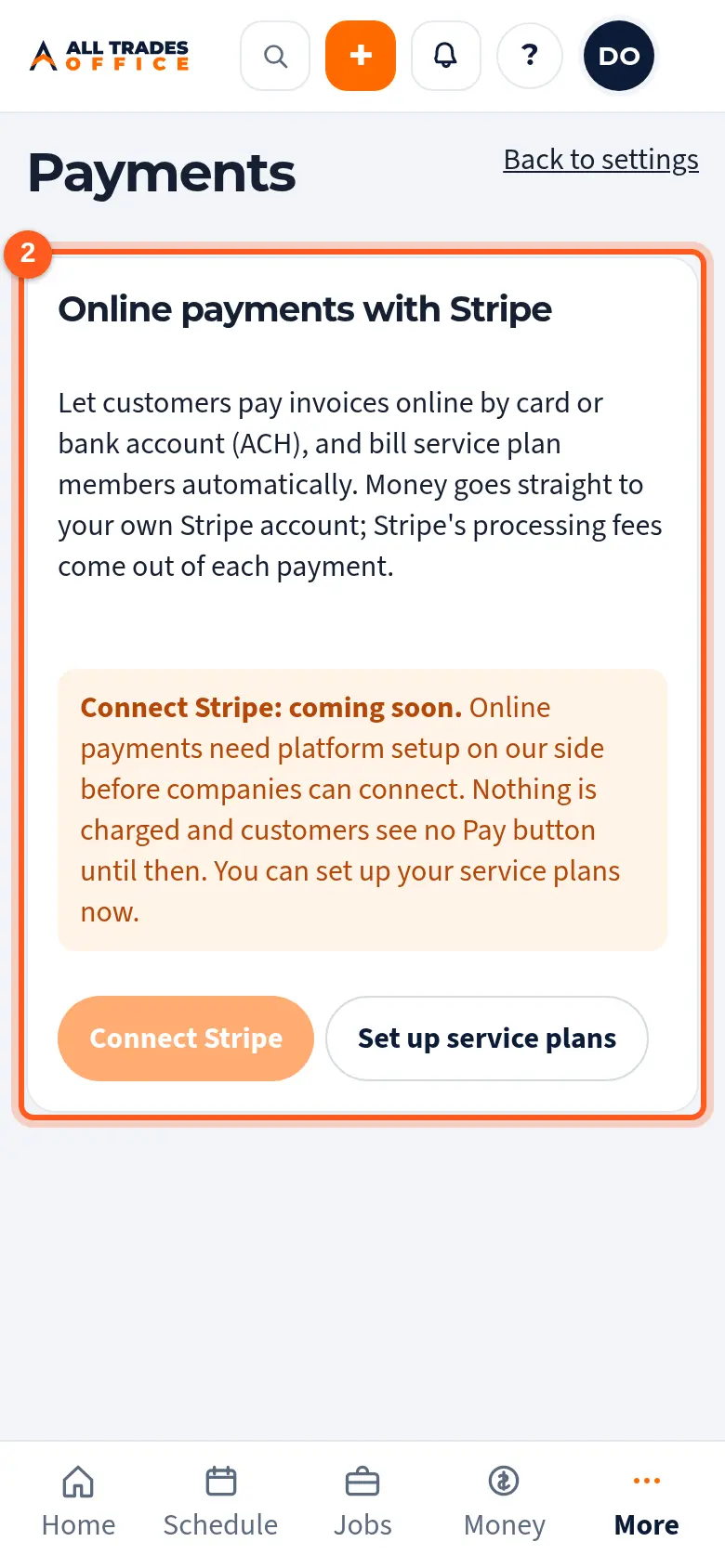
Only the owner sees Payments. When online payments are switched on, you connect your own Stripe account here. Customers then get a Pay button on emailed invoices and can pay by card or bank account (ACH). Payments are recorded on the invoice for you.
Steps
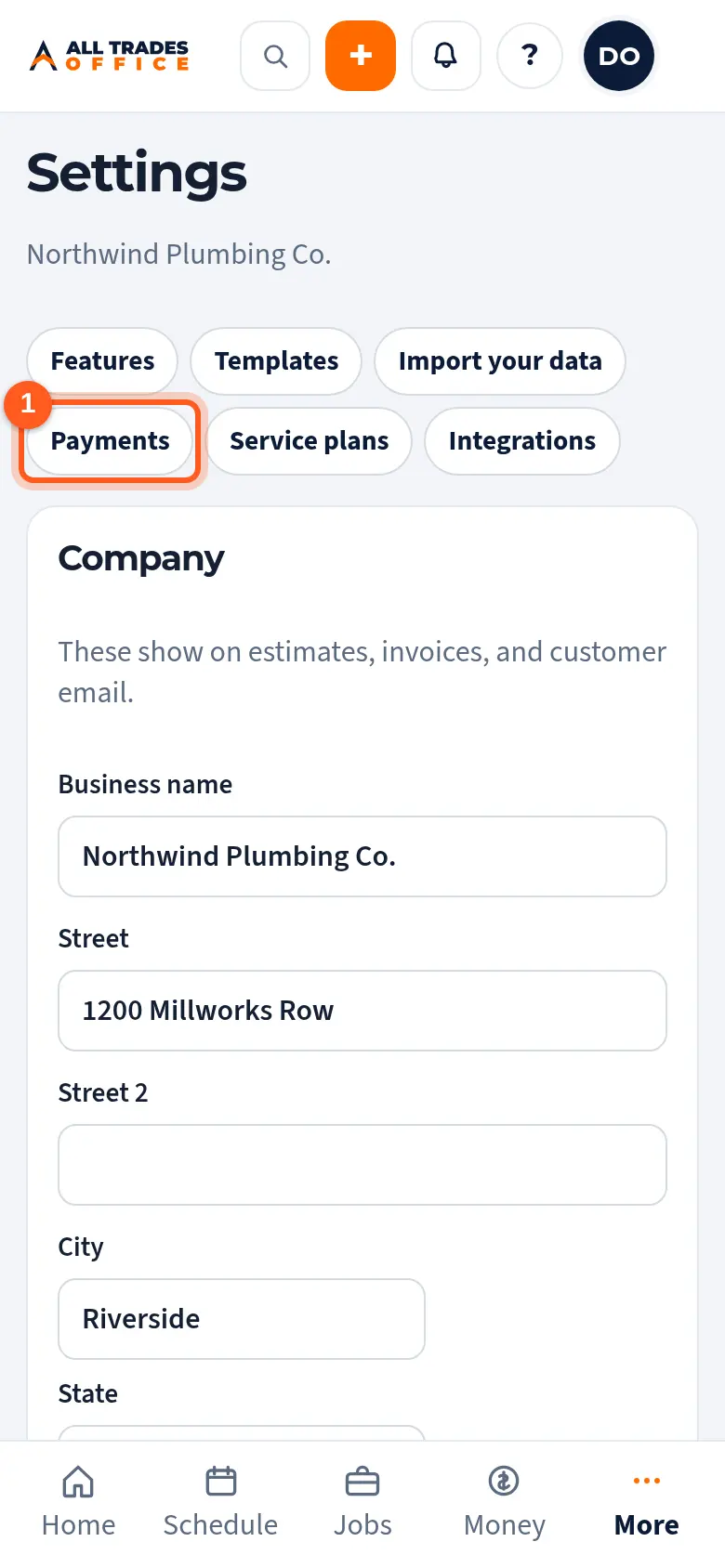
Open Settings and tap Payments at the top.
Online payments are coming soon. Until they're switched on, Connect Stripe is greyed out and customers see no Pay button.
Good to know
- Money goes to your own Stripe account. Stripe's processing fees come out of each payment.
- Until then, keep recording payments by hand on the invoice. See Create an invoice and record payments.
- You can set up service plans now. See Set up service plans.
Related
- Set up service plansAdd maintenance plans with a price, member discount and included visits.
- Create an invoice and record paymentsMake an invoice from a finished job, send the customer a link, and record checks or cash.