
Tag customers and find them fast
Add tags like "member" or "commercial" and search by name, phone, email, or tag.
Who can do this: Owner, Admin, Office.
Last updated
Tags are short labels you make up. Use them for anything you want to pull up later, like service plan members or commercial accounts.
Steps
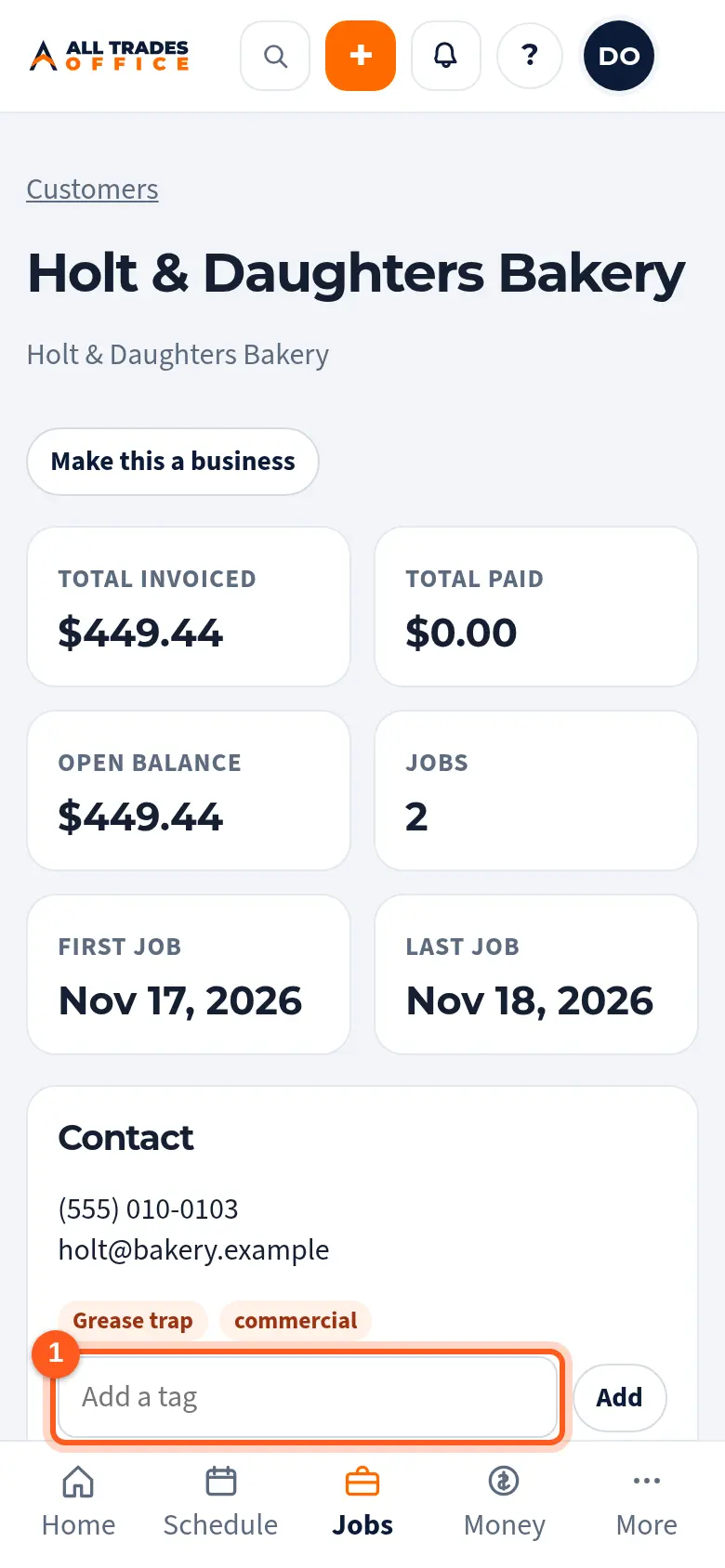
Open the customer and type a tag in Add a tag, then tap Add.
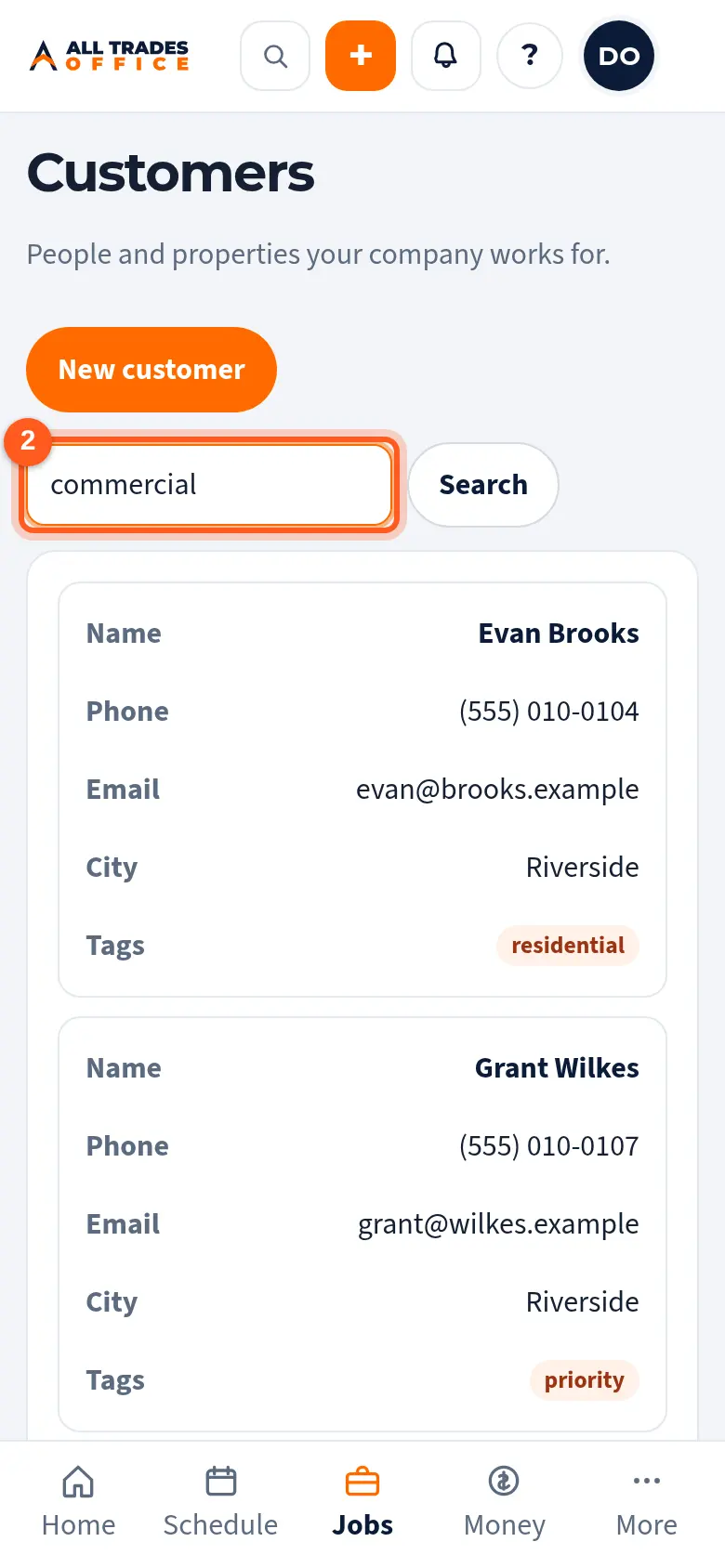
Back on Customers, type a name, phone number, email, or tag in the search box and tap Search.
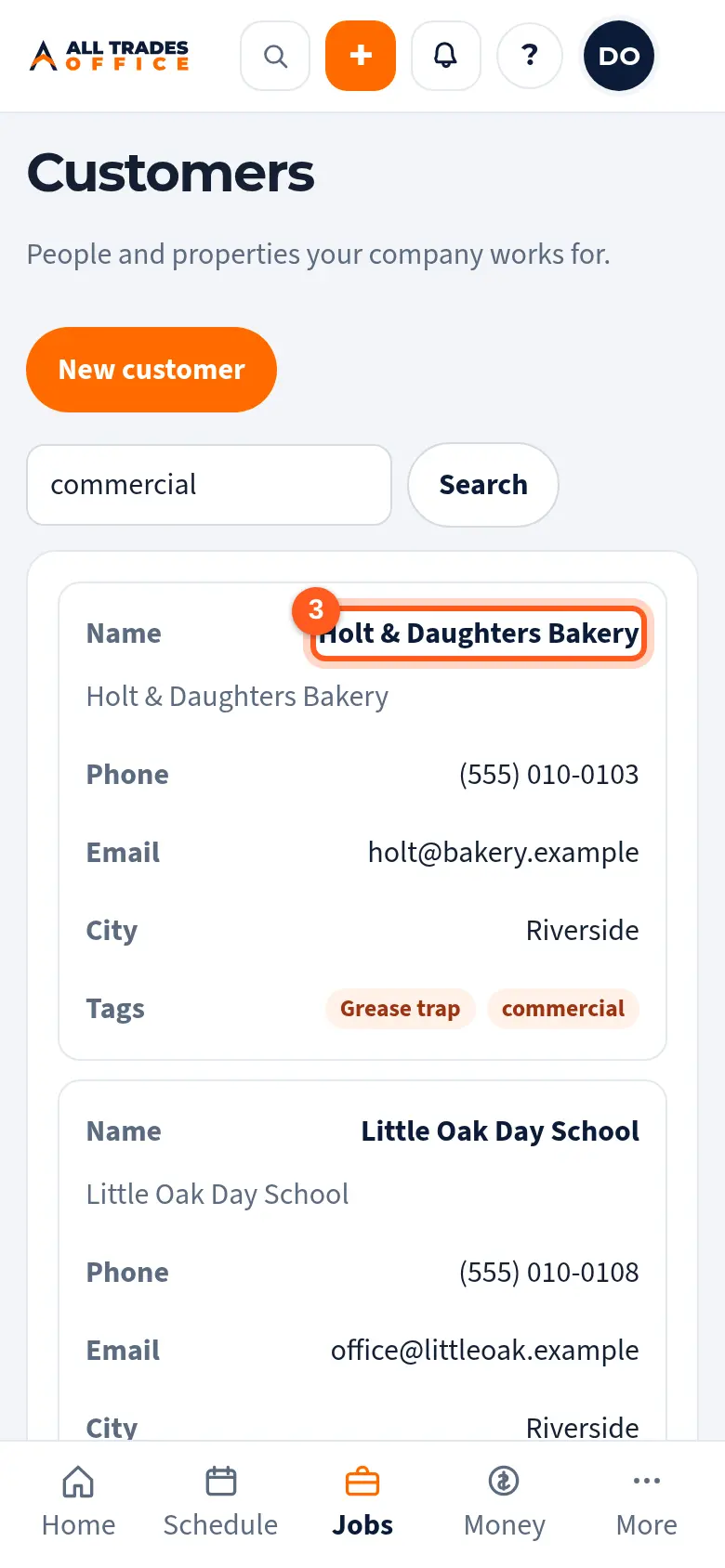
Tap a customer to open them.
Good to know
- You can add tags when you create a customer too. Separate them with commas.
- Searching matches part of a word, so "comm" finds "commercial".
Related
- Add a customer, contacts, and service addressesAdd a person or business, then the people you deal with and every address you work at.