
Turn features on or off
Hide what your company doesn't use so menus stay short. Nothing is deleted.
Who can do this: Owner.
Last updated
Turning a feature off hides it from every menu and blocks it for your whole company, but nothing is deleted. Turn it back on and your records are still there.
Steps
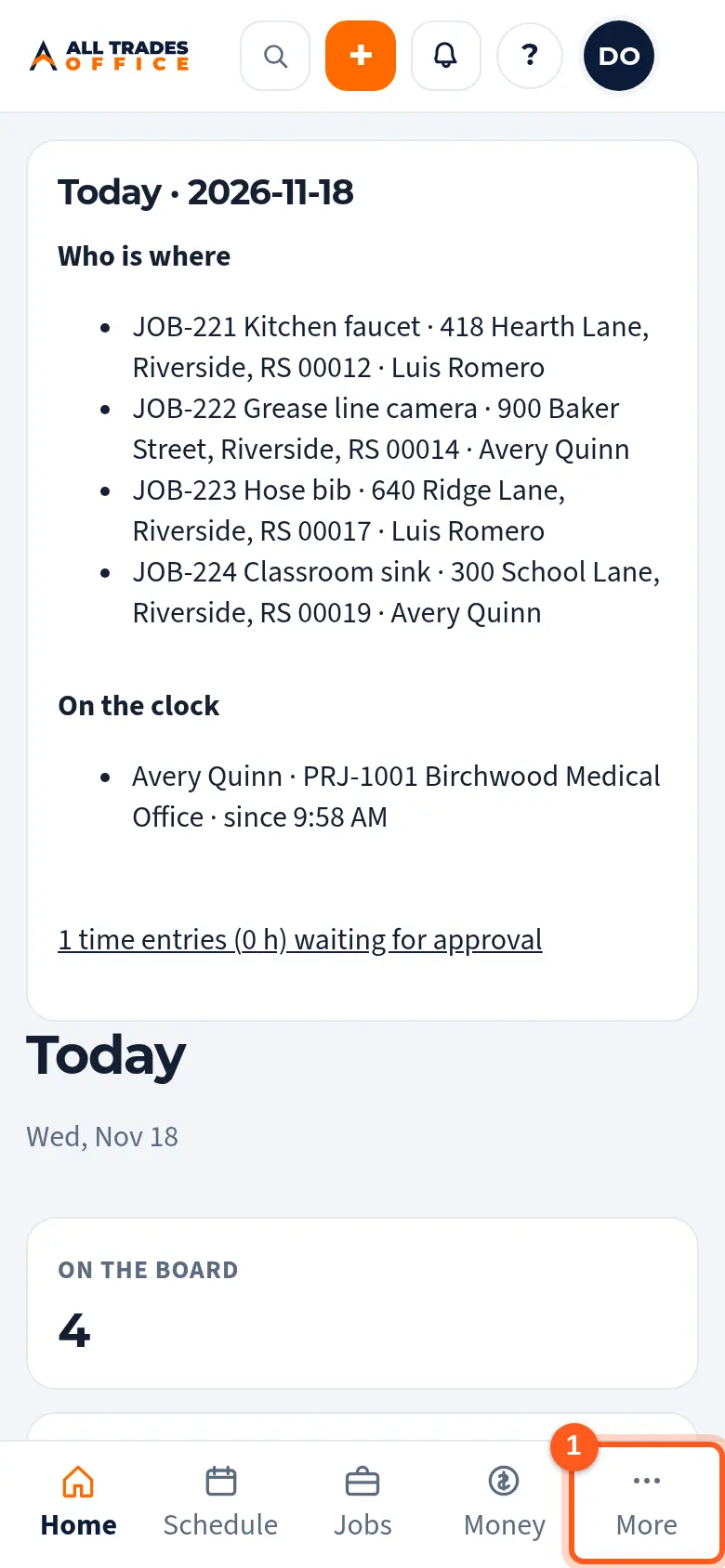
Tap More at the bottom of the screen.
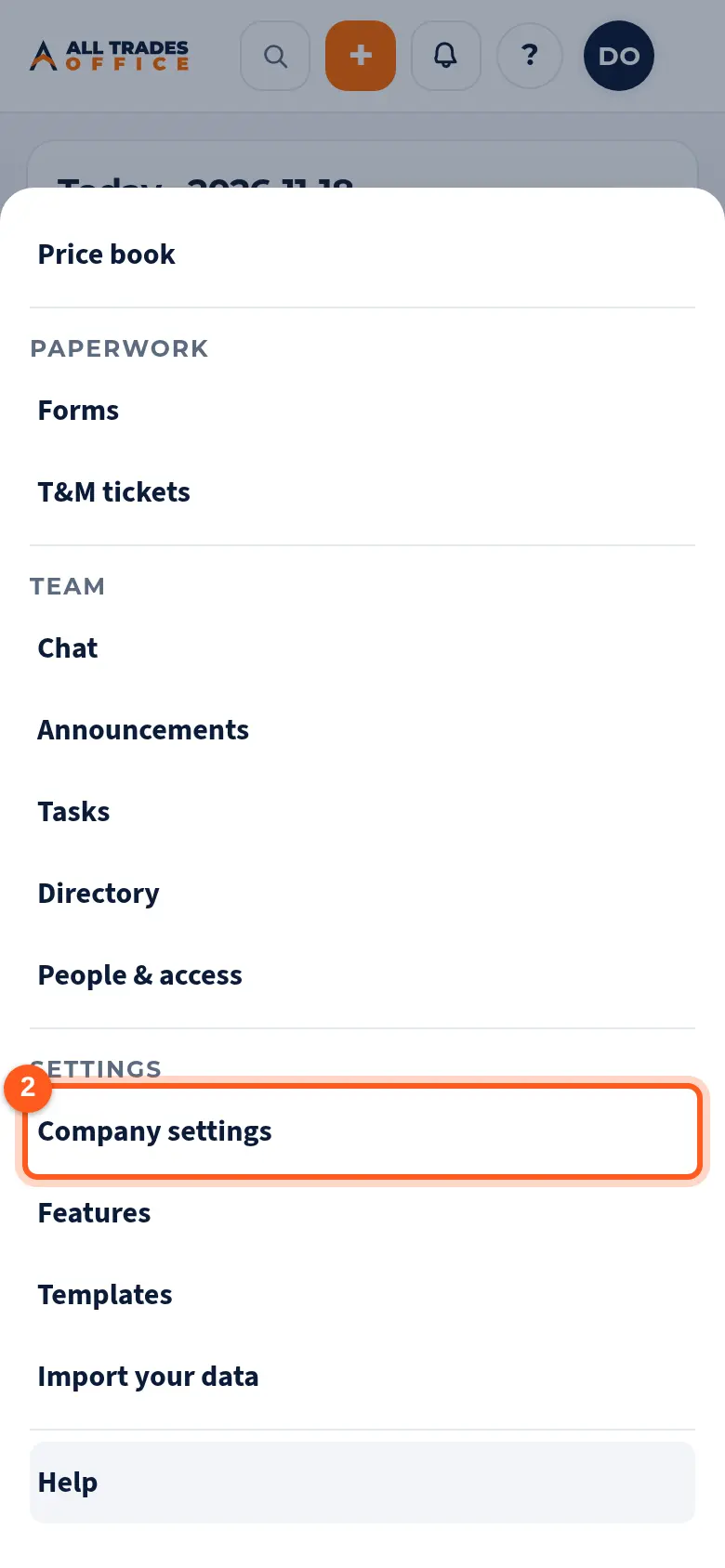
Under Settings, tap Company settings.
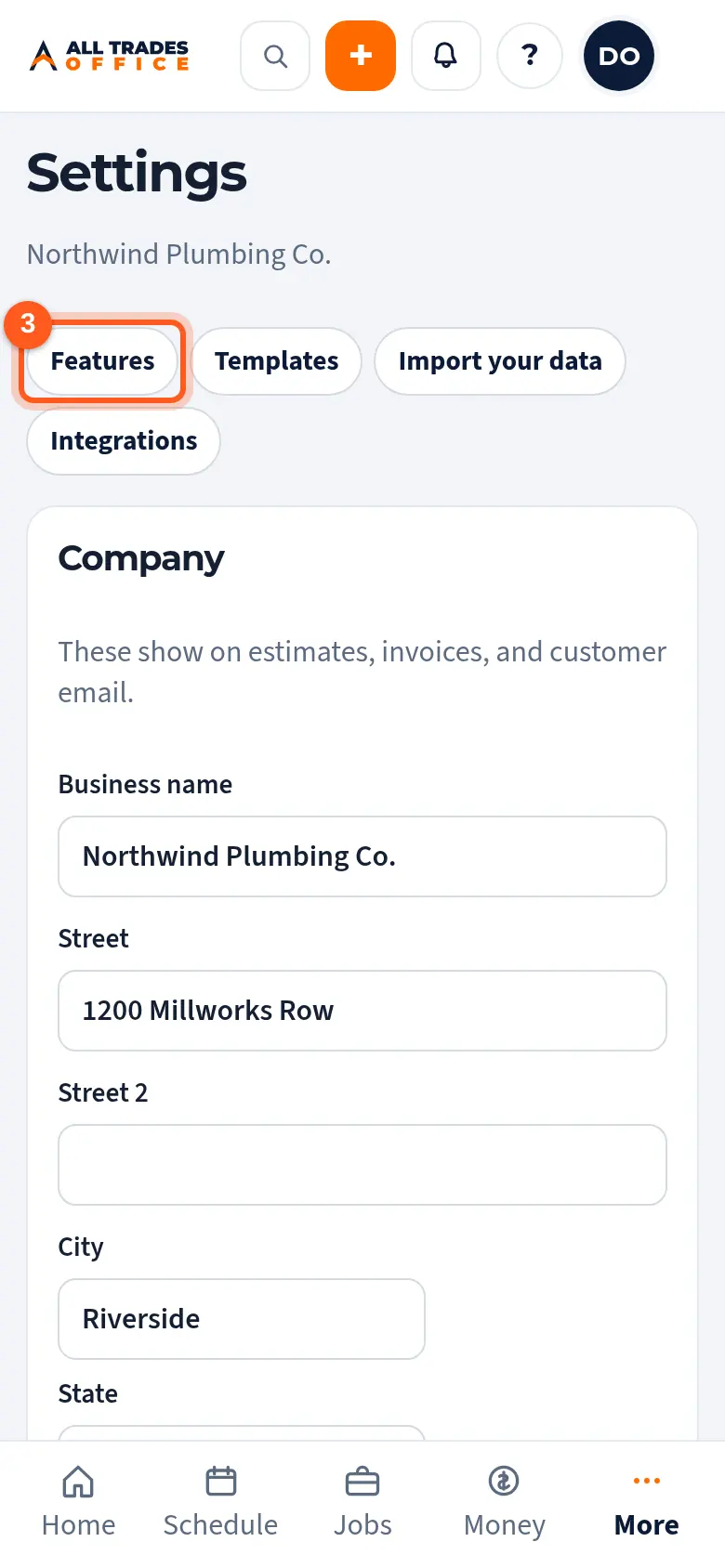
Tap Features.
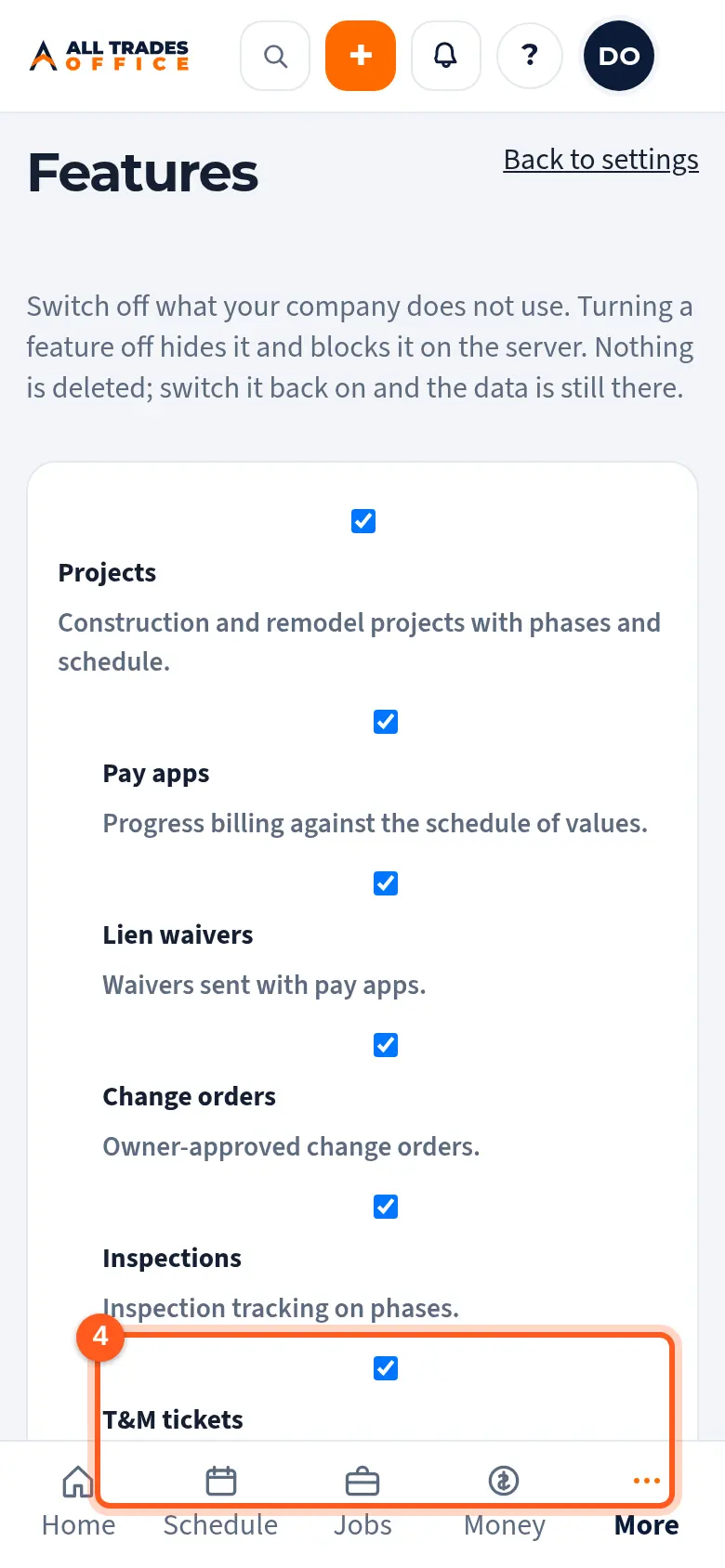
Tick or untick a feature. It saves right away. Indented items (like T&M tickets) live under Projects and turn off when Projects is off.
Good to know
- Only an Owner can change features.
- QuickBooks Online starts off. Turn it on here, then connect it under Settings → Integrations. See Connect QuickBooks Online.
- Help articles for features you turn off are hidden inside the app too, so your team only sees what applies to them.
Related
- Connect QuickBooks OnlineTurn on QuickBooks and connect the company your bookkeeping lives in.
- A menu item is missingWhy you might not see a screen, like Projects or Purchasing, and how to get it.