
Undo an import
Take back an import for up to 30 days. Anything your team has used or changed since is kept.
Who can do this: Owner, Admin.
Last updated
Undo takes out what that import added and puts back anything it filled in, for 30 days after the import.
Only an Owner or Admin can undo an import.
Steps
Open Settings → Import your data and scroll to Past imports.
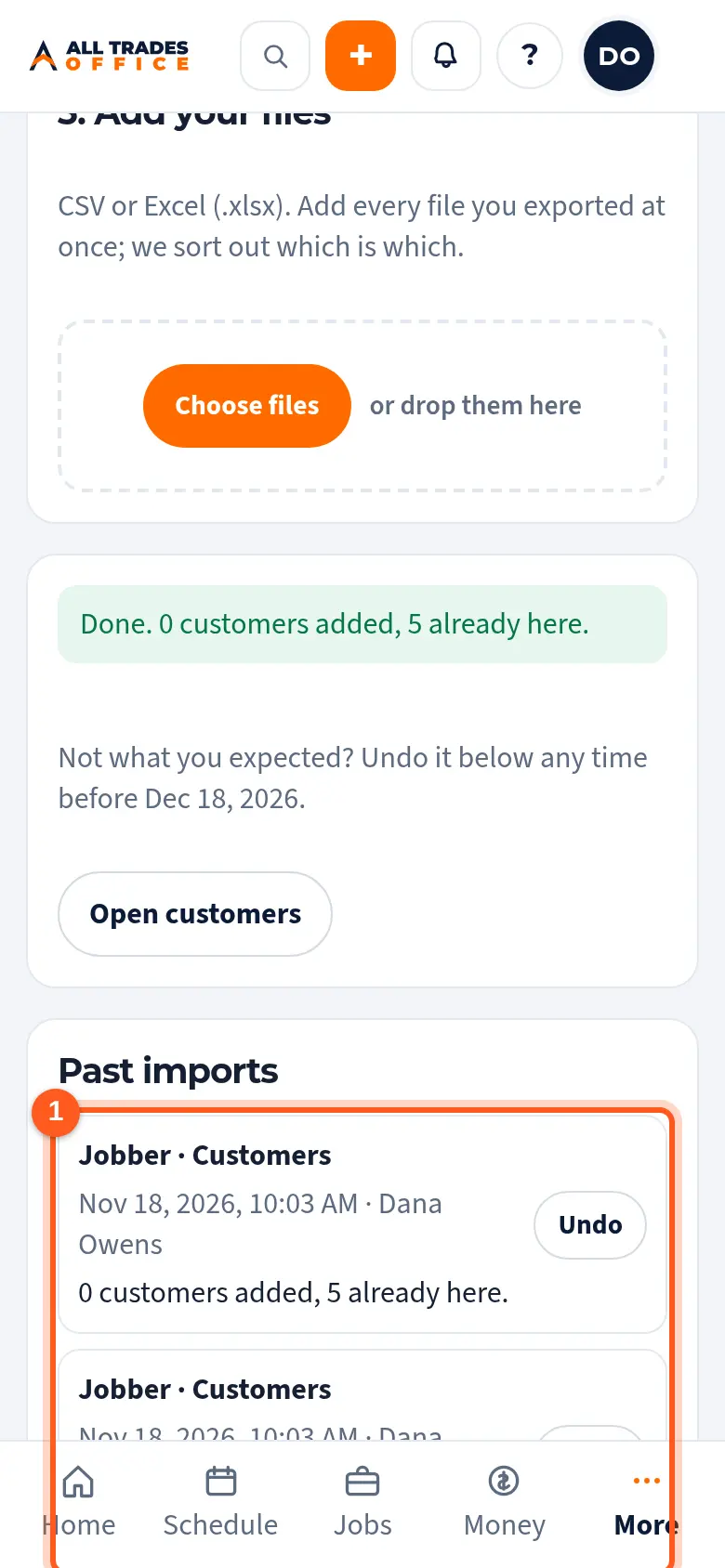
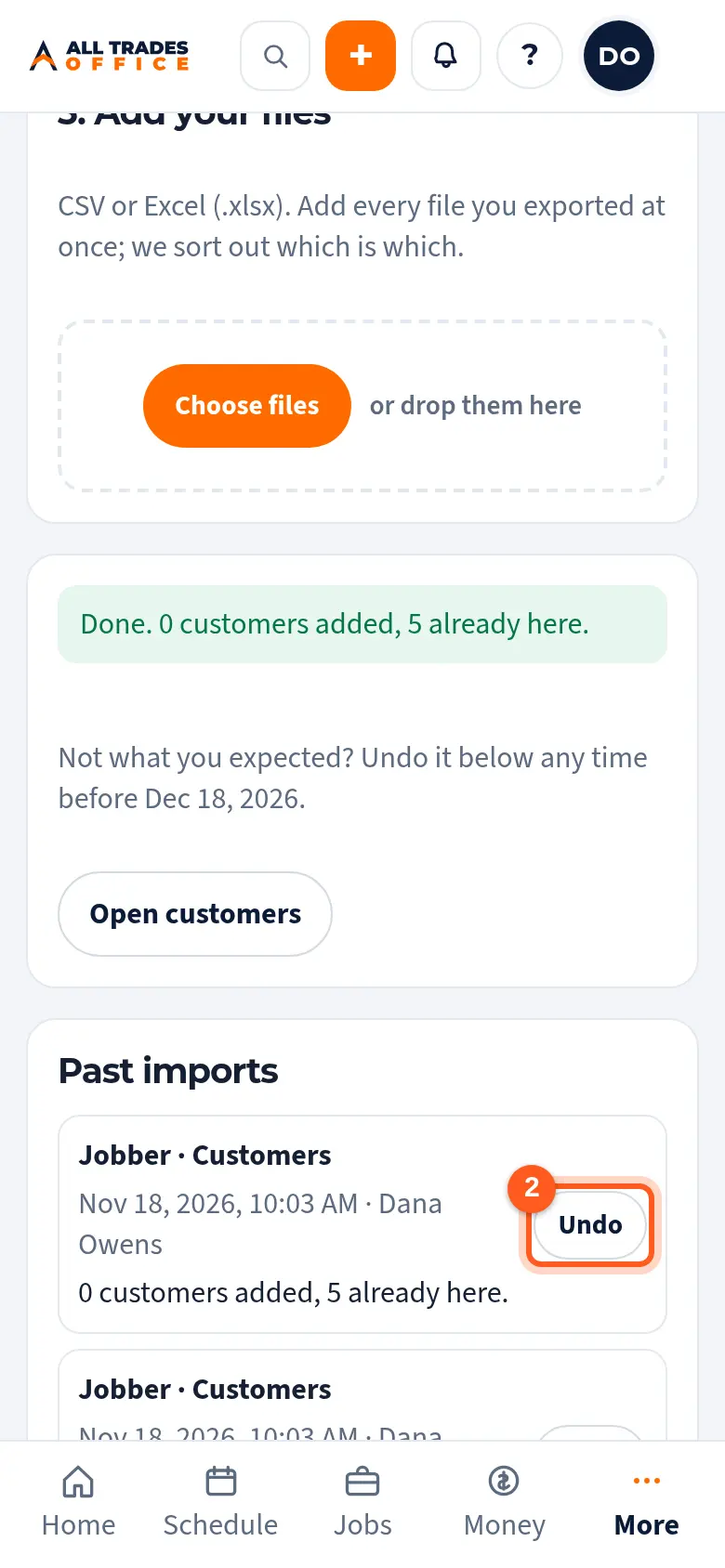
Tap Undo next to the import, then tap OK to confirm.
What stays
To keep your work safe, undo leaves a record in place when someone has used or changed it since the import:
- a customer you edited, or one with a job, estimate, invoice, project, bid or contact;
- an address used on a job, estimate, invoice or project;
- a price book item you edited, or one used on an estimate, job, invoice or purchase order.
The import shows how many were kept. Anything filled in on a record you already had goes back to blank, unless someone changed it again since.
Good to know
- Each import can be undone once. After 30 days the Undo button goes away.
- Undo never emails anyone or changes QuickBooks.
Related
- Check the columns and bring it inAfter you add your files: check how the columns were matched, look over the preview, and bring your records in.