
Announcements and "Urgent"
Post news to the whole company and see who has read it.
Who can do this: Owner, Admin, Office, Service Tech, Field Worker. Needs: Announcements turned on in Settings → Features.
Last updated
Everyone sees announcements. Only roles allowed to post can write them.
Steps
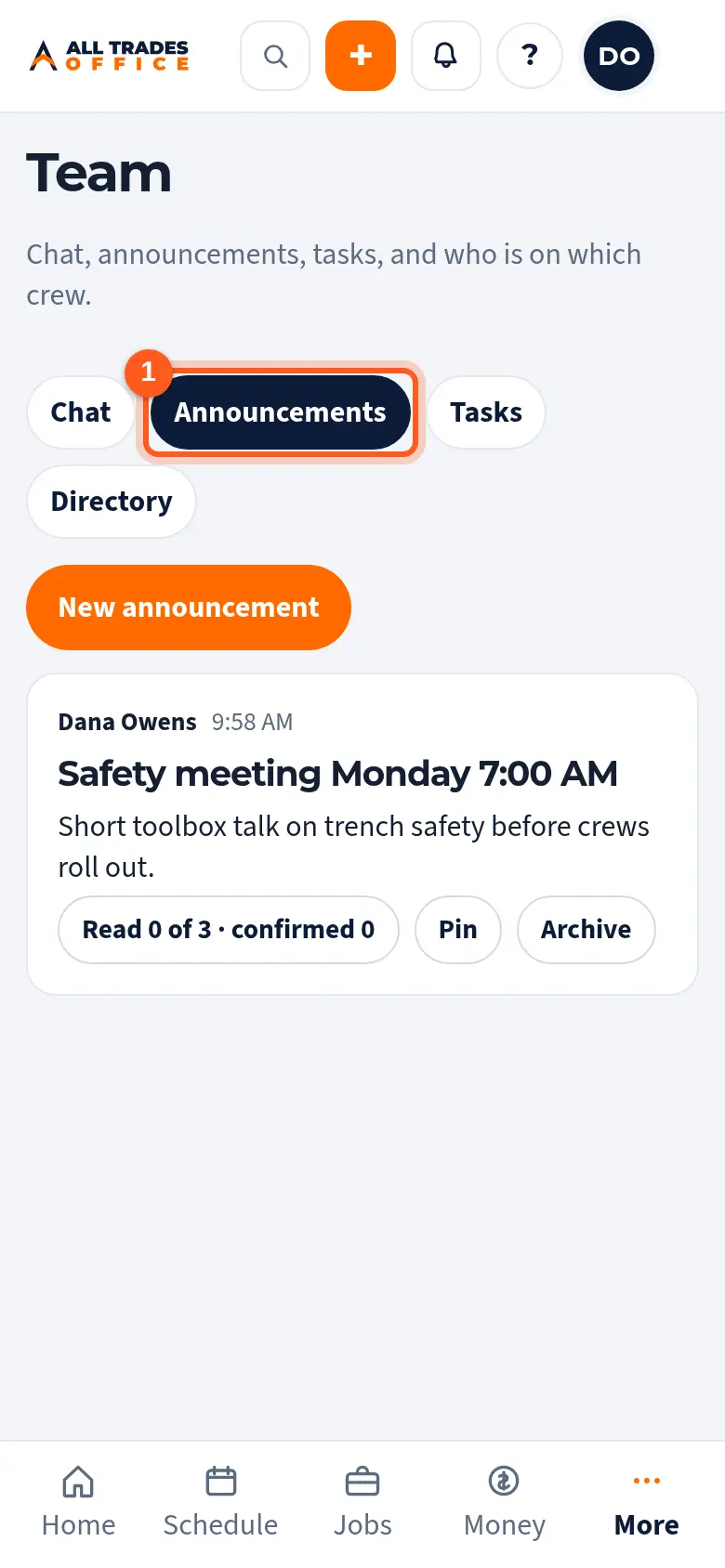
Open Team and tap Announcements.
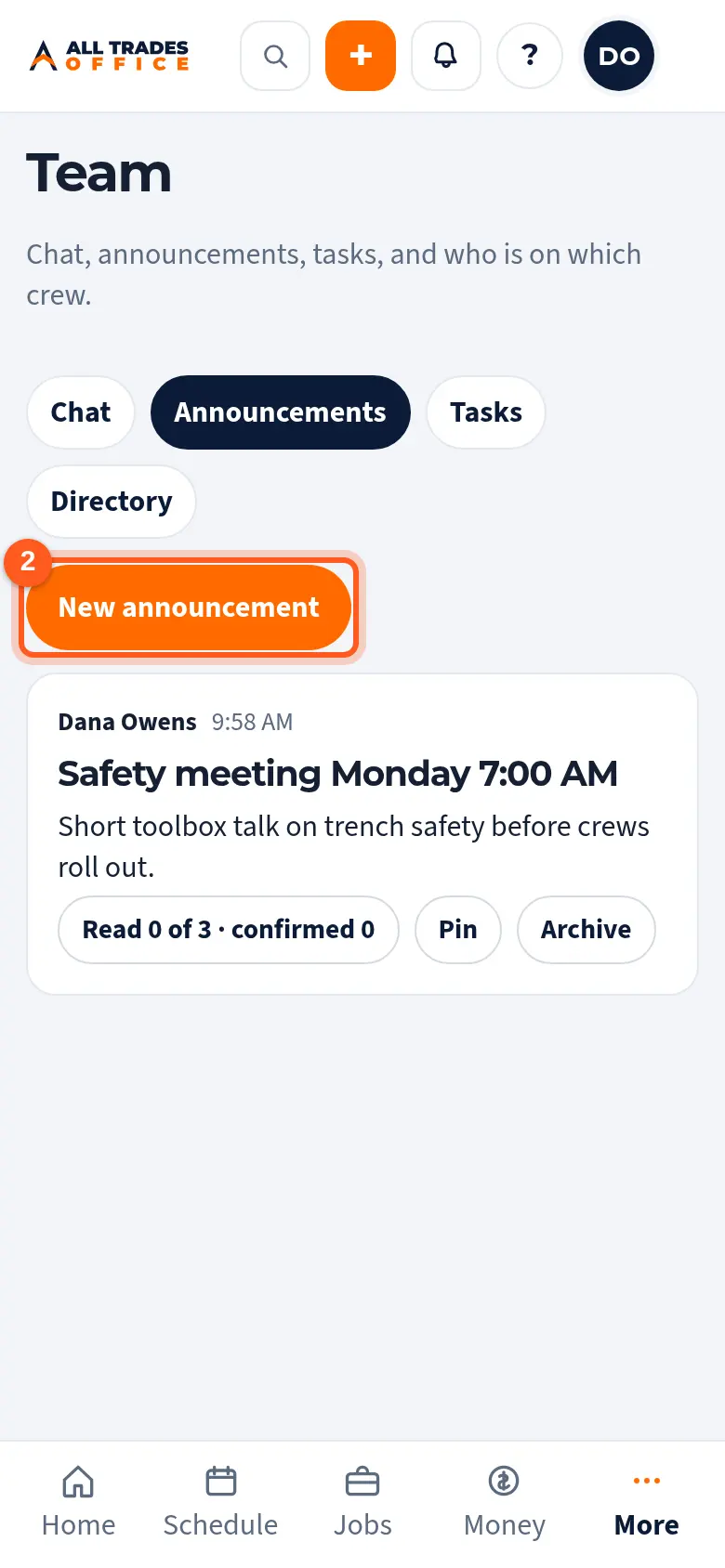
Tap New announcement.
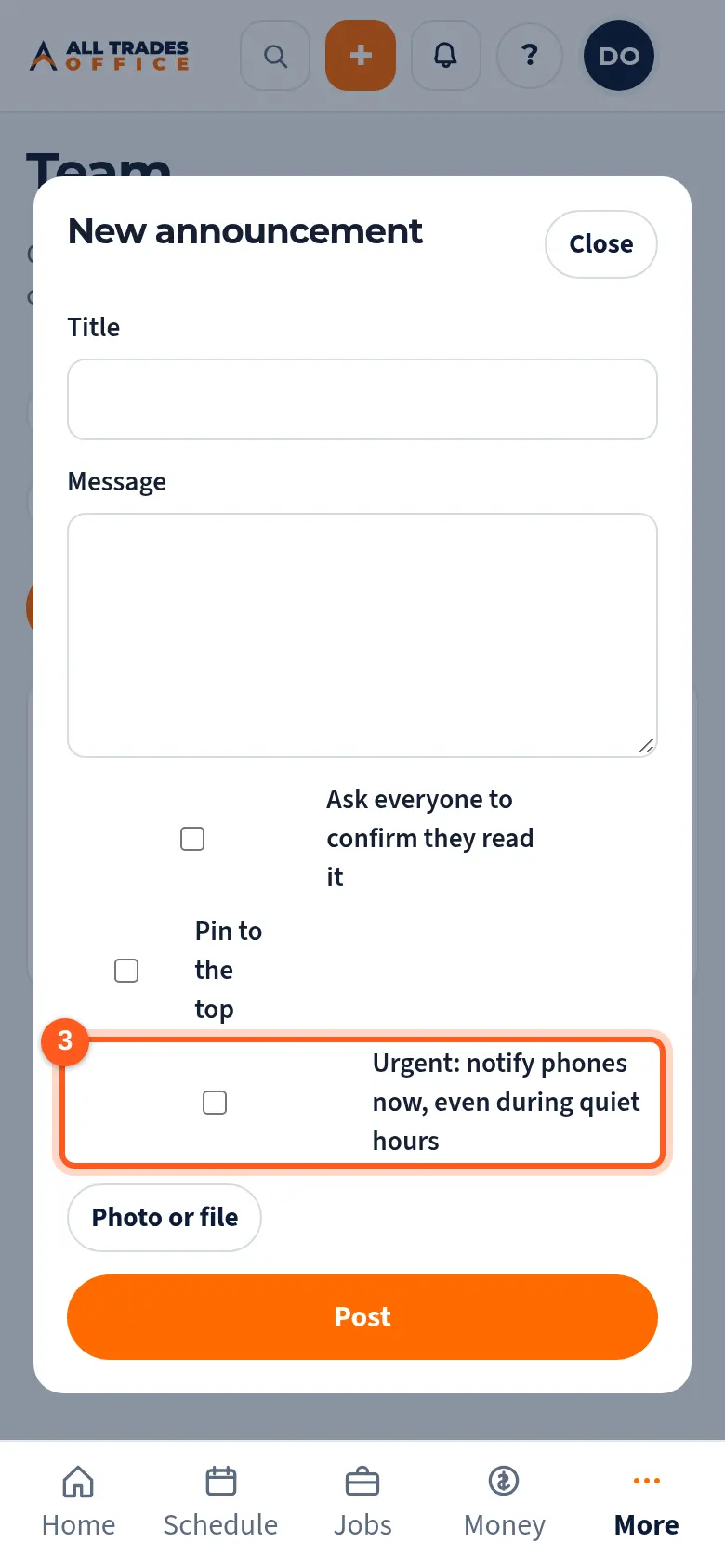
Write the title and message. Tick Ask everyone to confirm they read it if needed. Tick Urgent to notify phones right away, even during quiet hours. Tap Post.
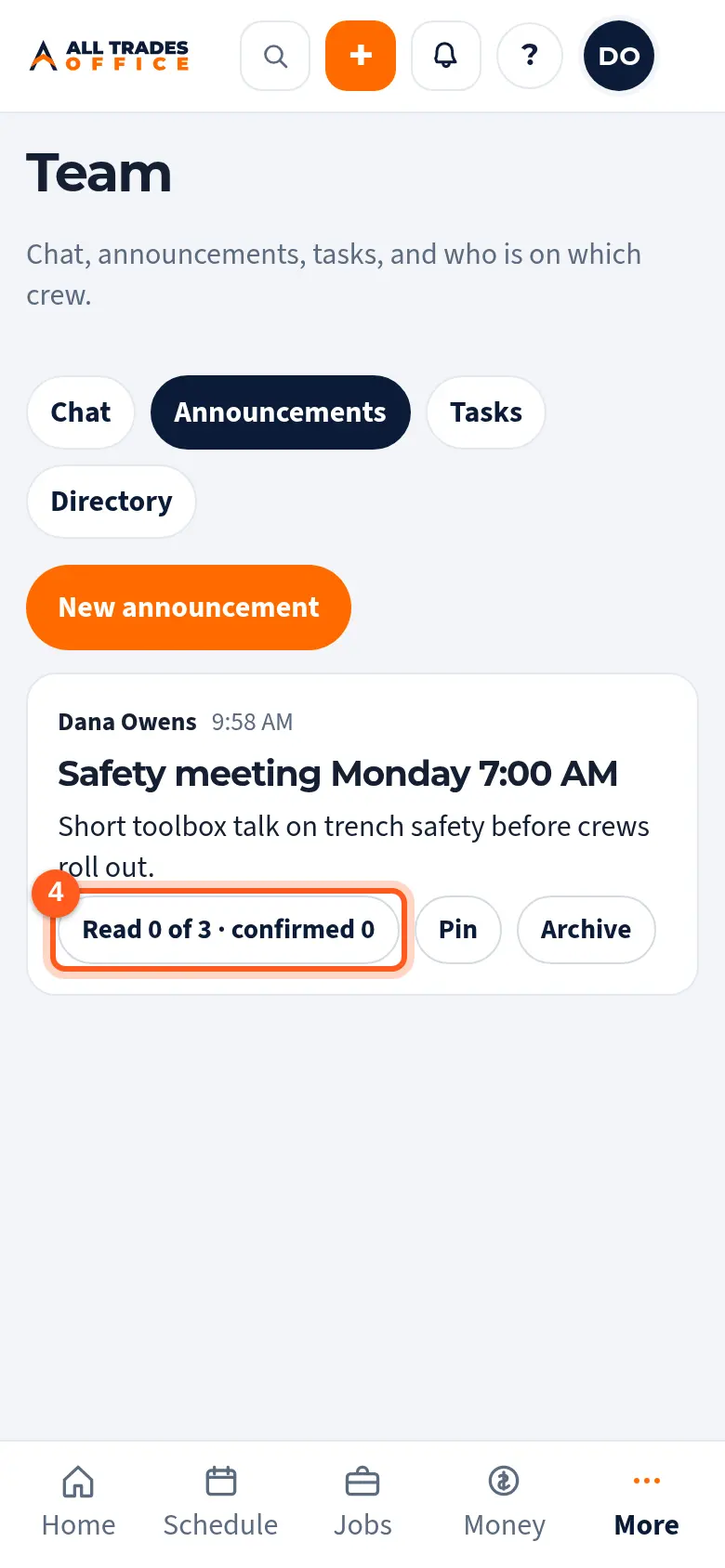
Each post shows how many people have read and confirmed it. Tap Pin to keep it at the top, or Archive when it's old.
Related
- Team chat and @mentionsMessage your whole team, a crew, or one person, and @mention someone to get their attention.
- Turn on phone notificationsGet a buzz when you're put on a job, someone @mentions you, or there's a new announcement.