
Team chat and @mentions
Message your whole team, a crew, or one person, and @mention someone to get their attention.
Who can do this: Owner, Admin, Office, Service Tech, Field Worker. Needs: Team chat turned on in Settings → Features.
Last updated
Mentions send a phone notification to people who've turned them on.
Steps
Open Team. Chat lists your conversations, including each crew and project.
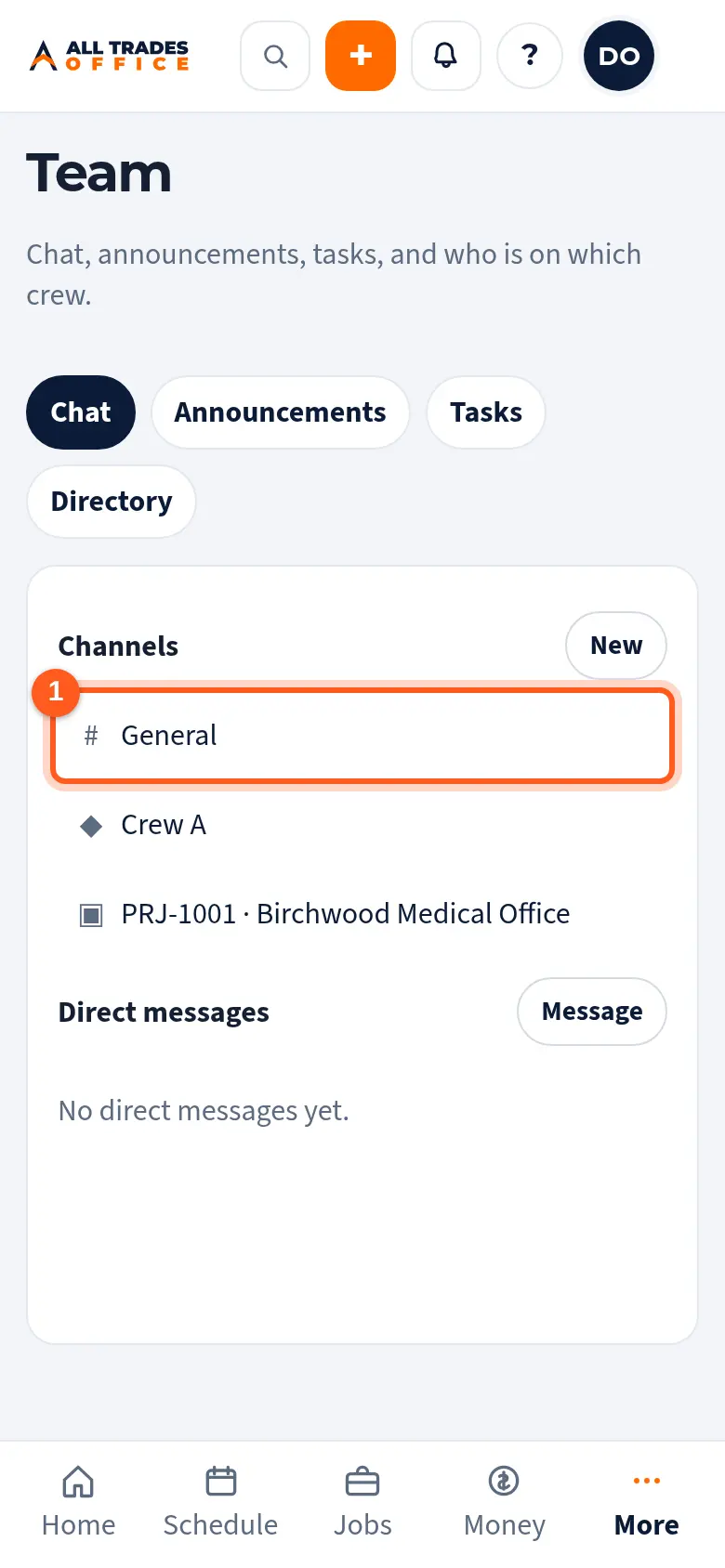
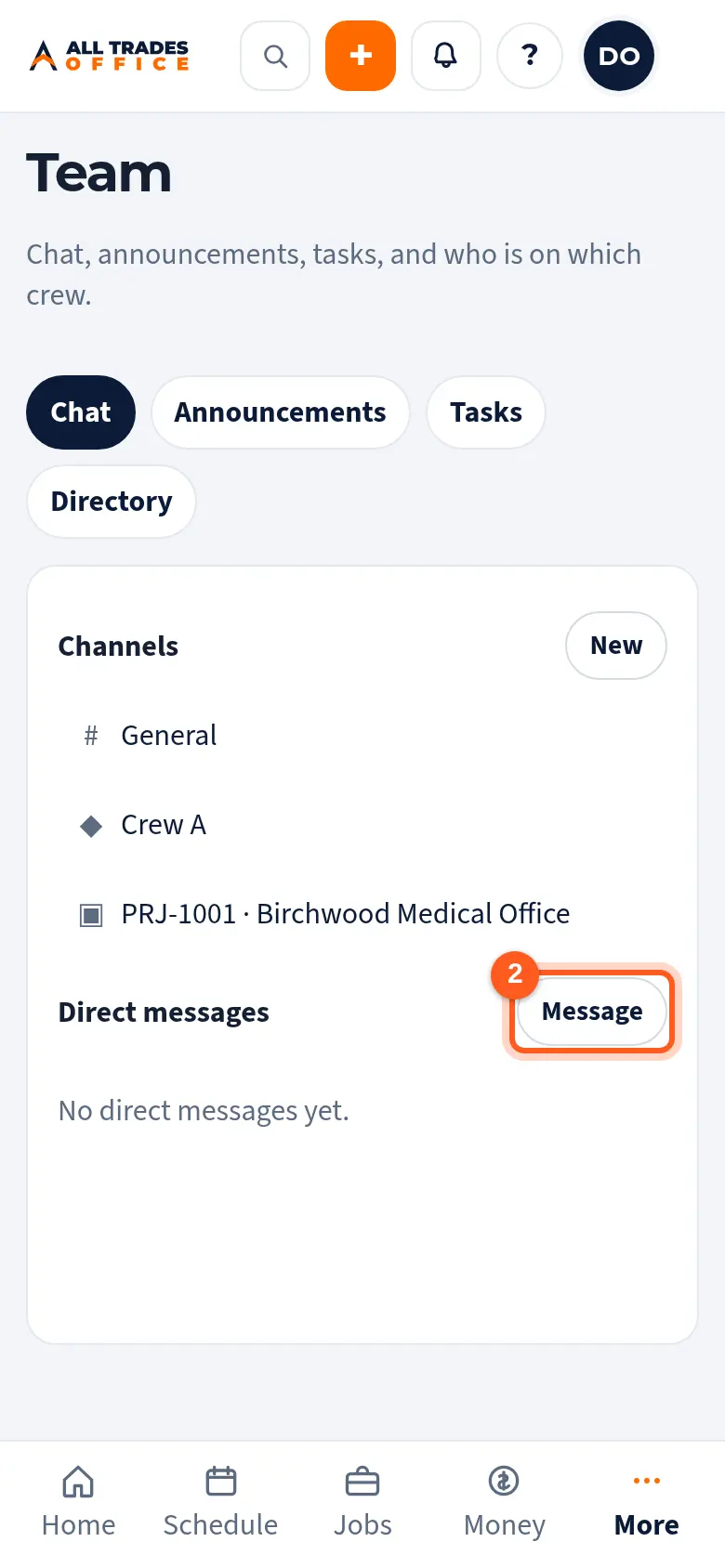
Tap Message to start a chat with one person. Owners and admins can tap New to make a group.
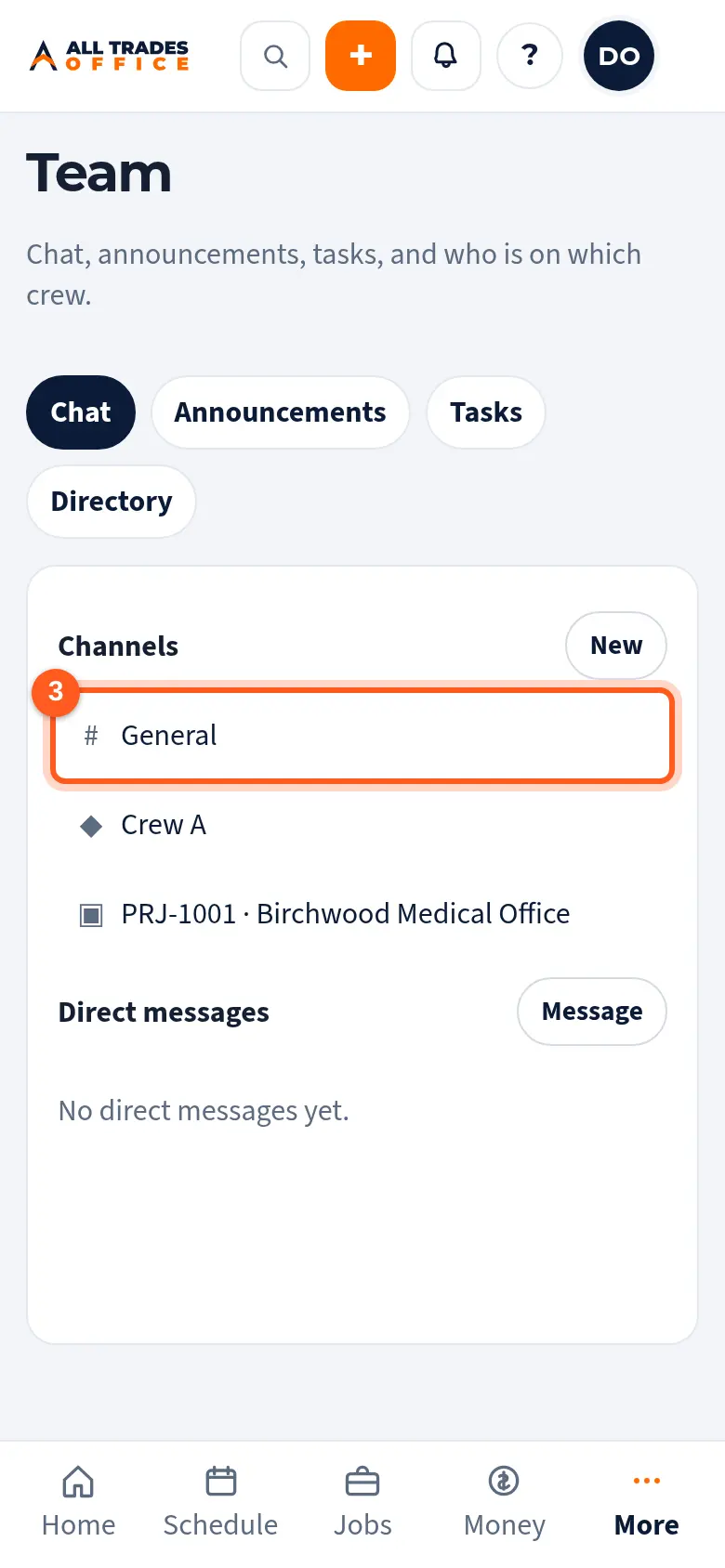
Open a chat, type in Write a message, and send. Type @ and a name to mention someone. They get a notification.
Related
- Project team chatKeep the conversation about a project or job in one place with everyone on it.
- Turn on phone notificationsGet a buzz when you're put on a job, someone @mentions you, or there's a new announcement.
- Crews and the directoryGroup people into crews and find anyone's phone or email.