
Billing tracker: aging, billed vs paid, and overdue
See every project's billing in one place, what's overdue, and which pay apps need a follow-up.
Who can do this: Owner, Admin, Office with “See contract values, change order money and pay apps” turned on for their role. Needs: Pay apps turned on in Settings → Features.
Last updated
The tracker uses each project's billing schedule to know when pay apps are due and when you should be paid.
Steps
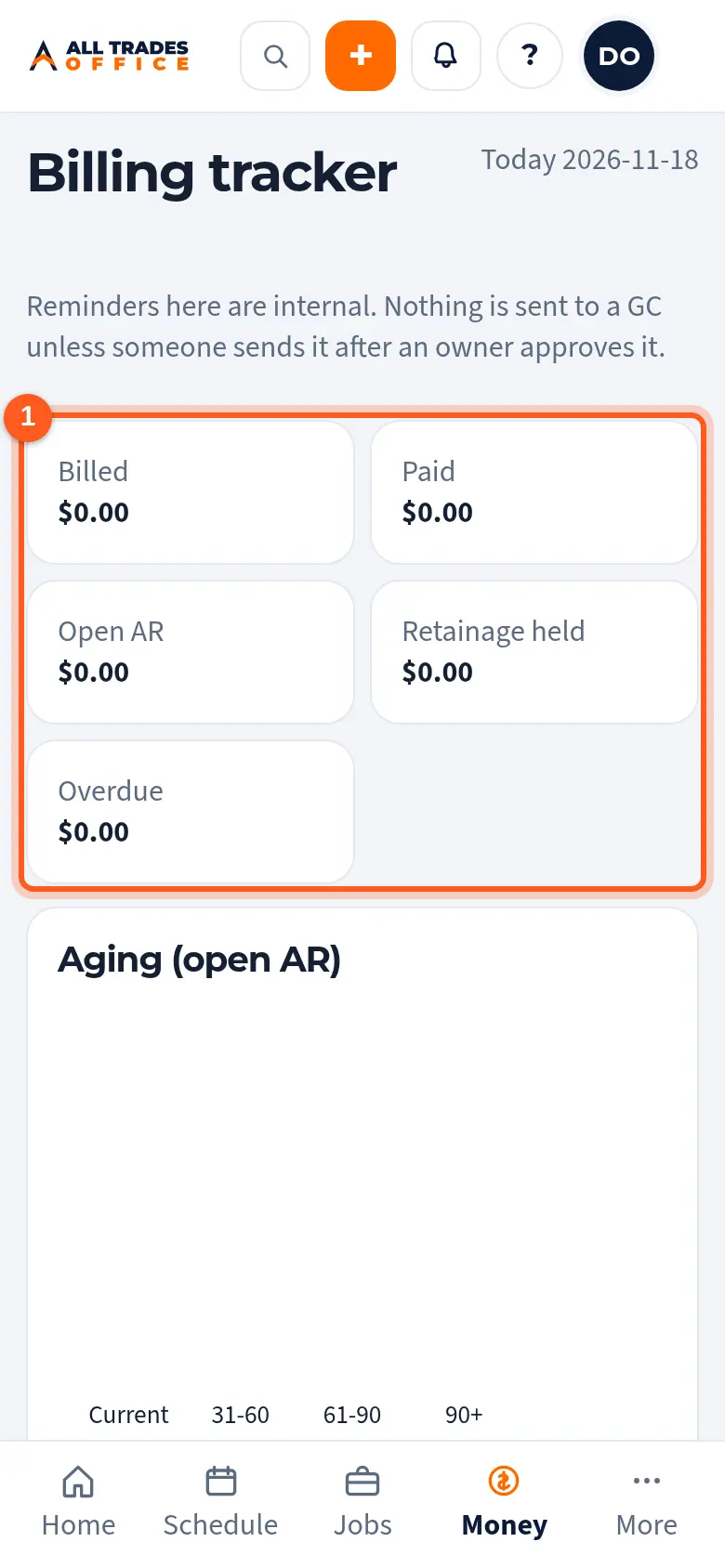
Open Billing. The top shows billed, paid, open, retainage held, and overdue.
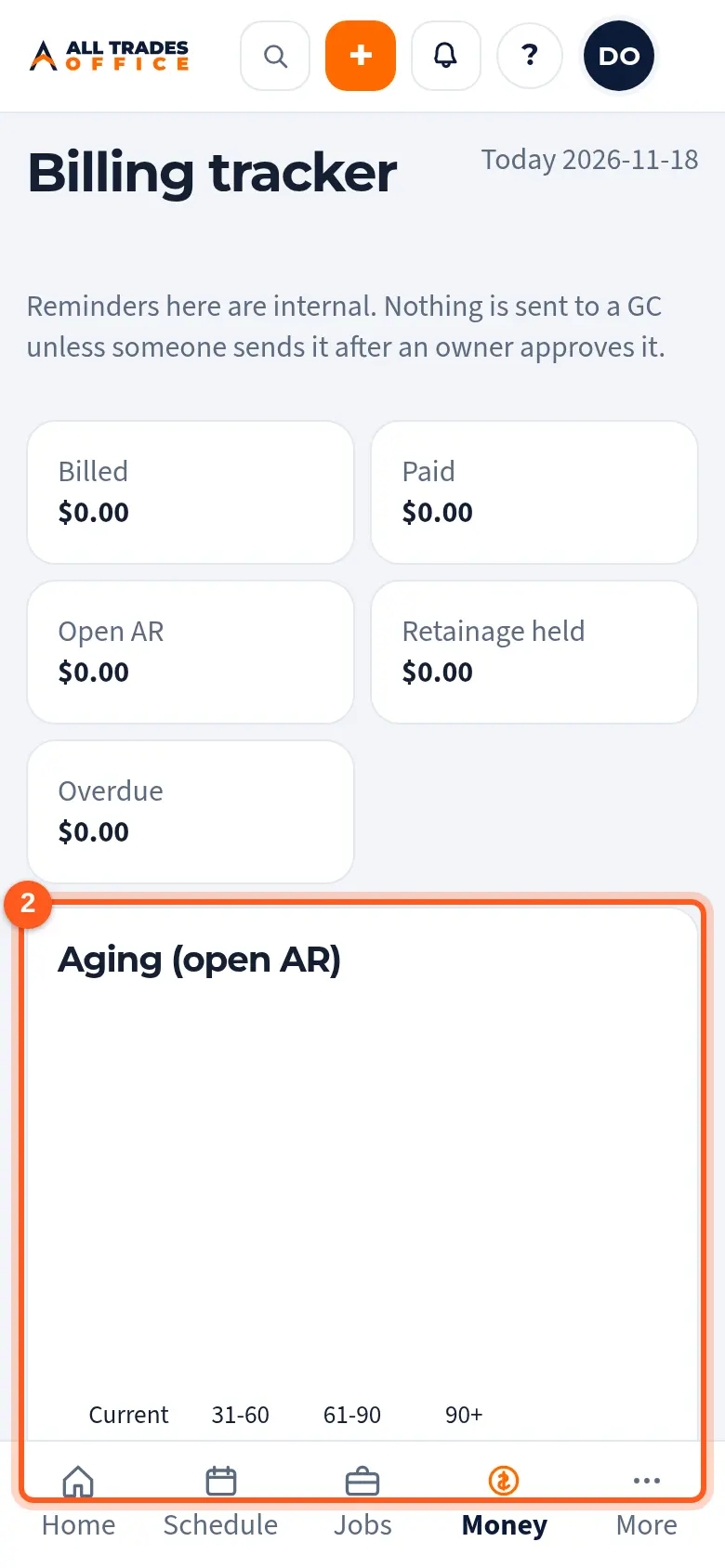
The charts show open balances by age and billed vs paid by month.
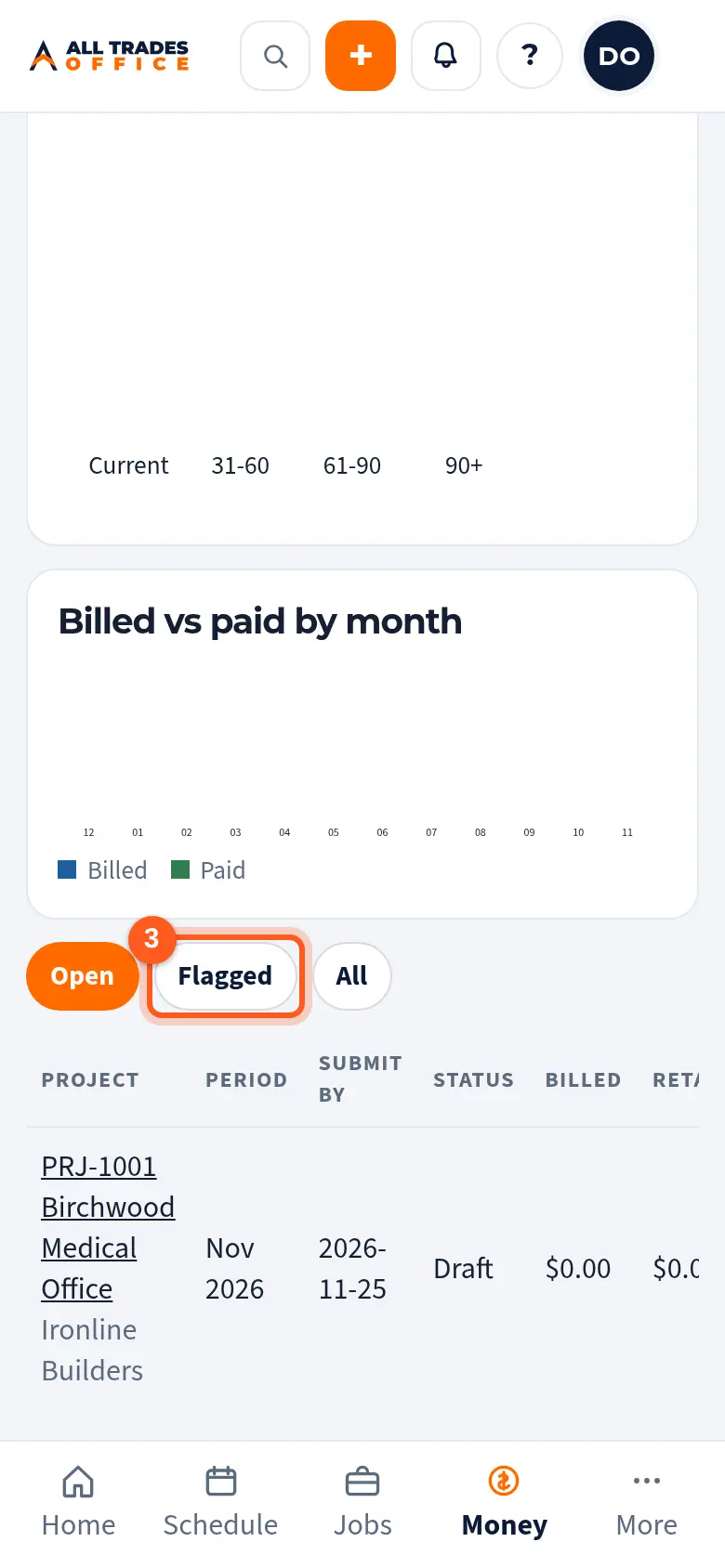
Tap Open, Flagged, or All to filter. Flagged rows need attention, like a period with no pay app or a payment past its expected date. Tap a project to open it.
Good to know
- Reminders here are internal. Nothing goes to a GC unless someone sends it after an owner approves it.
Related
- Pay apps: schedule of values and progress billingSet up the schedule of values, bill each period's progress, and export the continuation sheet.
- Reminder settingsChoose who gets reminder emails and see when reminders are held for quiet hours.