
Reminder settings
Choose who gets reminder emails and see when reminders are held for quiet hours.
Who can do this: Owner, Admin, Office.
Last updated
Reminders are internal. They go to your team, never to a customer or GC, and nothing is sent for you.
Steps
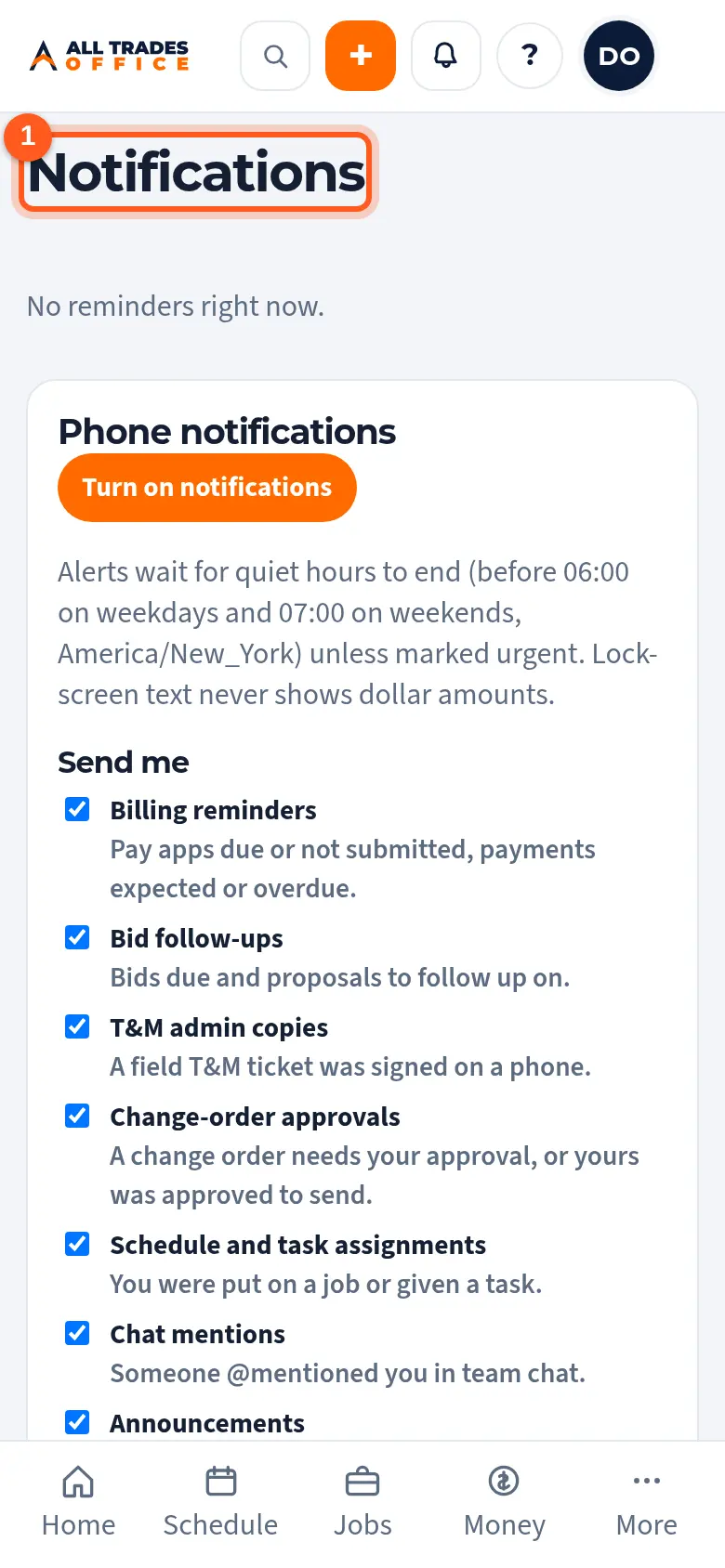
Tap the bell at the top of the screen to open Reminders. Your reminders are listed at the top.
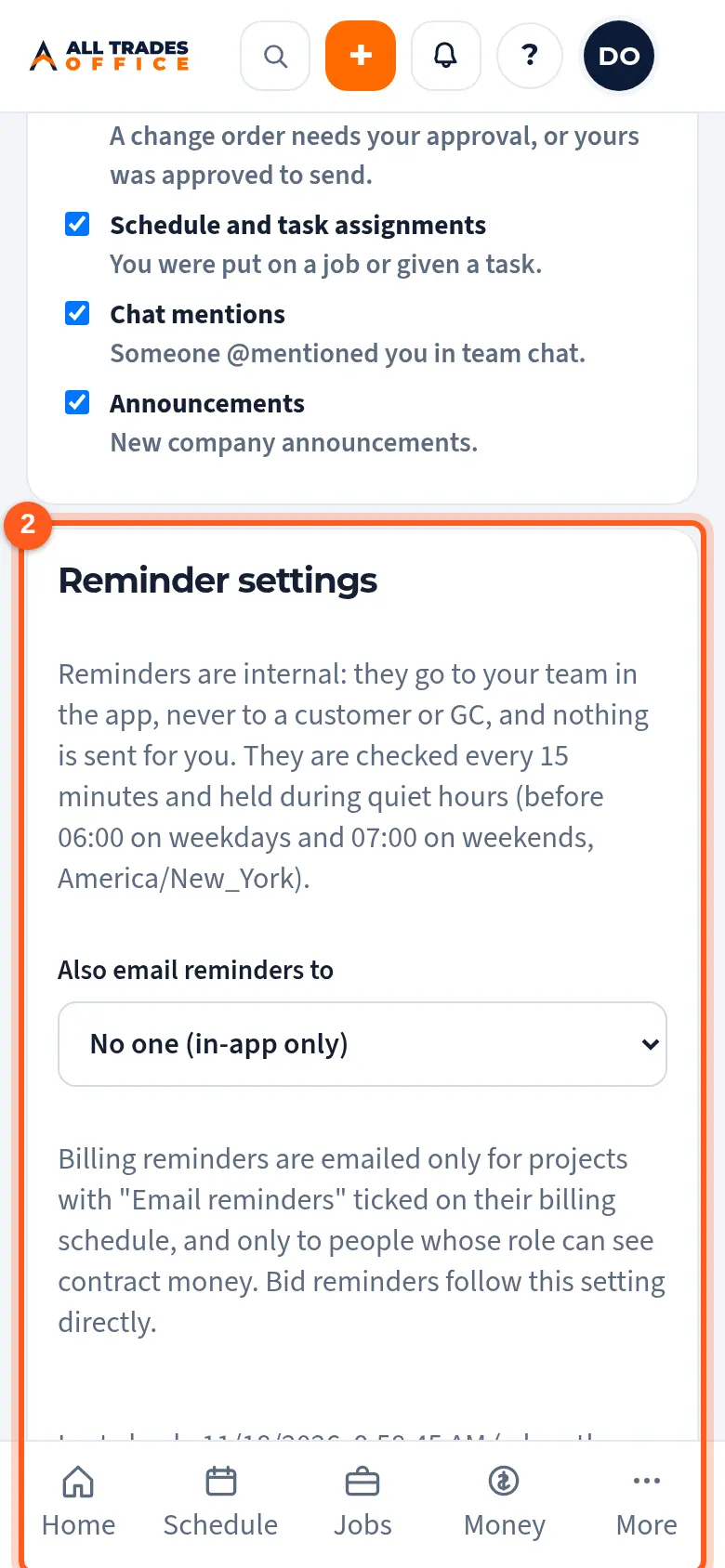
Under Reminder settings, pick who else gets reminders by email. An owner sets this.
Good to know
- Reminders are checked every 15 minutes and held during quiet hours. The hours are shown on the screen.
- Billing reminders are emailed only for projects with Email reminders ticked on their billing schedule.
Related
- Turn on phone notificationsGet a buzz when you're put on a job, someone @mentions you, or there's a new announcement.
- Billing tracker: aging, billed vs paid, and overdueSee every project's billing in one place, what's overdue, and which pay apps need a follow-up.