
Bring in a price book from a spreadsheet
Bring the prices you keep in a spreadsheet, or in another app, into your price book.
Who can do this: Owner, Admin. Needs: Price book turned on in Settings → Features.
Last updated
Coming from another app? Its guide shows how to export your price list. See Bring in a list from another app or a spreadsheet.
Steps
Save your price list as CSV or Excel (.xlsx), with the column names in the first row.
This step happens on your phone, outside All Trades Office.
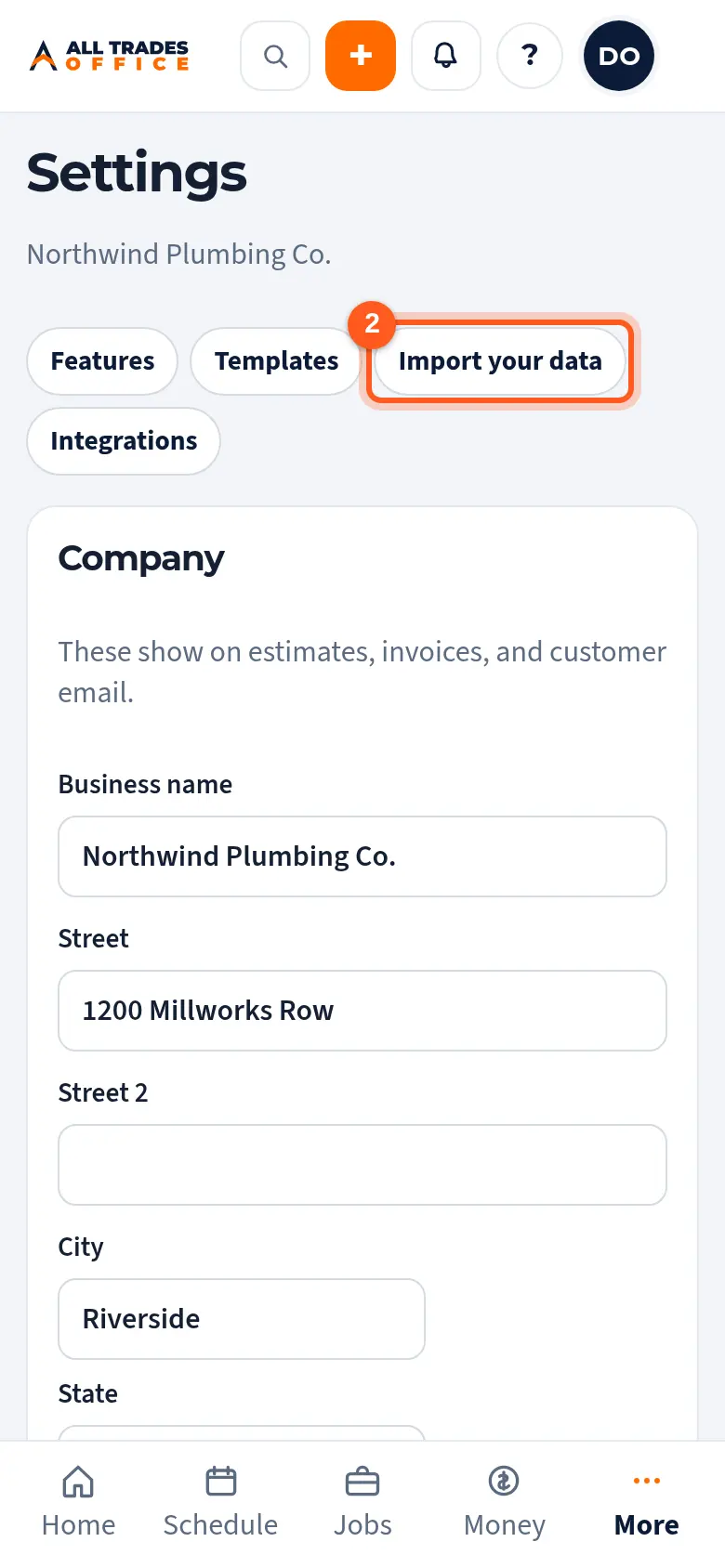
Open Settings and tap Import your data.
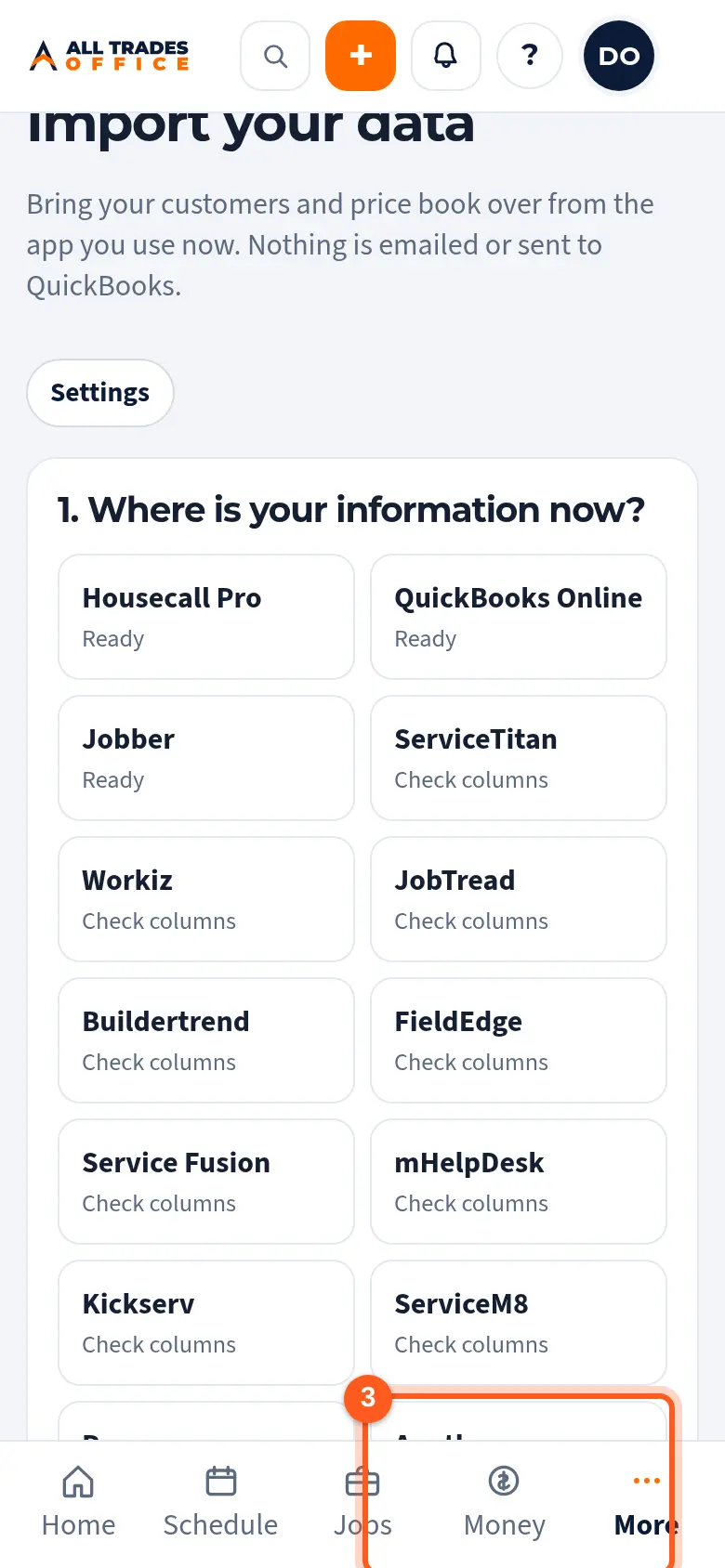
Tap Another app or a spreadsheet, add your file, and pick Price book if it isn't picked already. Then follow Check the columns and bring it in.
Good to know
- Only an owner or admin can import.
- You can still add single items with Add item in the price book.
Related
- Bring in a list from another app or a spreadsheetBring customers or a price book in from any CSV or Excel list, from any app.
- Check the columns and bring it inAfter you add your files: check how the columns were matched, look over the preview, and bring your records in.
- Folders, items, costs, and sell pricesOrganize the price book into folders, and set each item's sell price and cost.