
Folders, items, costs, and sell prices
Organize the price book into folders, and set each item's sell price and cost.
Who can do this: Owner, Admin, Office. Needs: Price book turned on in Settings → Features.
Last updated
Items from the price book drop straight into estimates and jobs with their prices.
Steps
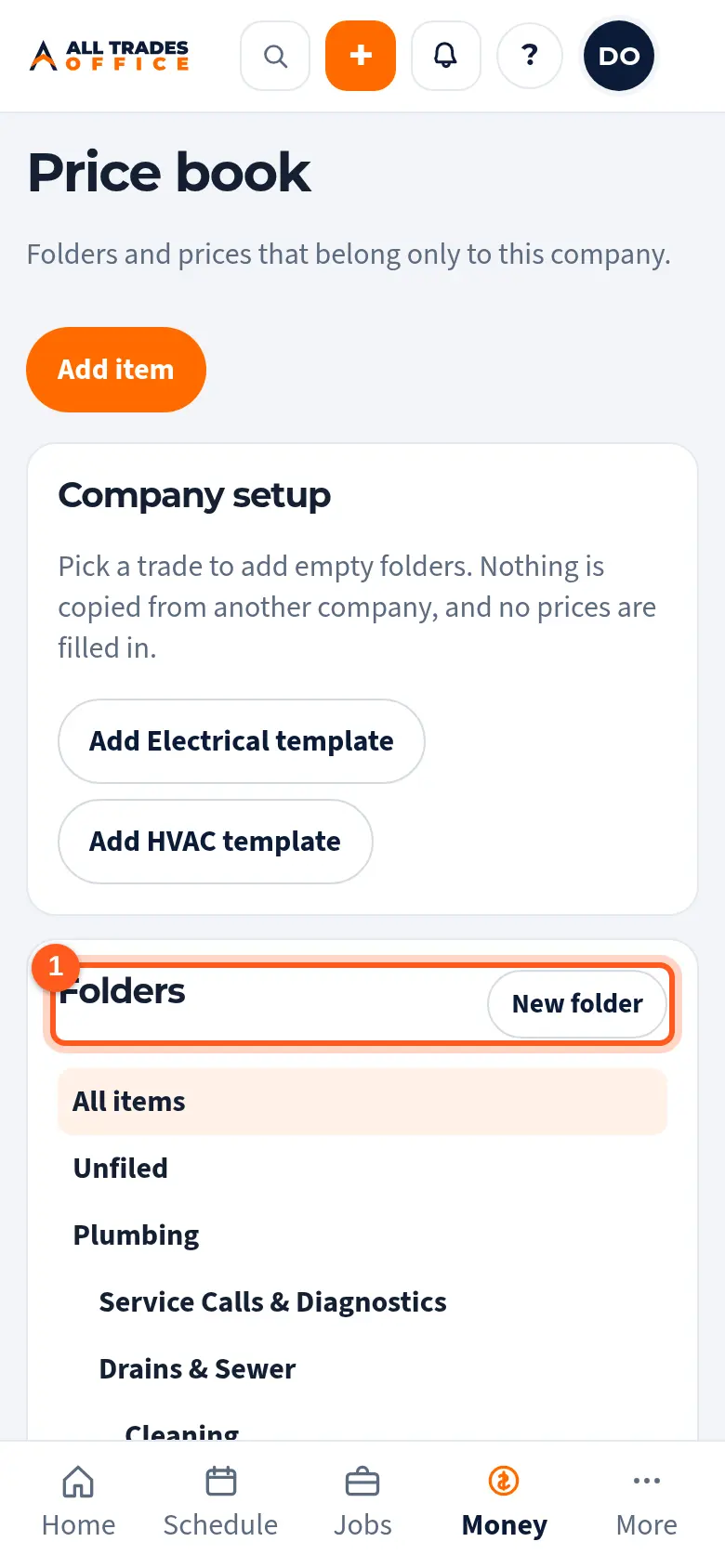
Tap New folder to add one. Tap a folder to see its items. Use Rename or Move to tidy up.
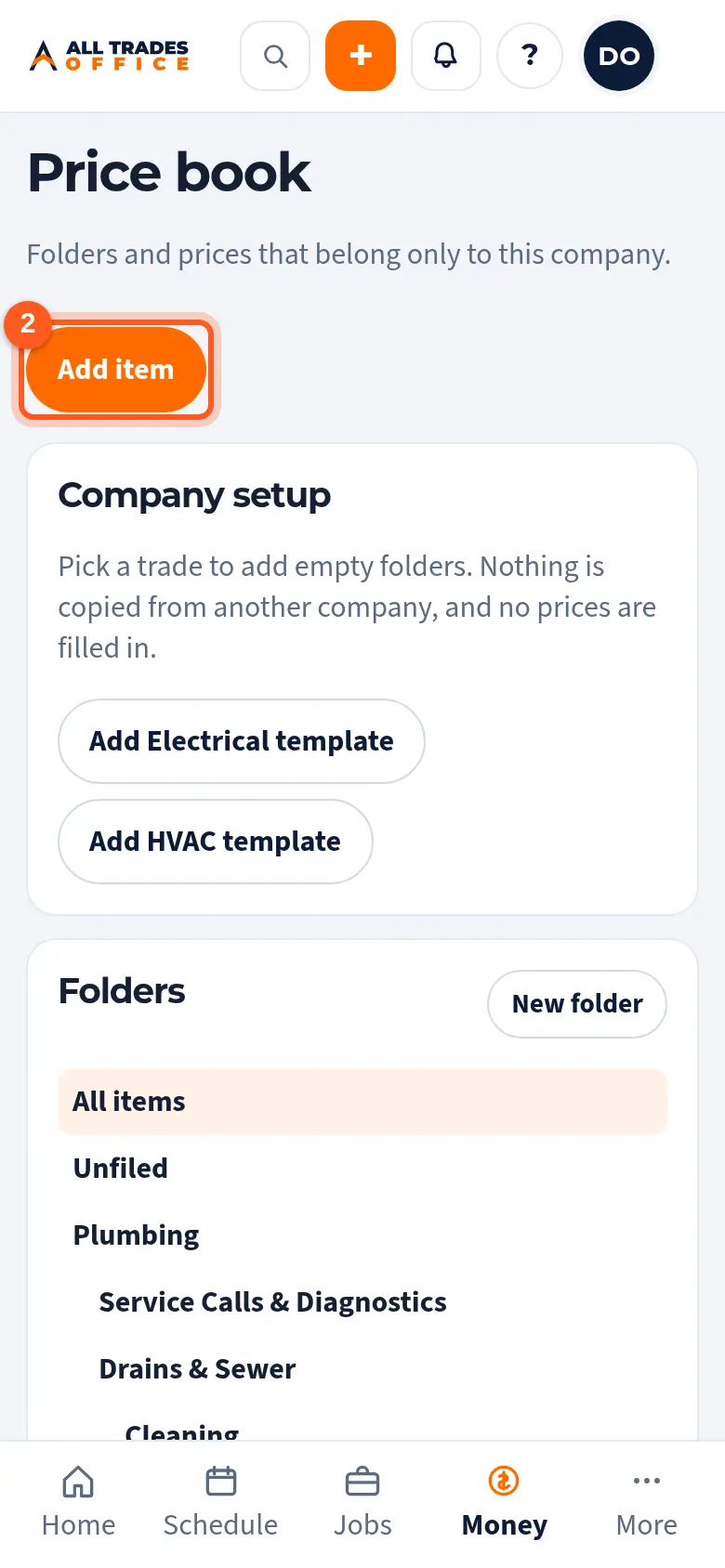
Tap Add item.
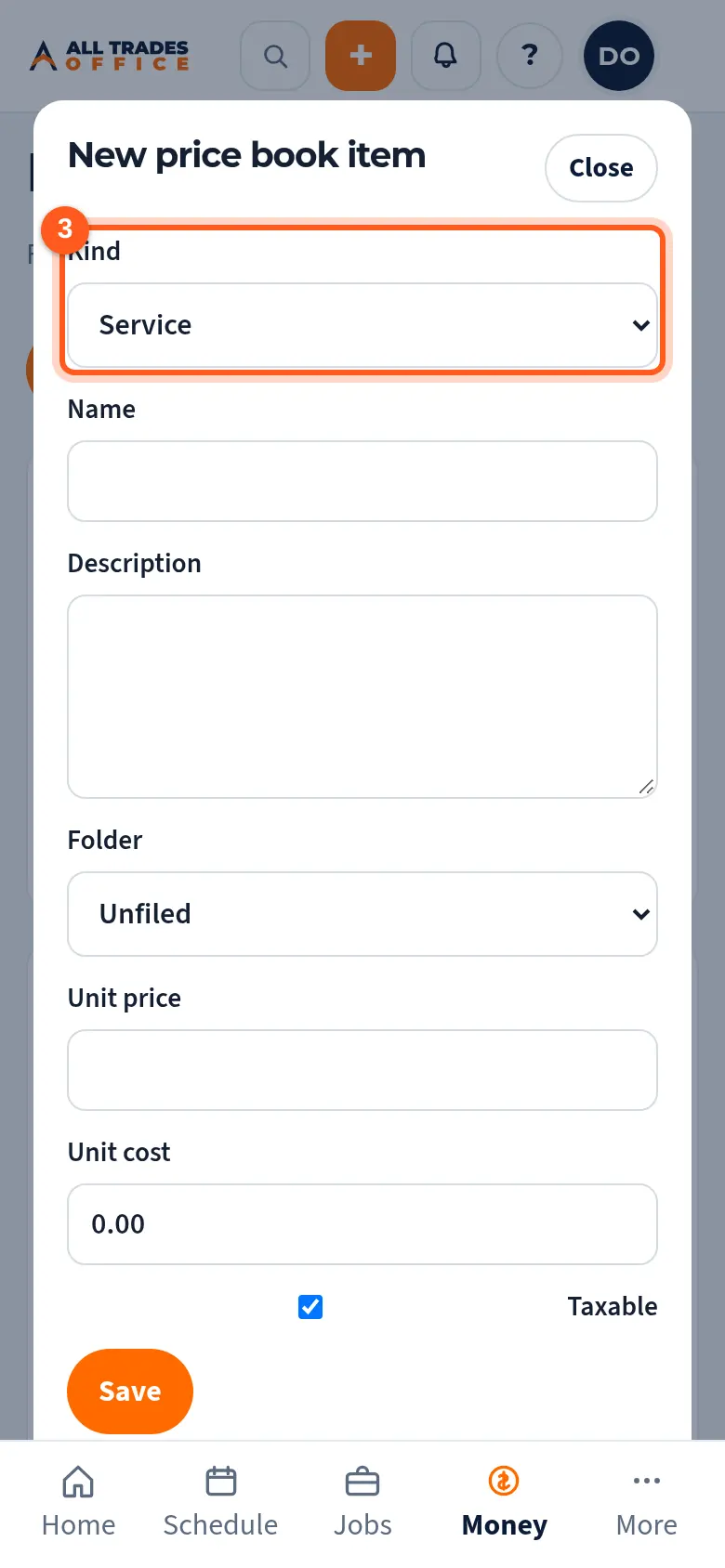
Pick Service or Material, type the name and description, and choose the folder.
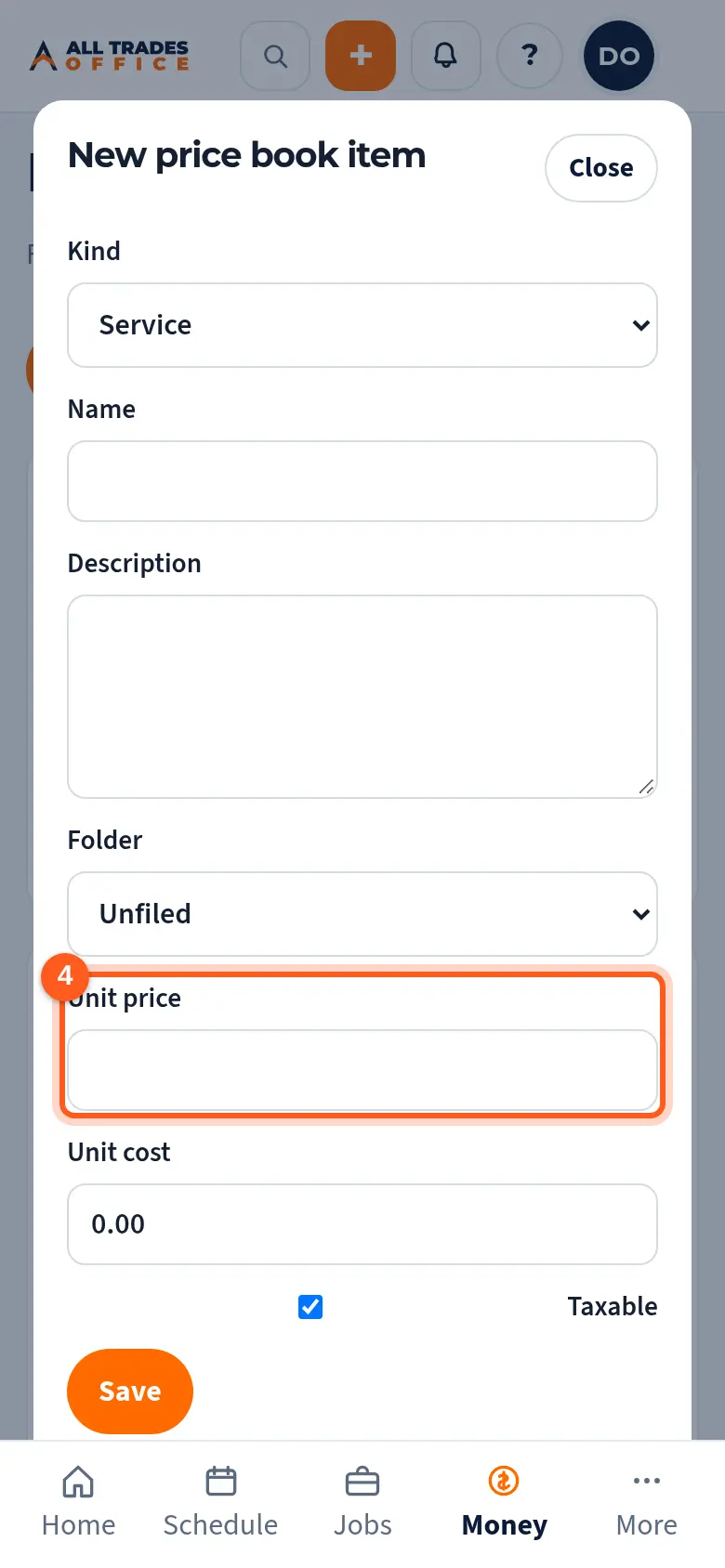
Enter the Unit price (what the customer pays) and the Unit cost (what it costs you). Tick Taxable if tax applies. Tap Save.
Good to know
- Only people whose role can see price book costs see the Unit cost column. Everyone who uses the price book sees sell prices.
- Tap Retire on an item you no longer sell. It leaves the price book, but estimates and invoices that already have it don't change.
- Use Search items to find something fast.
Related
- Set up your price book from a trade starterAdd starter folders for your trade, then fill in your own items and prices.
- Build a good/better/best estimate from the price bookGive the customer options side by side, built from your price book items.
- I can't see costs or moneyCosts, contract values, and labor rates show only to roles that are allowed to see them.