
Build a proposal from an estimate; revisions
Turn an estimate into a proposal for a GC, then make revisions as the numbers change.
Who can do this: Owner, Admin, Office. Needs: Bids and proposals turned on in Settings → Features.
Last updated
A proposal is the document your GC receives. It's built from your estimate and your proposal template.
Steps
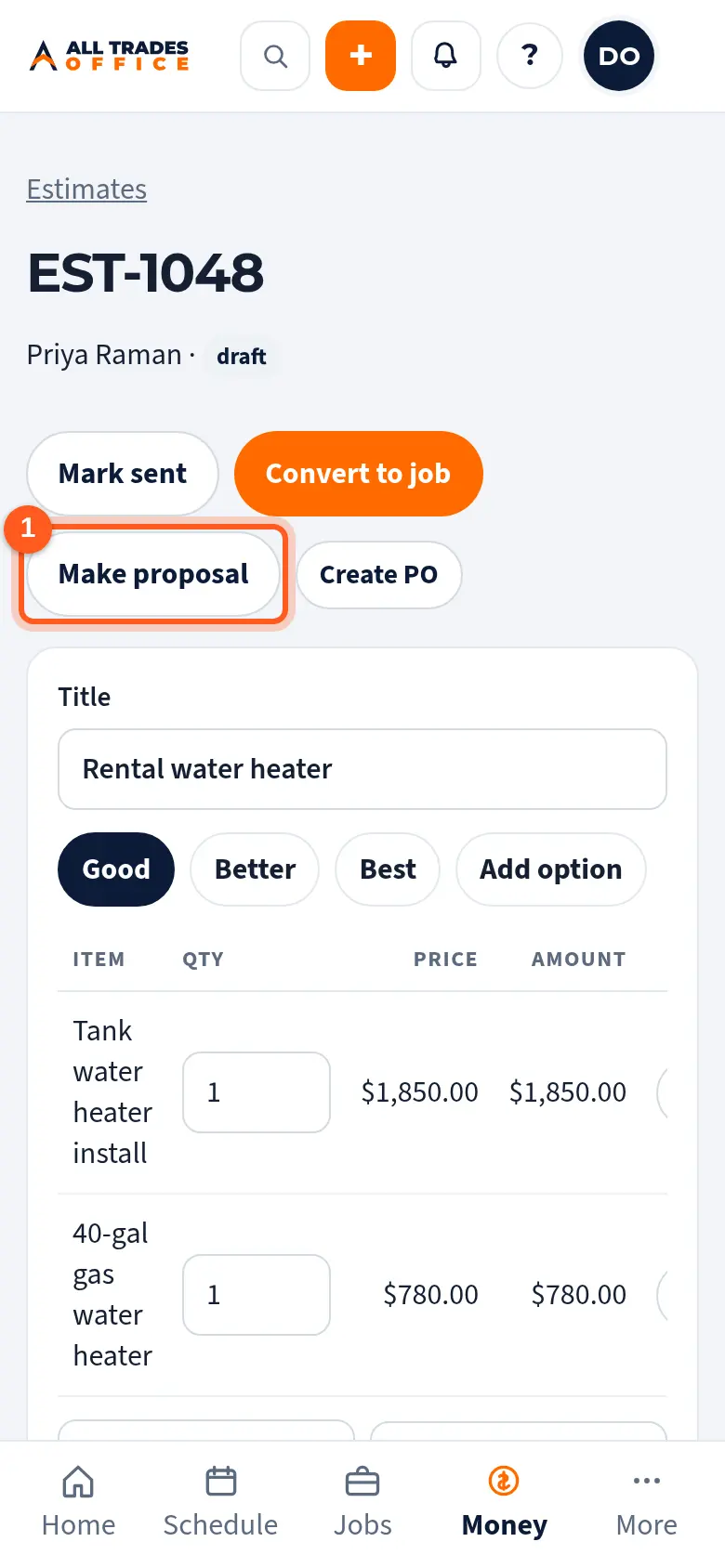
Open the estimate and tap Make proposal. It starts a bid with the estimate attached.
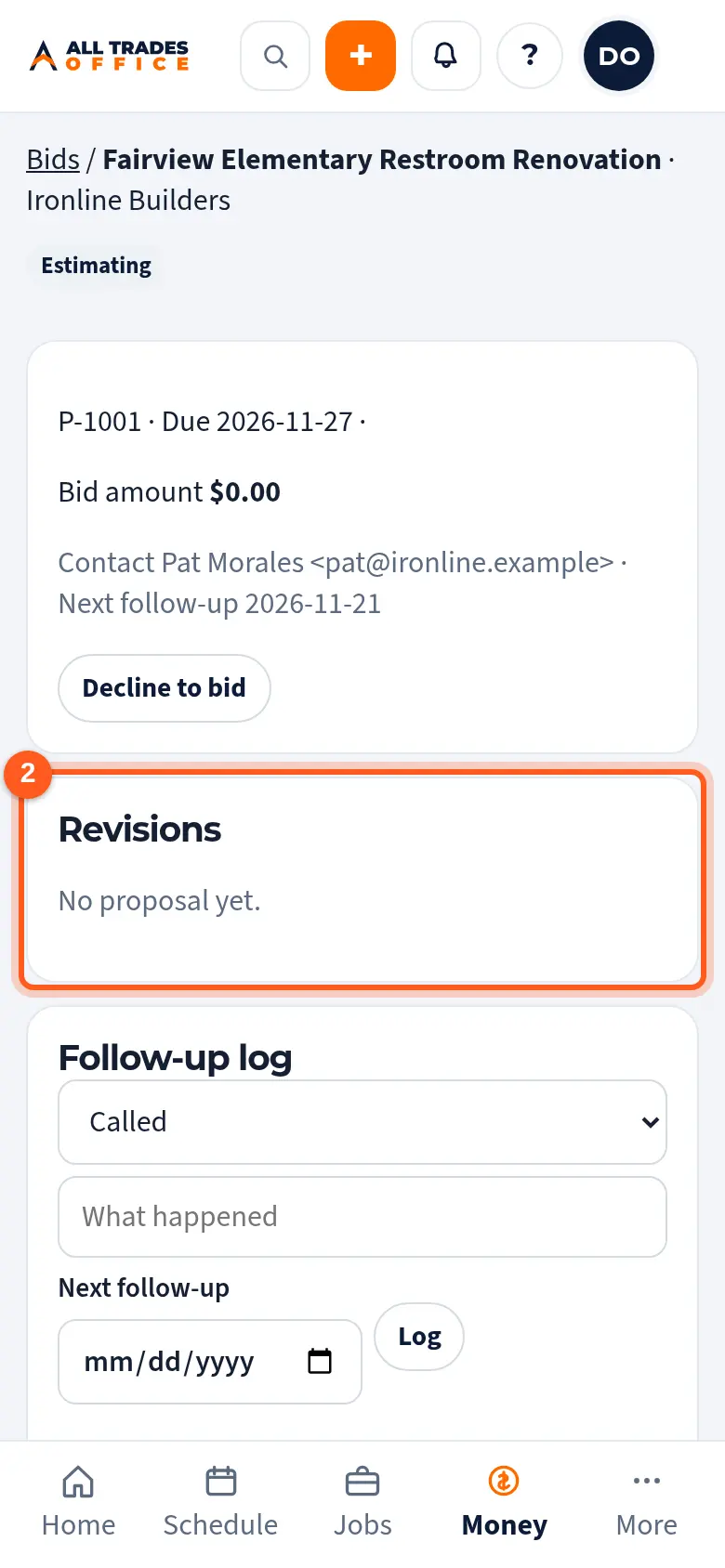
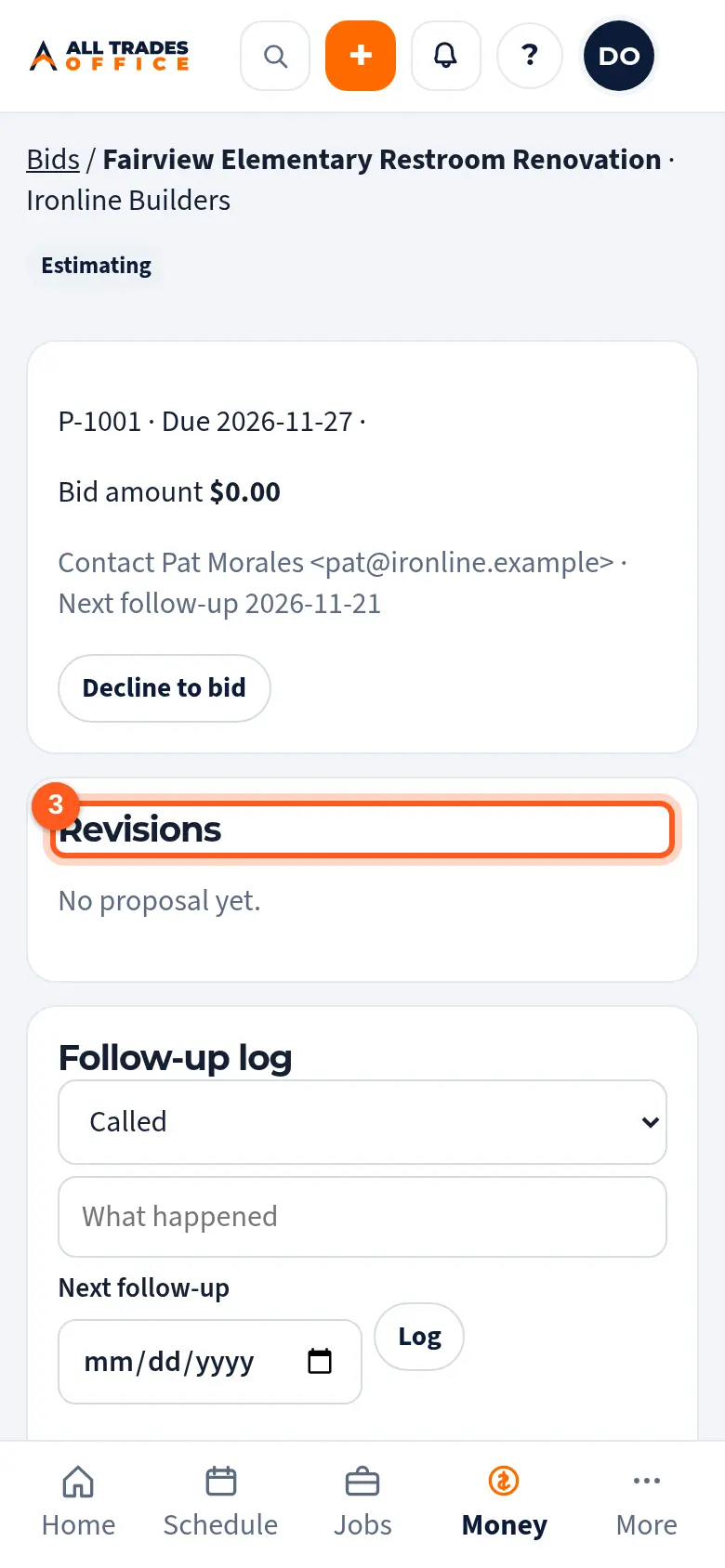
On the bid, the Revisions list keeps every version. Tap New revision from estimate when the numbers change, and say what changed.
When it's ready, tap Ask owner to approve. After the owner approves, send it or mark it sent through the GC's portal.
Good to know
- Nothing goes to a GC until an Owner approves it to send.
- Change the proposal's look and standard wording in Settings → Templates.
Related
- Track a bid on the bid board and log follow-upsKeep every bid, due date, and GC in one list, and log each call or email.
- Document templatesChoose the layout for proposals, purchase orders, pay apps, waivers, and field forms.