
Document templates
Choose the layout for proposals, purchase orders, pay apps, waivers, and field forms.
Who can do this: Owner, Admin, Office.
Last updated
Built-in templates can't be changed. Documents you've already sent keep the template they were made with.
Steps
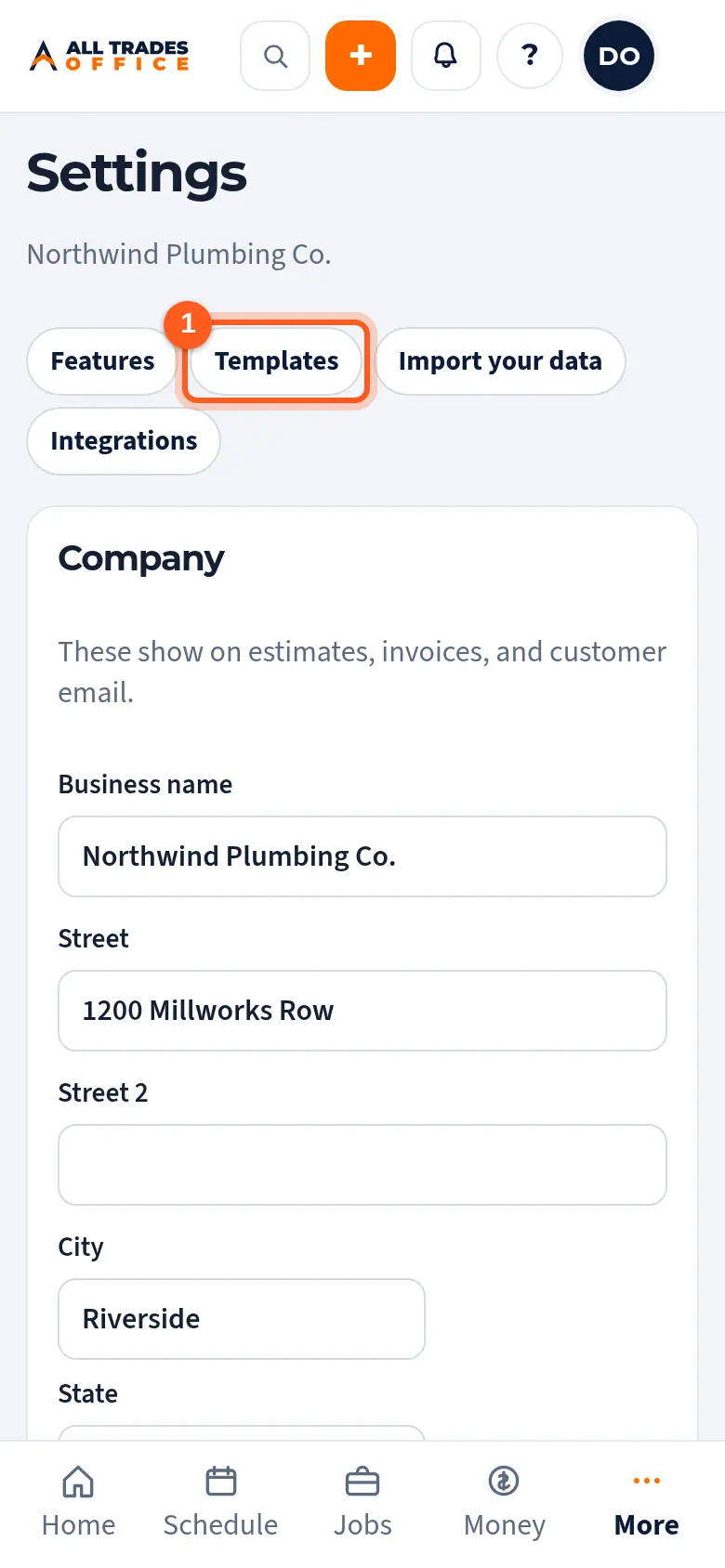
Open Settings and tap Templates at the top.
Each kind of document has its templates. Tap Preview to see one with sample data.
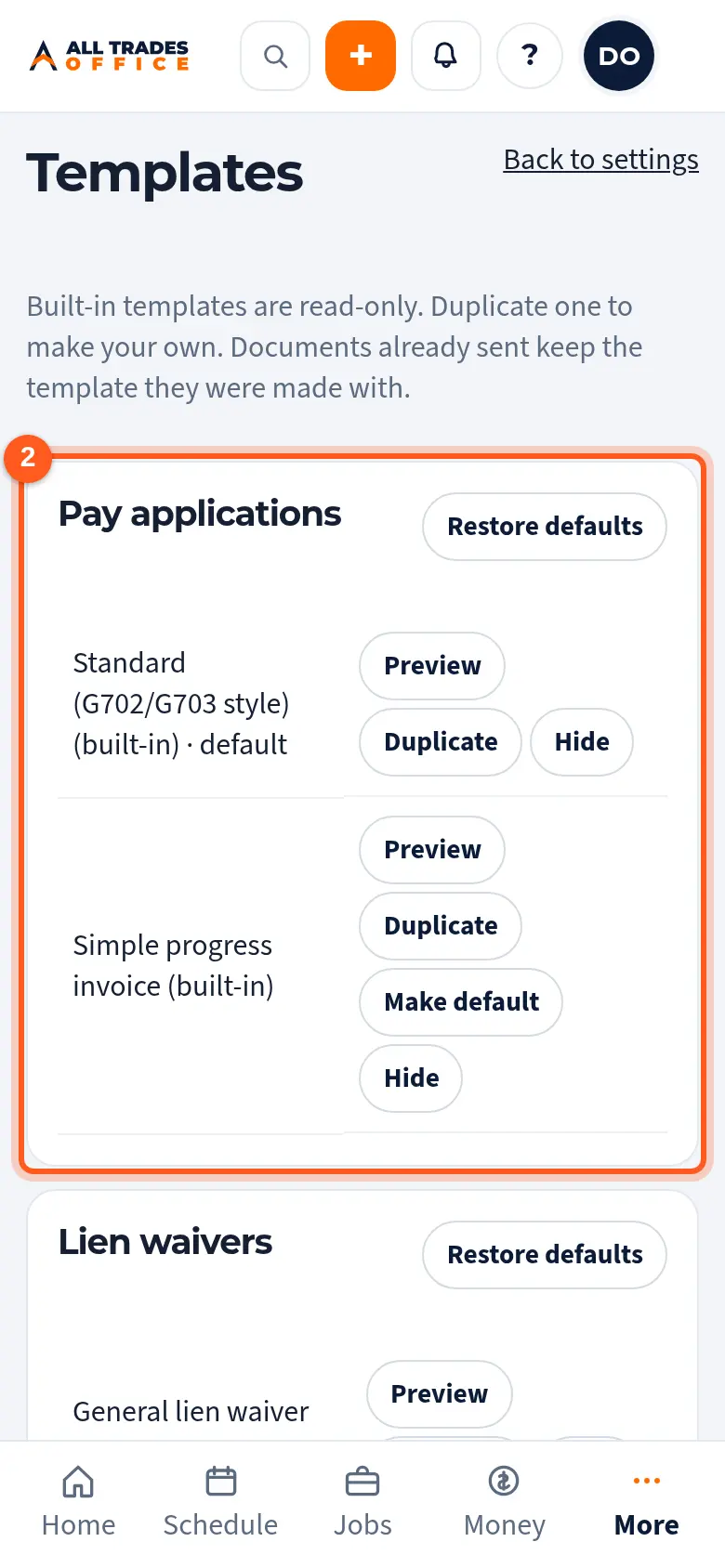
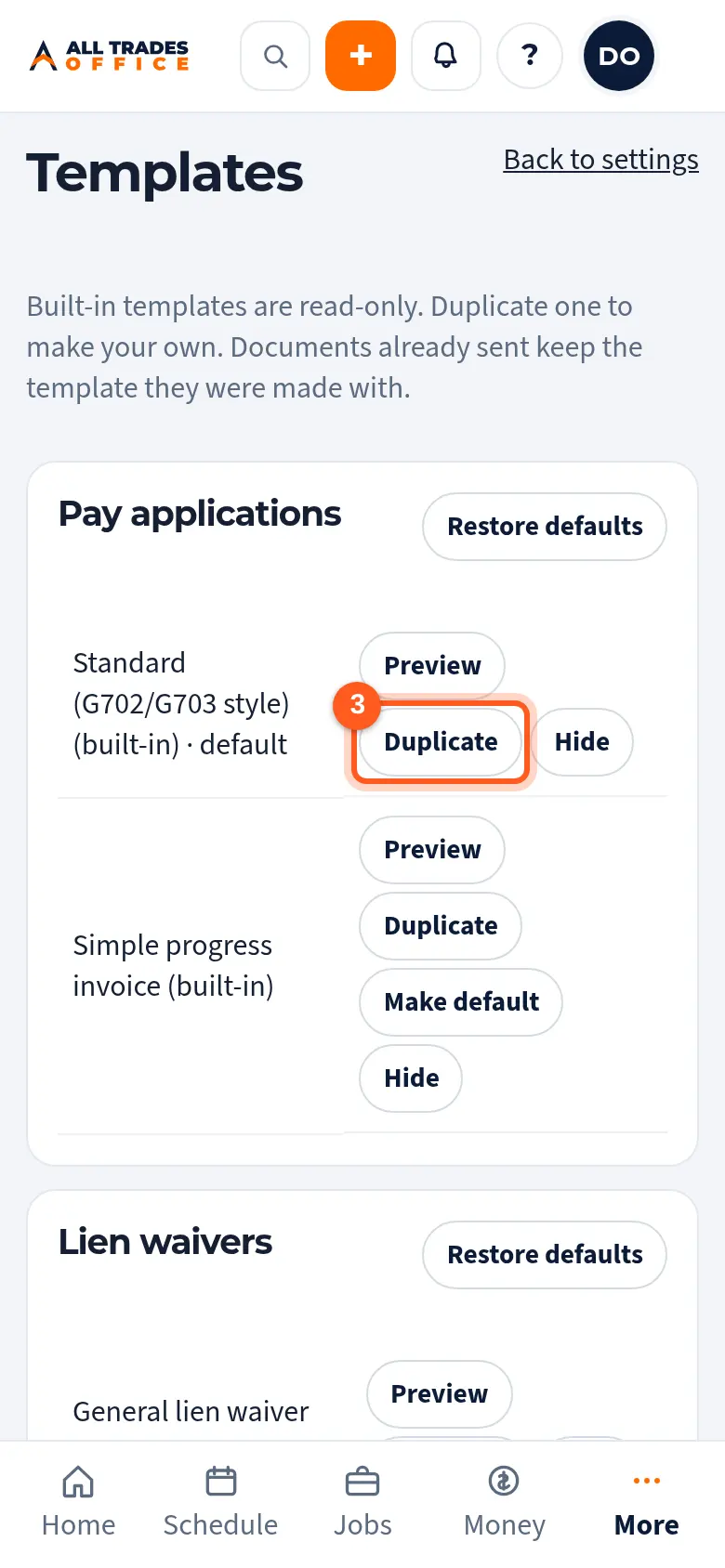
Tap Duplicate to make your own copy you can edit. Tap Make default to use a template for new documents, or Hide to keep it off the list.
Good to know
- Templates fill in your company details and logo from Settings → Company.
- Only people who can manage company settings can change templates.
Related
- Company info, logo, and colorsSet the business name, address, license number, logo, and colors that show on your estimates, invoices, and emails.
- Build a proposal from an estimate; revisionsTurn an estimate into a proposal for a GC, then make revisions as the numbers change.
- Lien waivers with pay appsCheck the lien waiver form your company uses for pay apps.