
Crews and the directory
Group people into crews and find anyone's phone or email.
Who can do this: Owner, Admin, Office, Service Tech, Field Worker.
Last updated
Tap Message next to someone to chat, or Edit phone to update your number.
Steps
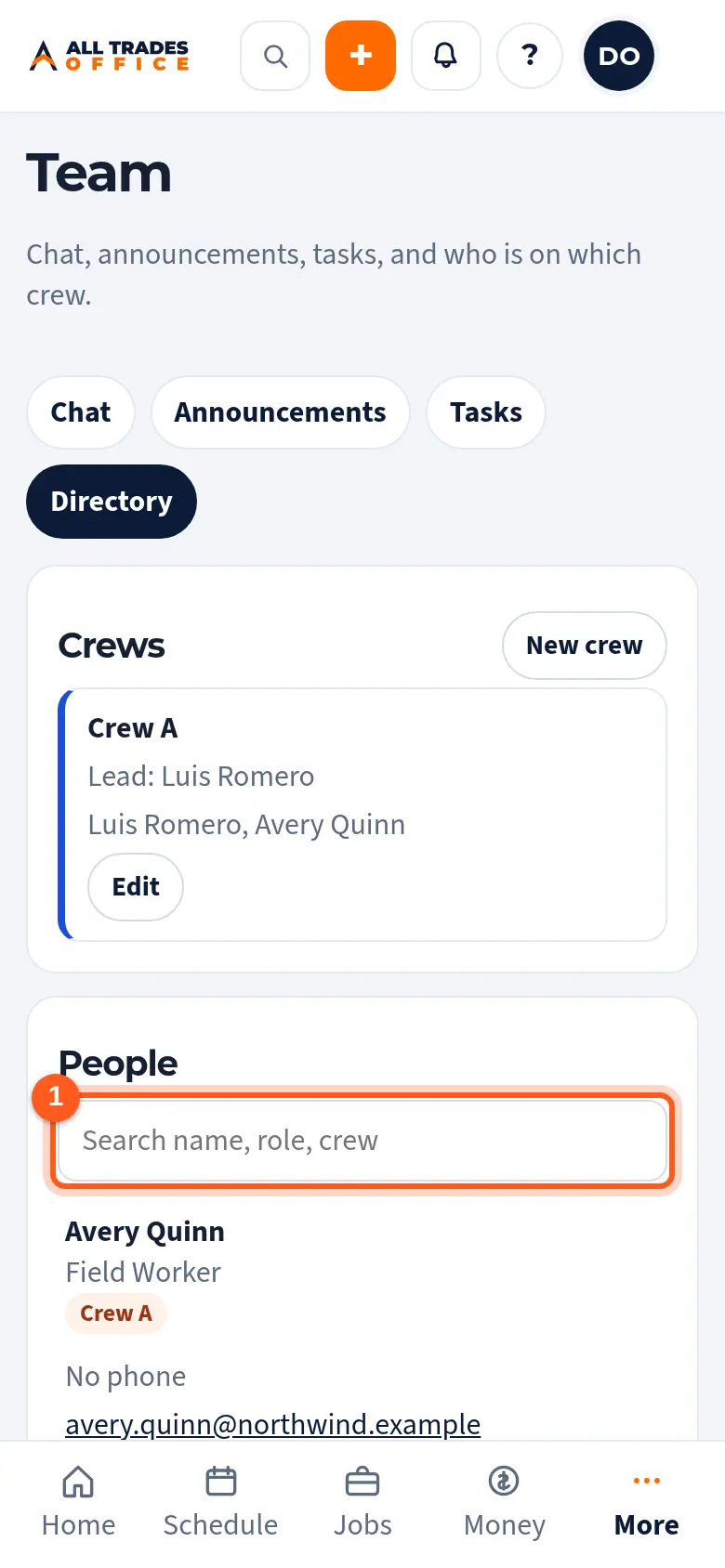
Open Team and tap Directory. Search by name, role, or crew.
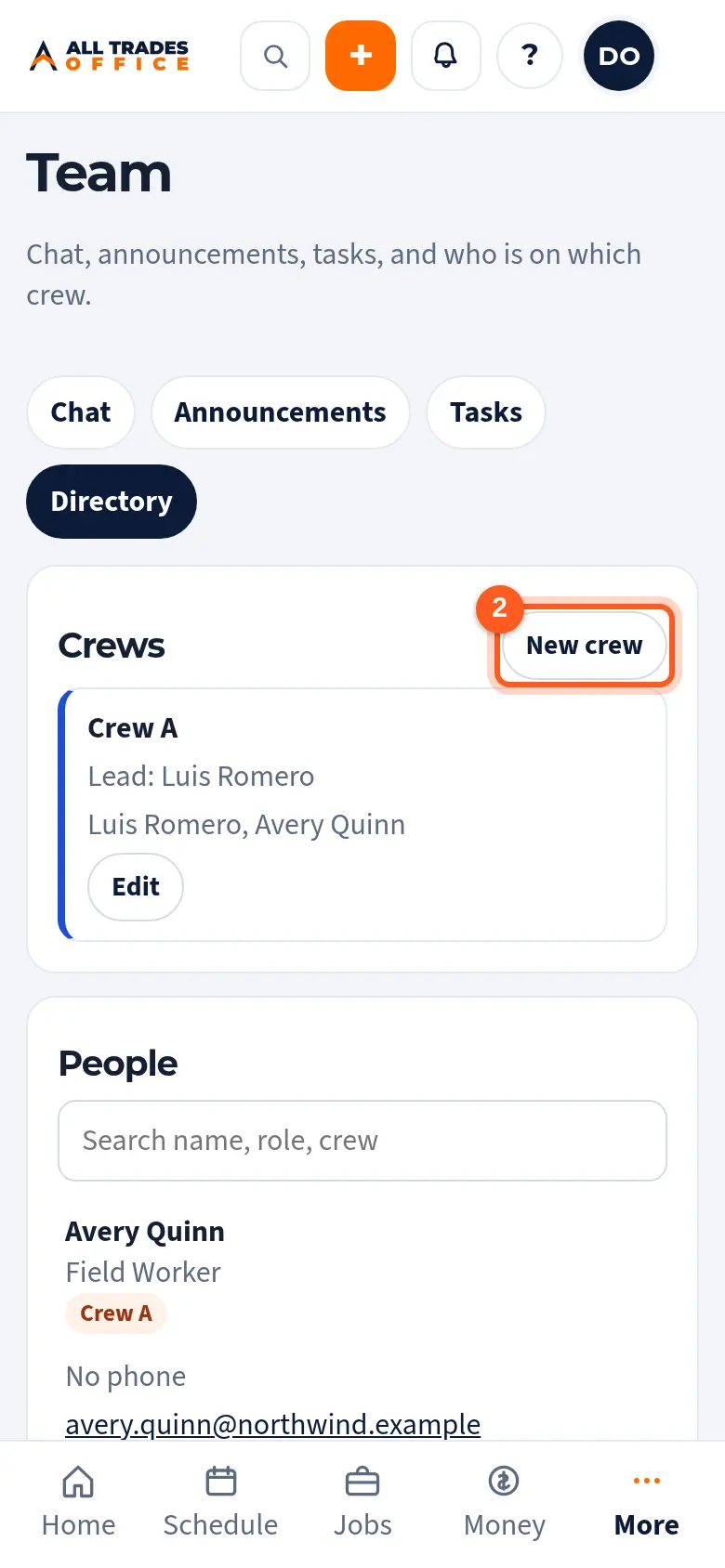
Tap New crew, name it, and pick who's on it. Each crew gets its own chat.
Related
- Team chat and @mentionsMessage your whole team, a crew, or one person, and @mention someone to get their attention.
- Invite people and choose their roleAdd someone to your company and pick what they can see and do.