
Customer email settings
Send estimates and invoices from your own Gmail or Outlook address.
Who can do this: Owner.
Last updated
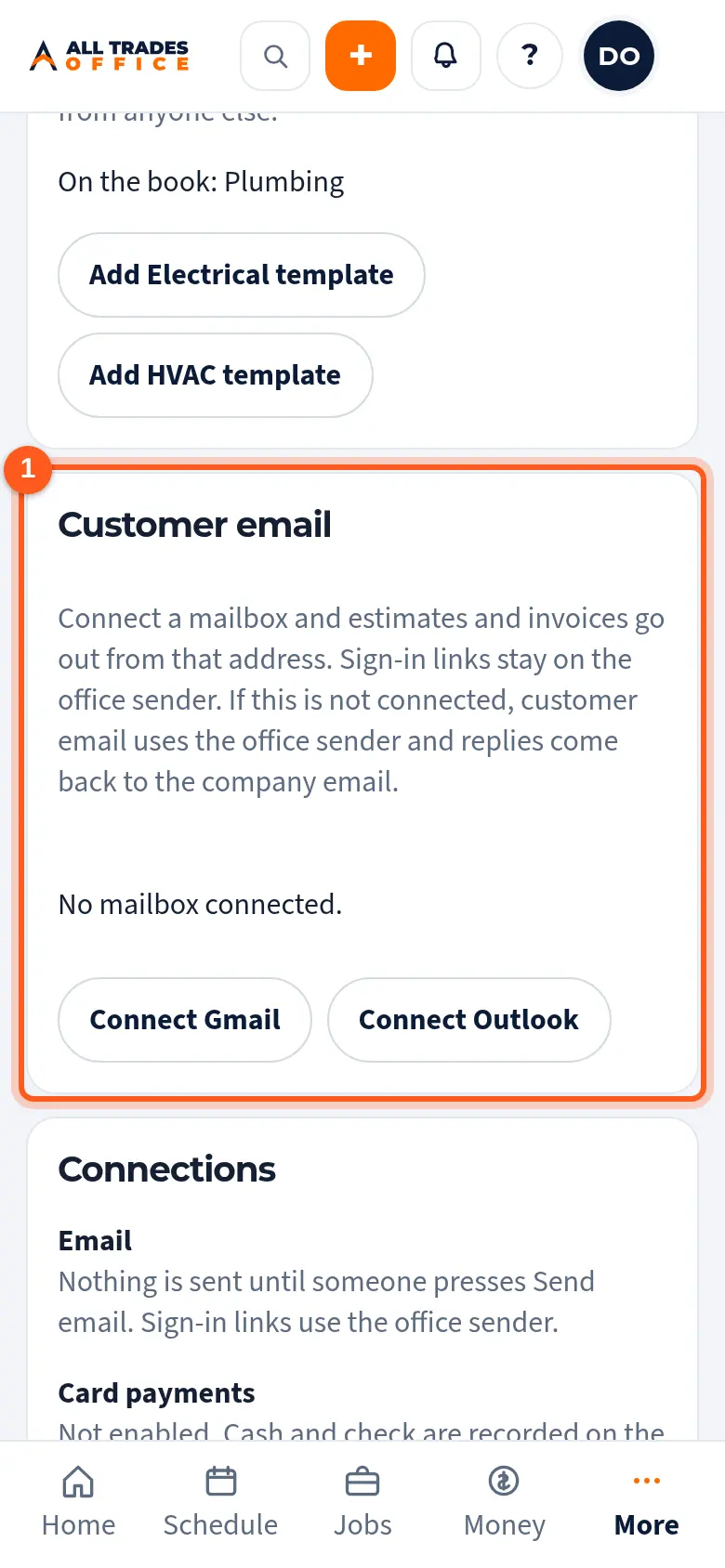
Once connected, estimates and invoices go out from that address, and replies come back to it. Sign-in links still come from the office sender.
Steps
Open Settings and scroll to Customer email.
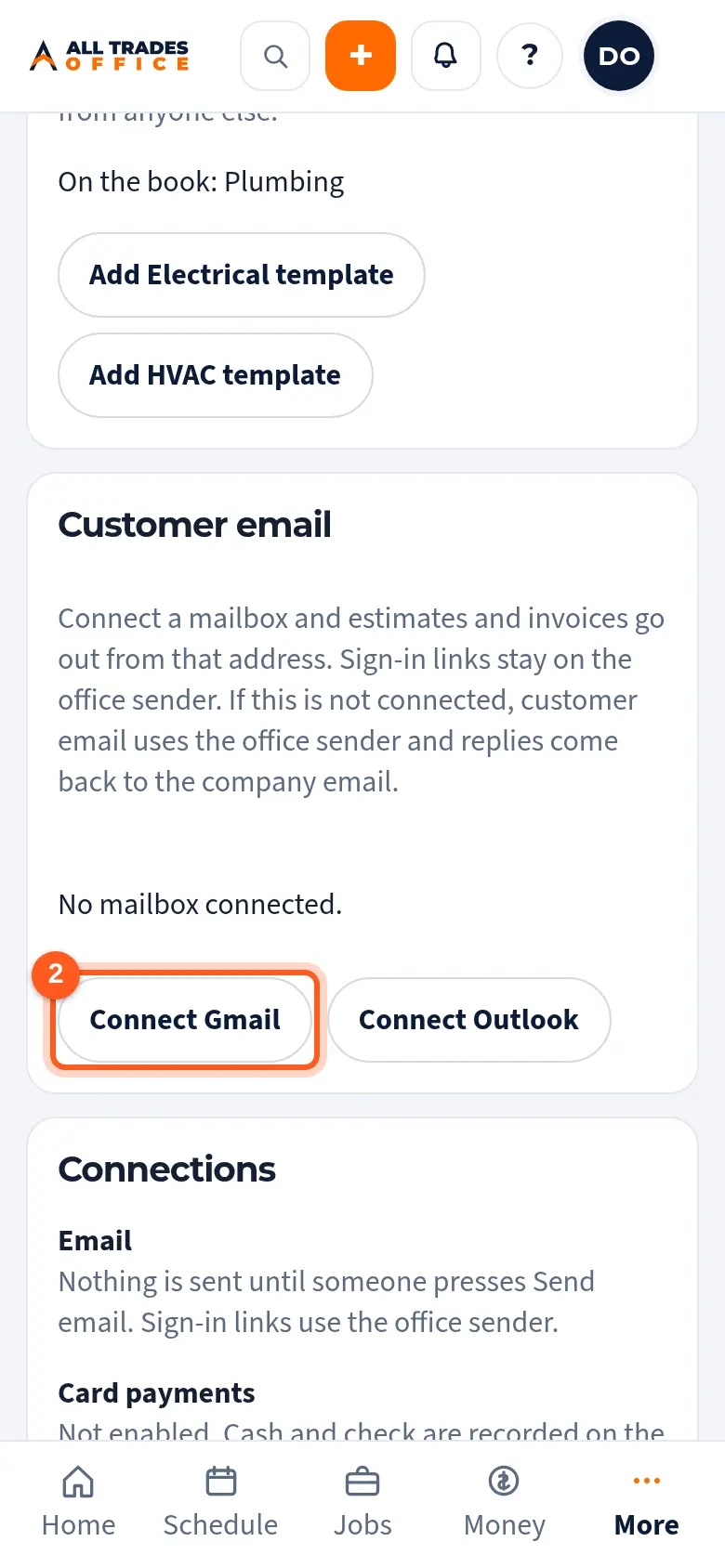
Tap Connect Gmail or Connect Outlook and sign in to the mailbox you want to send from.
Good to know
- Nothing goes to a customer until someone taps Send email.
- Tap Disconnect to go back to the office sender.
Related
- Send an estimate and record the customer's choiceEmail the estimate, let the customer approve an option from the link, or mark it declined.
- Company info, logo, and colorsSet the business name, address, license number, logo, and colors that show on your estimates, invoices, and emails.