
Enter a vendor bill and match it to a PO
Enter the supplier's invoice against the PO and catch price or quantity differences.
Who can do this: Owner, Admin, Office with “See costs, margins and job costing” turned on for their role. Needs: Purchasing / POs turned on in Settings → Features.
Last updated
Bills count as actual cost on the project or job.
Steps
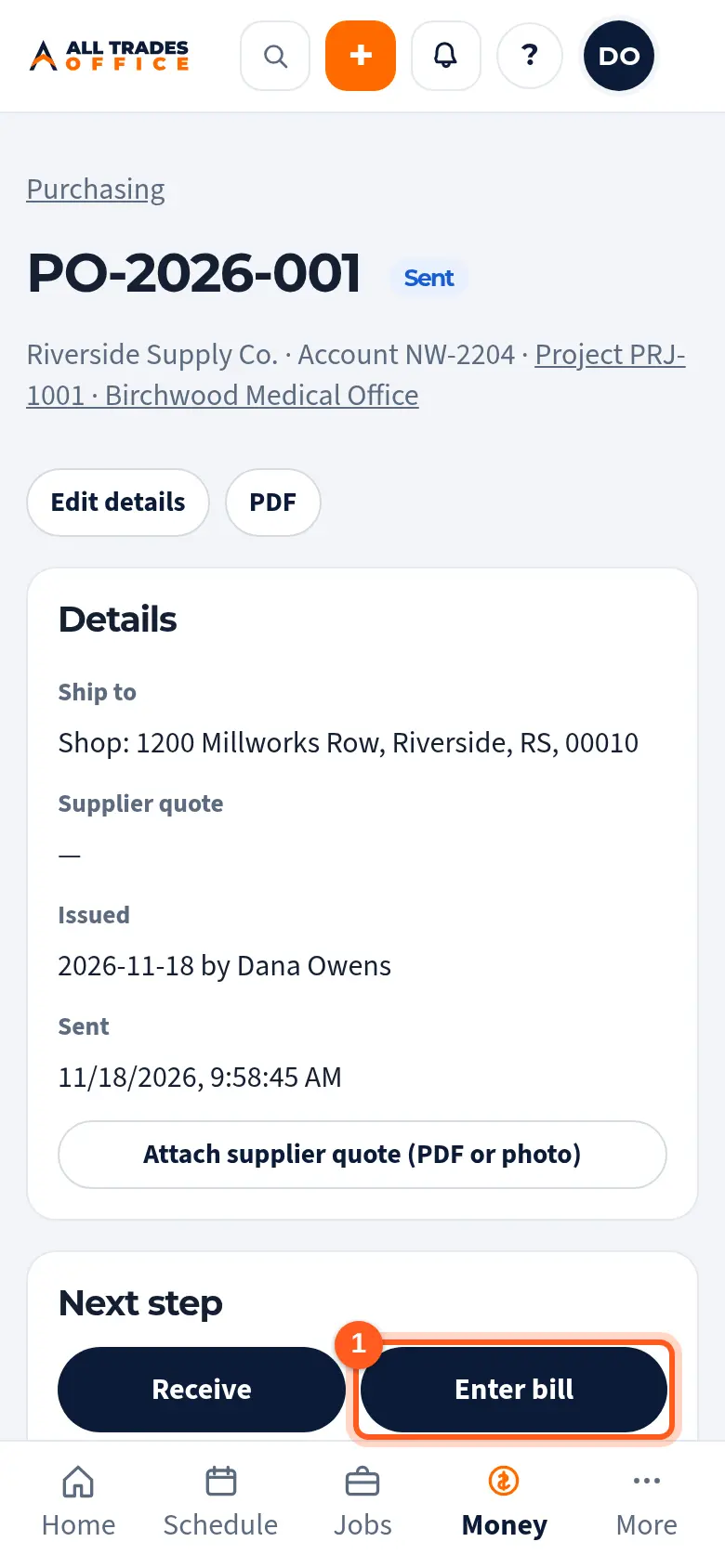
Open the PO and tap Enter bill.
Type the Supplier invoice # and bill date.
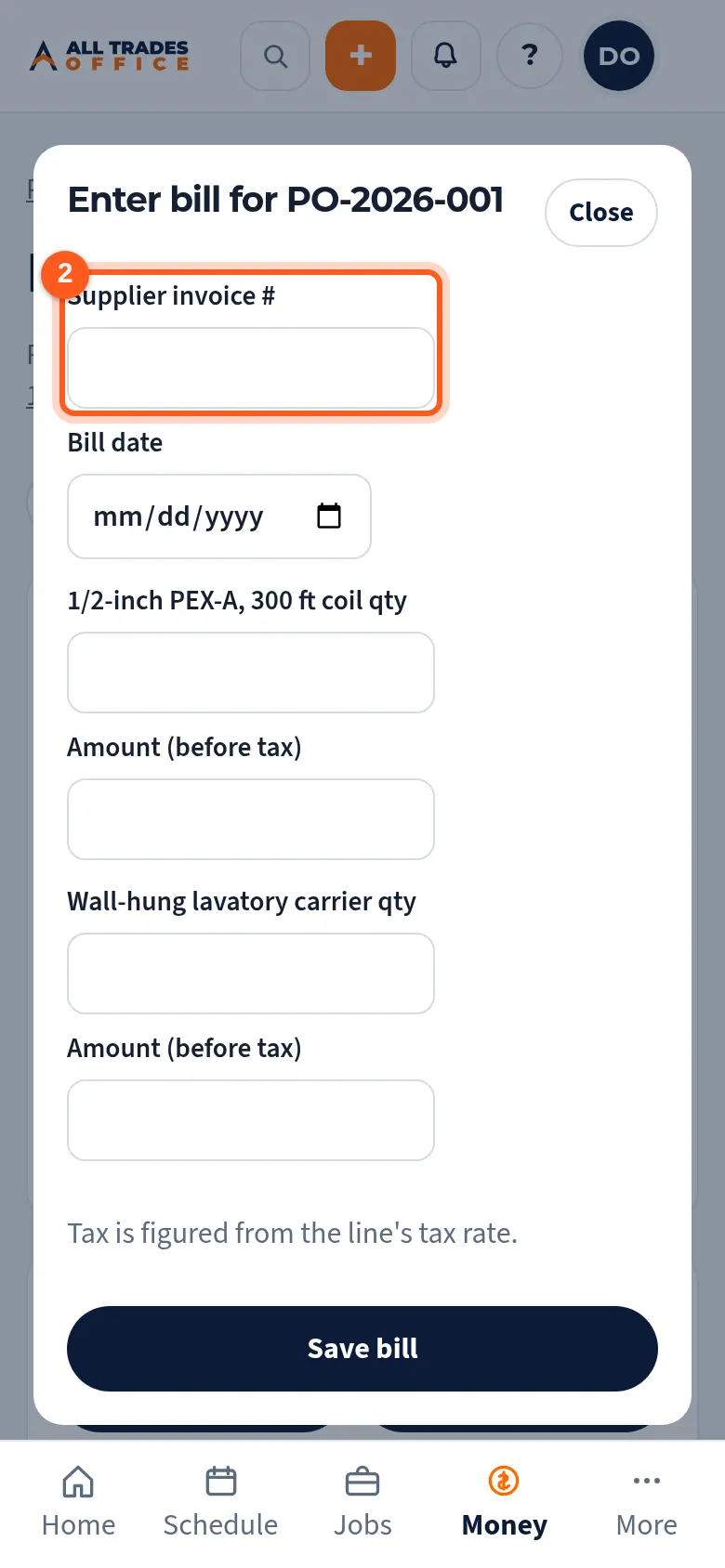
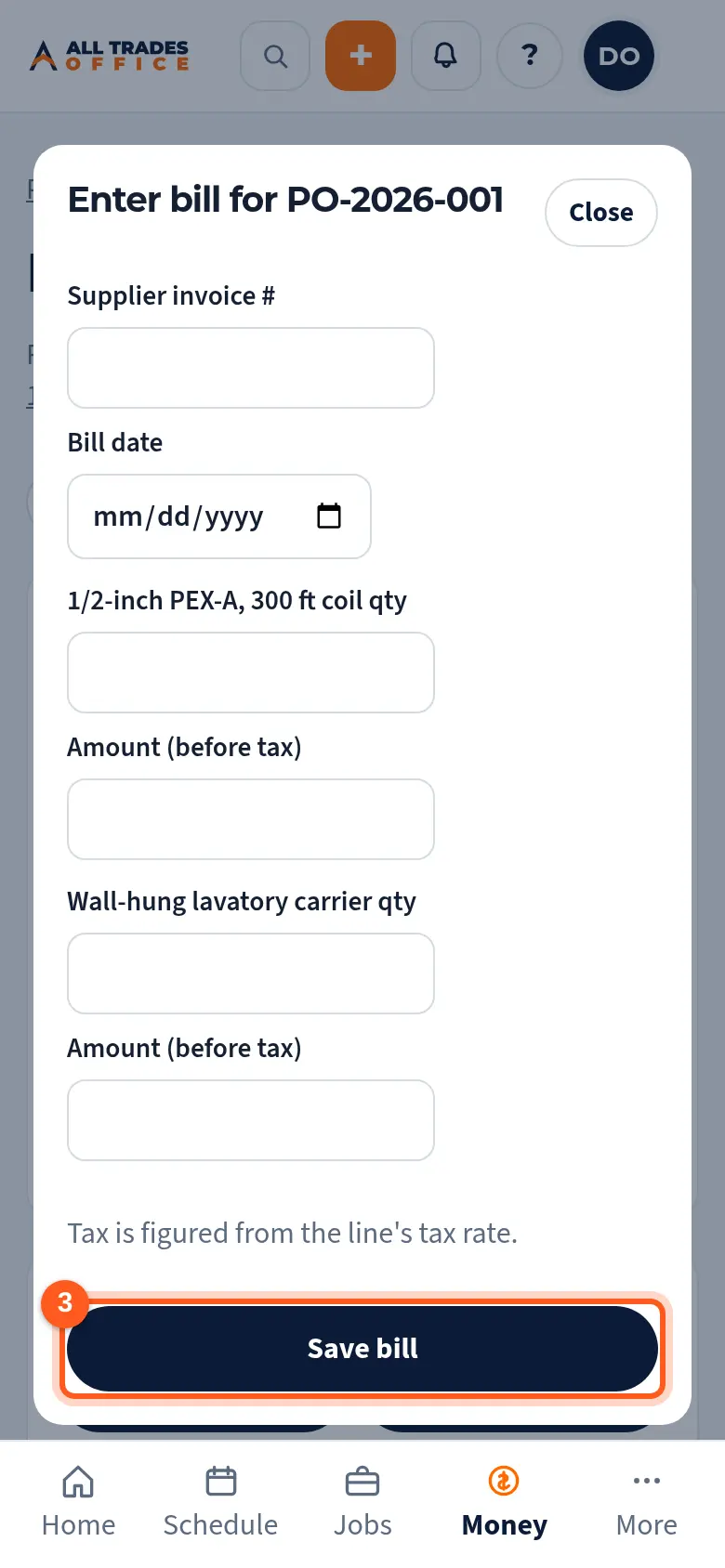
Check the quantity and amount on each line. Received items are filled in for you. Tap Save bill.
Good to know
- If the bill doesn't match the PO, you'll see what's different. Save again to accept it.
- Tax is figured from each line's tax rate.
Related
- Receive materials against a POCheck in what showed up so you know what's still coming.
- Job costing: budget, committed, and actualSee where a project's money and hours are going, by phase and cost code.