
Job costing: budget, committed, and actual
See where a project's money and hours are going, by phase and cost code.
Who can do this: Owner, Admin, Office with “See costs, margins and job costing” turned on for their role. Needs: Projects turned on in Settings → Features.
Last updated
Budget is what you planned. Committed is what you've ordered on purchase orders. Actual is what you've spent: bills, added costs, and labor from the time clock.
Steps
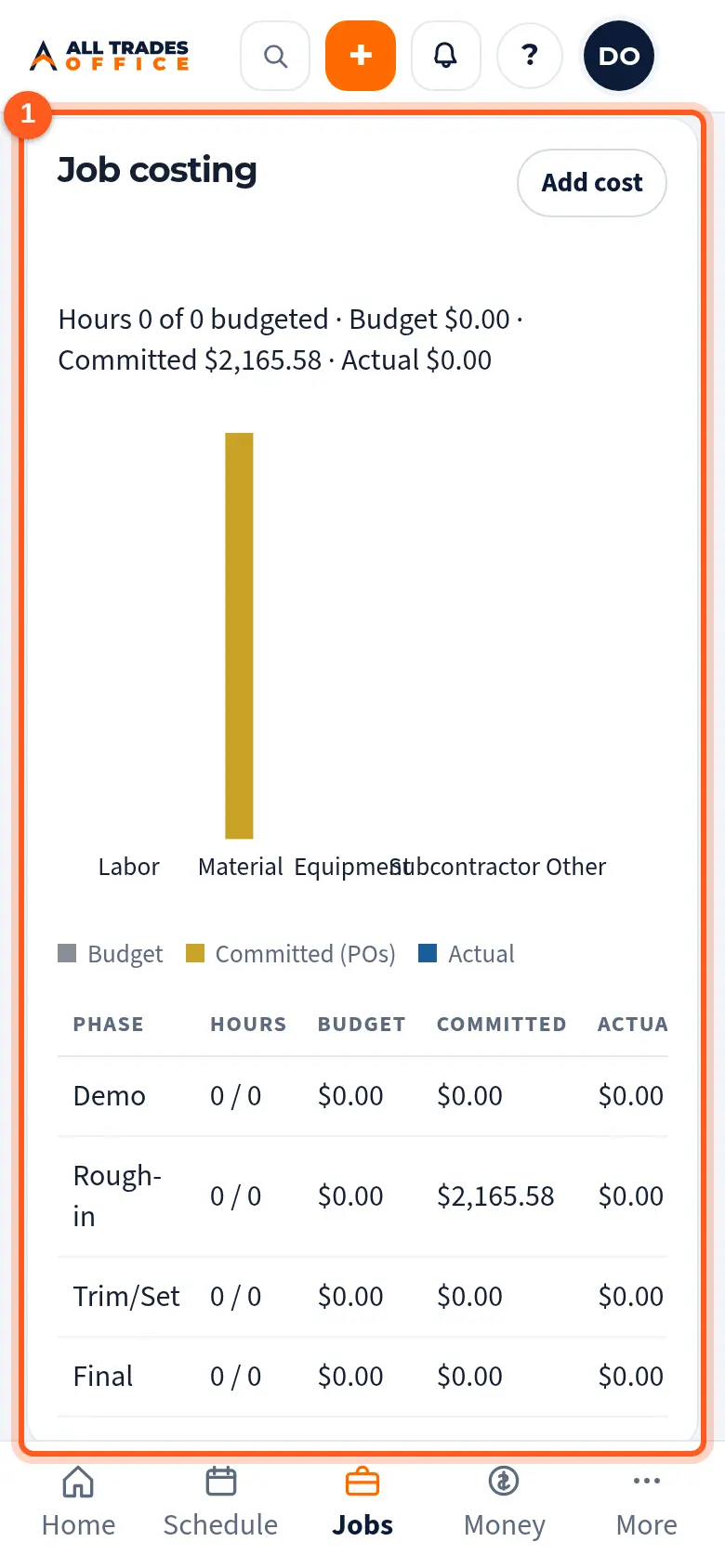
Open the project and scroll to Job costing. The top line shows hours used and budget, committed, and actual dollars.
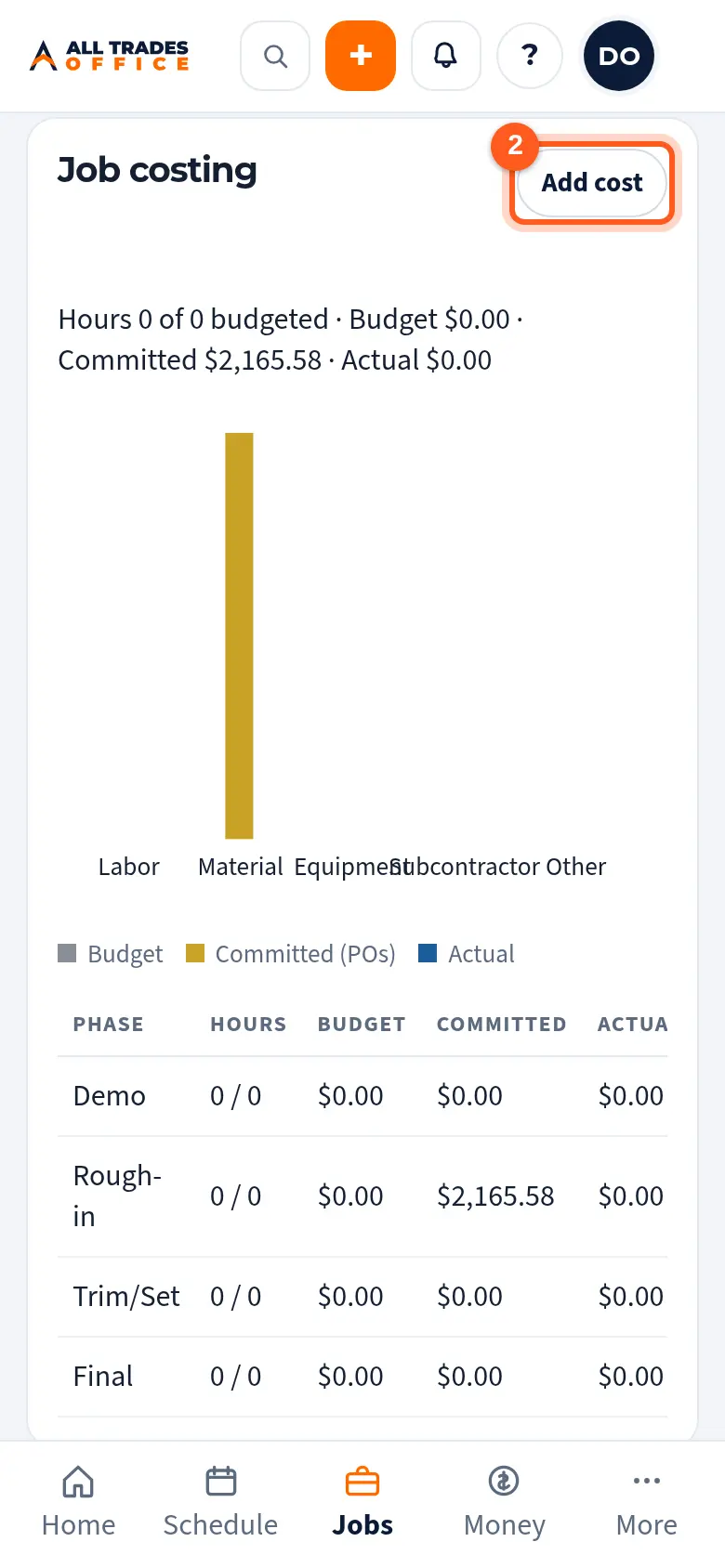
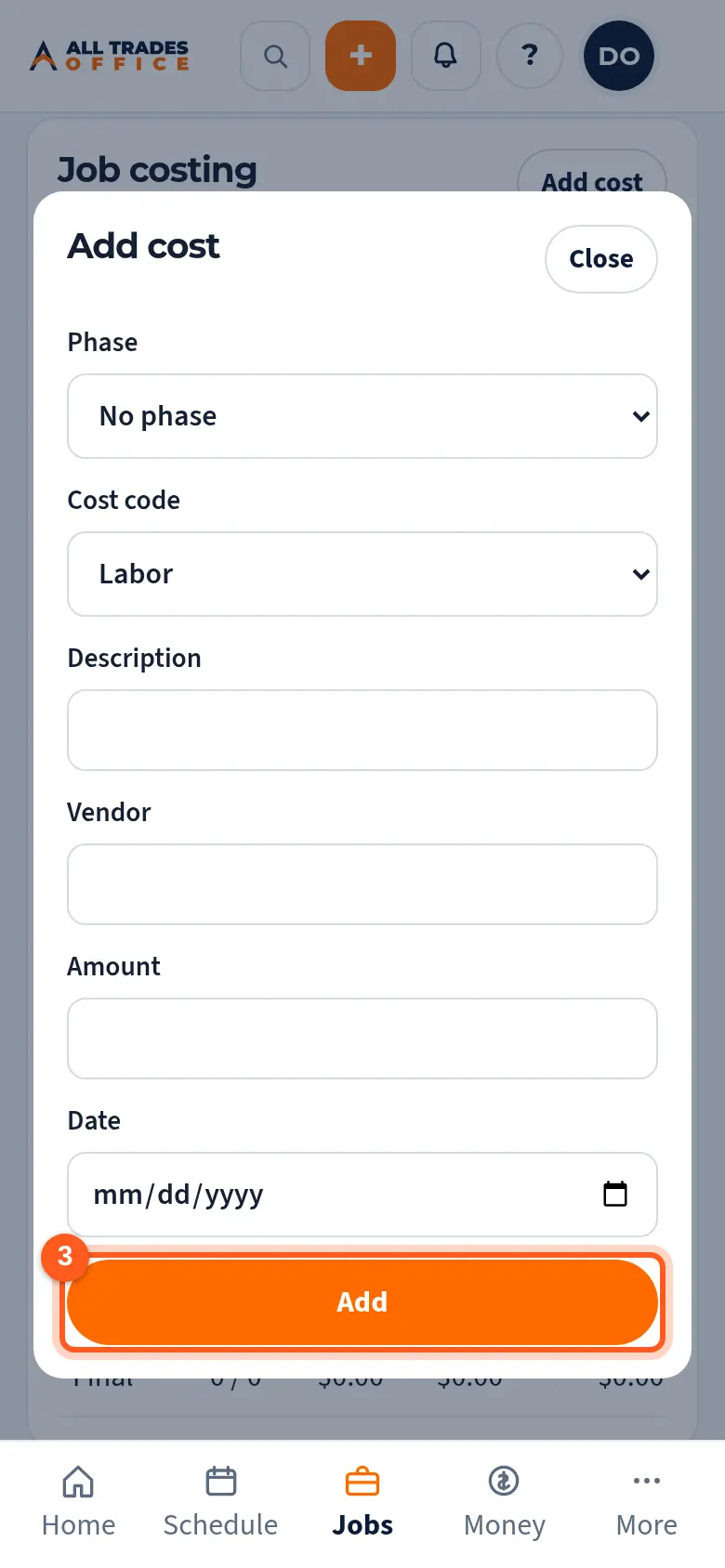
To add a cost that isn't on a PO or a bill, tap Add cost, pick the phase and cost code, and enter the amount.
Tap Add to save it. It counts as actual cost right away.
Good to know
- Hours over budget on a phase show in red.
- If your role can't see labor cost, the labor dollars are hidden and you see hours only.
- Only roles with See costs, margins and job costing turned on can see this section.
Related
- Create a purchase order and send it to a vendorStart a PO from a project, job, or the shop, add the items, and send it to the supplier.
- Enter a vendor bill and match it to a POEnter the supplier's invoice against the PO and catch price or quantity differences.
- I can't see costs or moneyCosts, contract values, and labor rates show only to roles that are allowed to see them.