
Set up your price book from a trade starter
Add starter folders for your trade, then fill in your own items and prices.
Who can do this: Owner. Needs: Price book turned on in Settings → Features.
Last updated
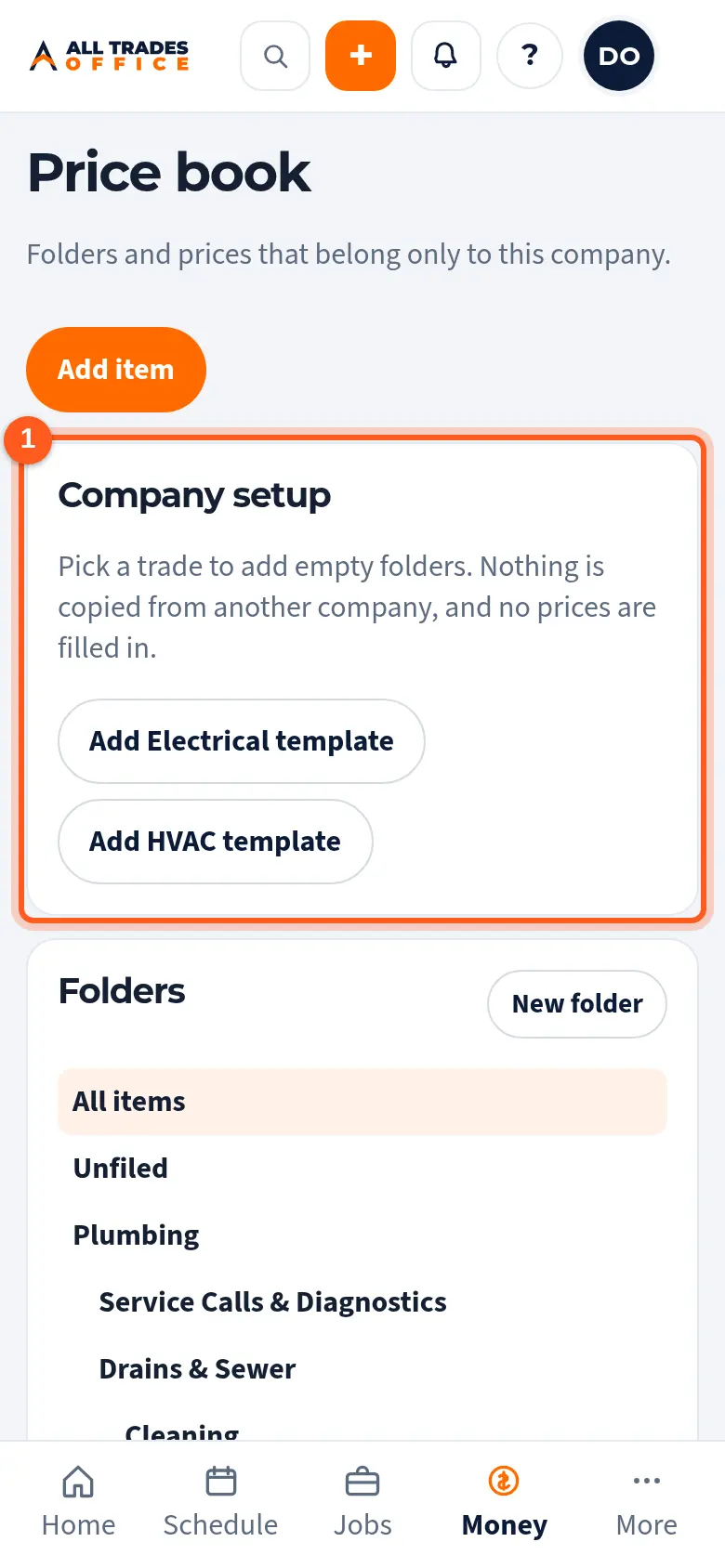
A trade starter only adds empty folders for your company. Nothing is copied from anyone else, and no prices are filled in. Your prices are yours.
Steps
Open Price book. Under Company setup, tap Add and your trade's template, like Add Plumbing template.
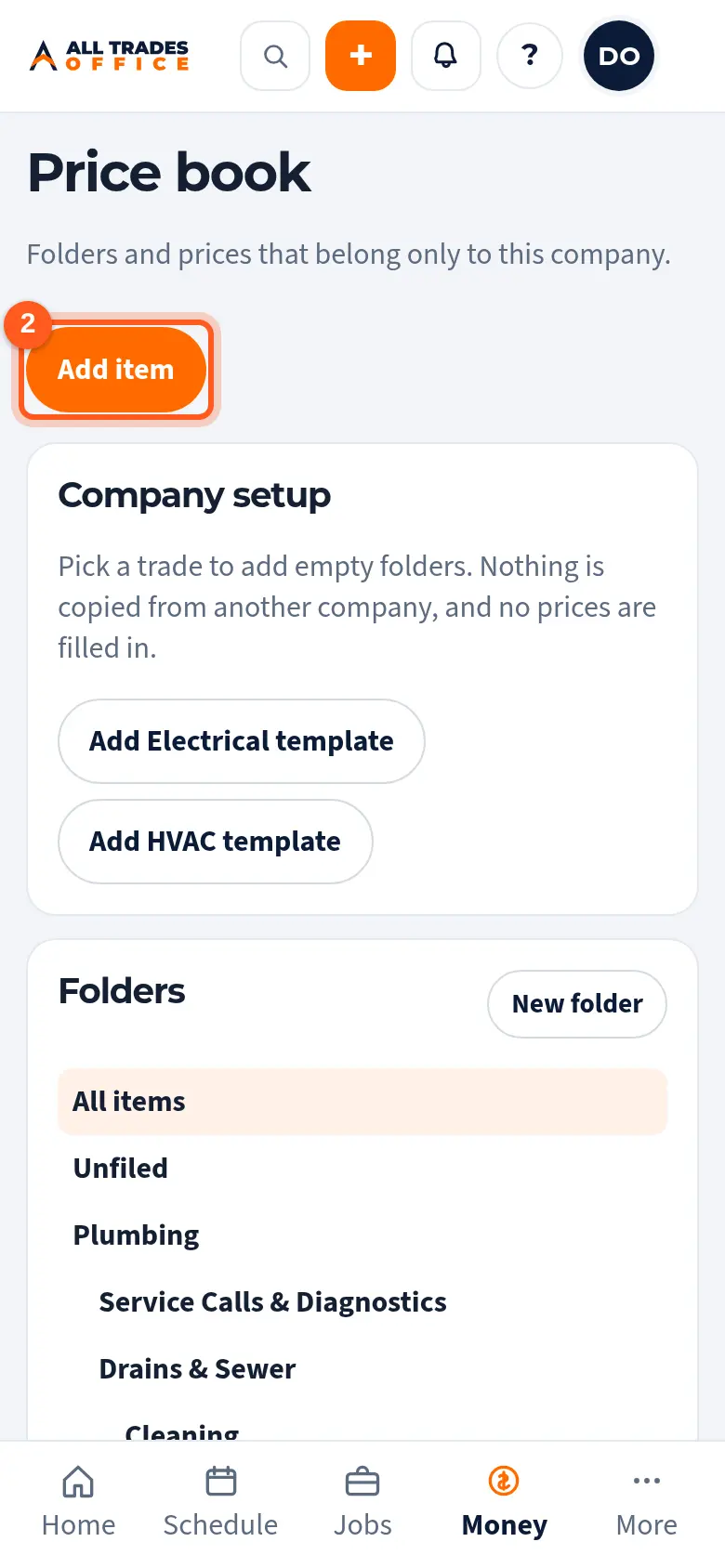
The folders show on the left. They start empty. Tap Add item to add your first one.
Good to know
- You can add more trades later under Settings → Price book trades.
- Only an owner can add a trade starter.
Related
- Folders, items, costs, and sell pricesOrganize the price book into folders, and set each item's sell price and cost.
- Bring in a price book from a spreadsheetBring the prices you keep in a spreadsheet, or in another app, into your price book.