
Build a good/better/best estimate from the price book
Give the customer options side by side, built from your price book items.
Who can do this: Owner, Admin, Office with “Create and edit estimates” turned on for their role. Needs: Estimates turned on in Settings → Features.
Last updated
Options let your customer choose. Each option has its own lines and total.
Steps
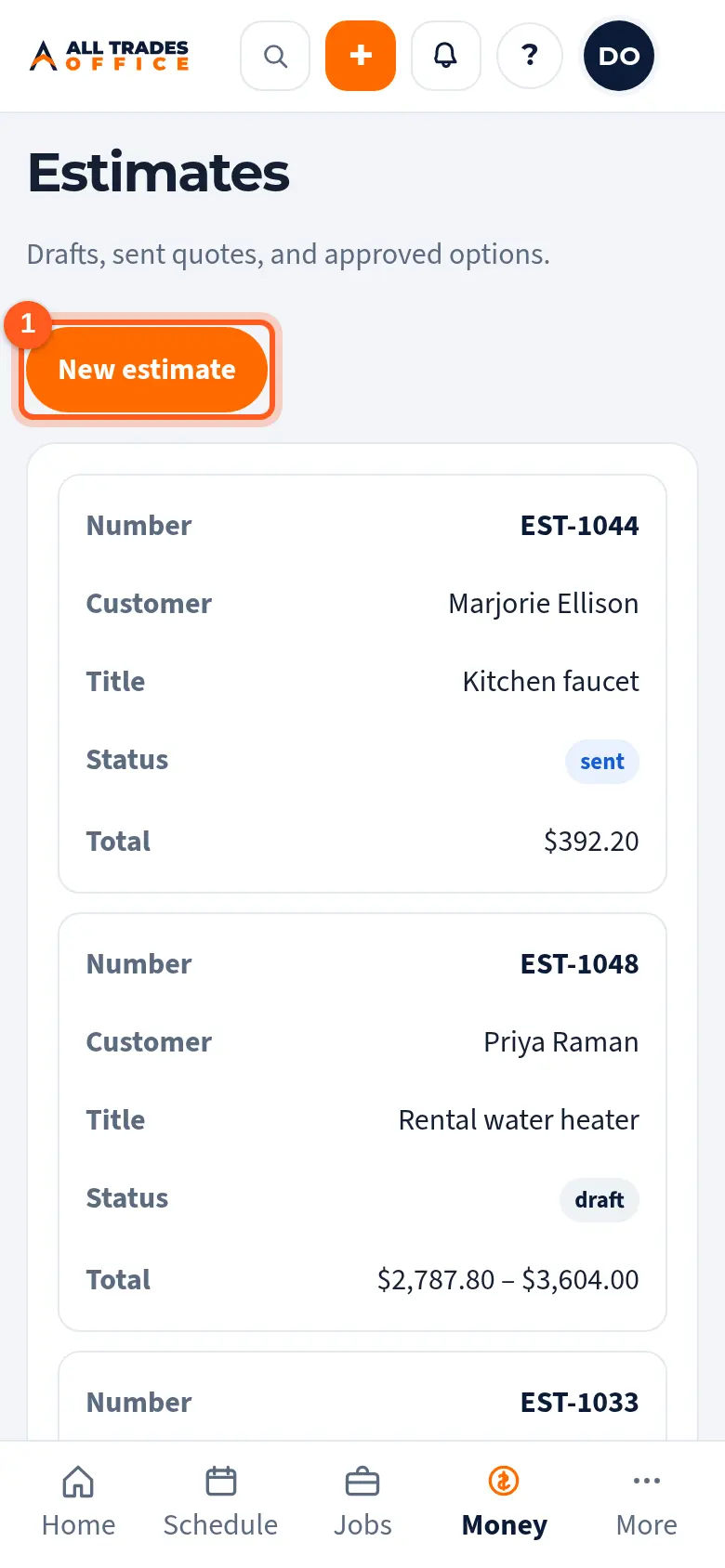
Open Estimates and tap New estimate.
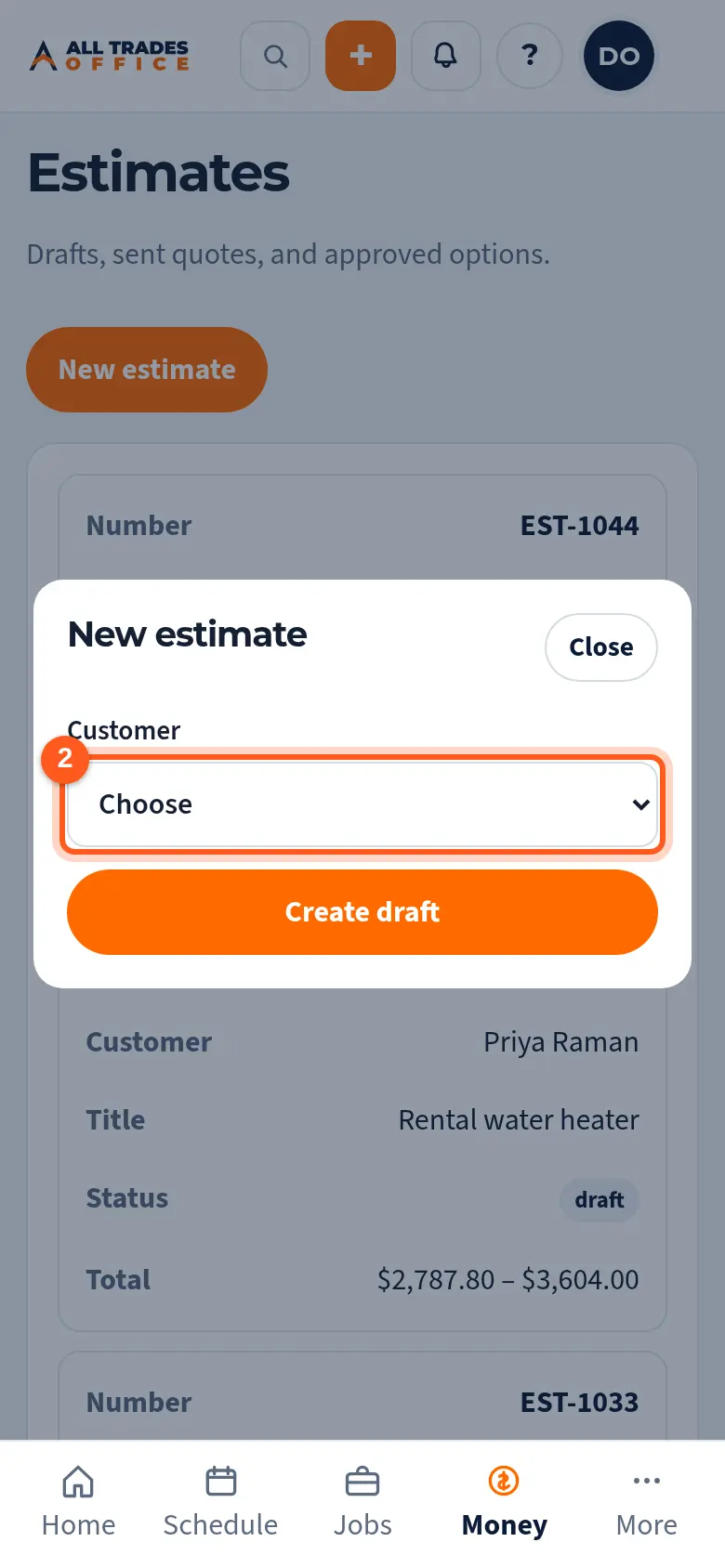
Pick the customer and tap Create draft.
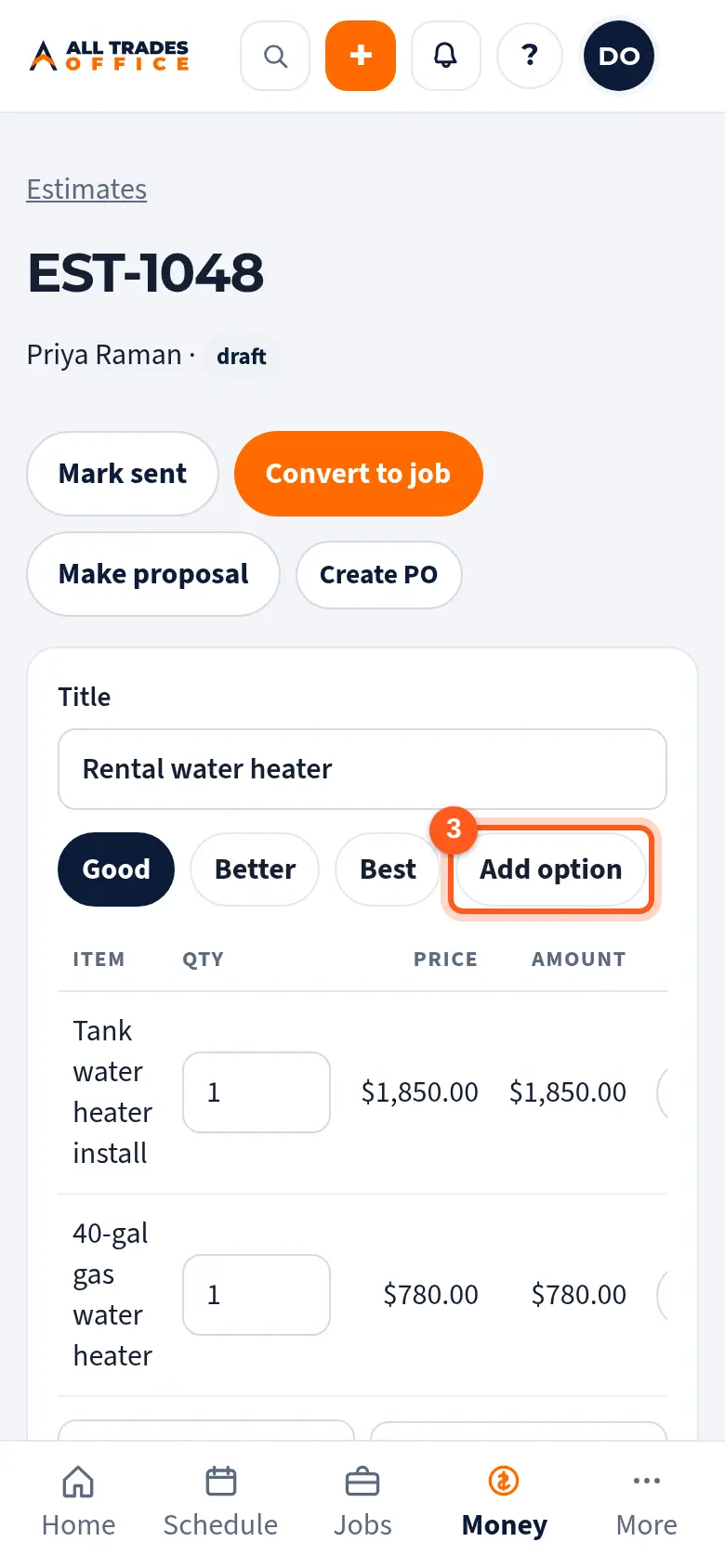
On the estimate, tap Add option for each choice you want to offer, like Good, Better, and Best.
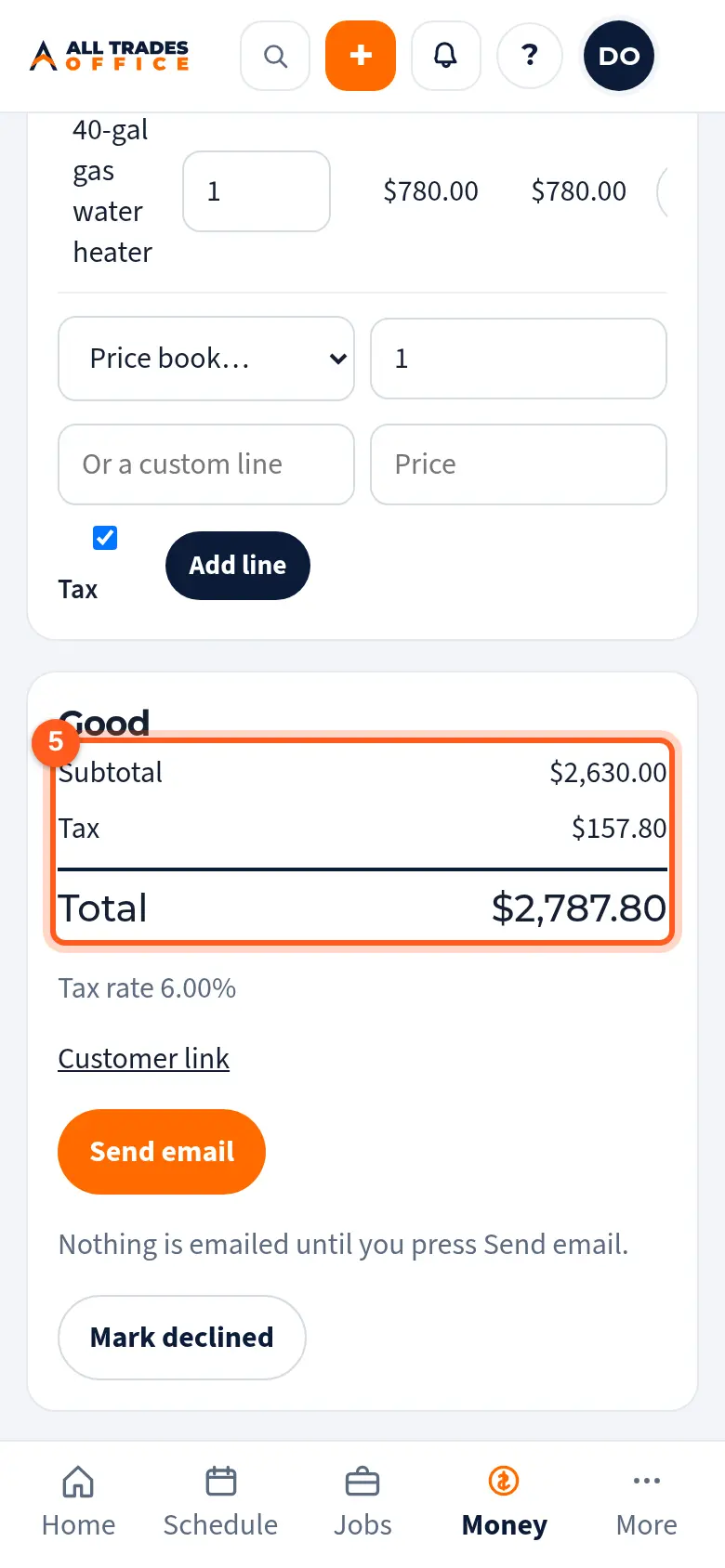
With an option selected, pick an item from the Price book list, set the quantity, and tap Add line. Or type a custom line and price.
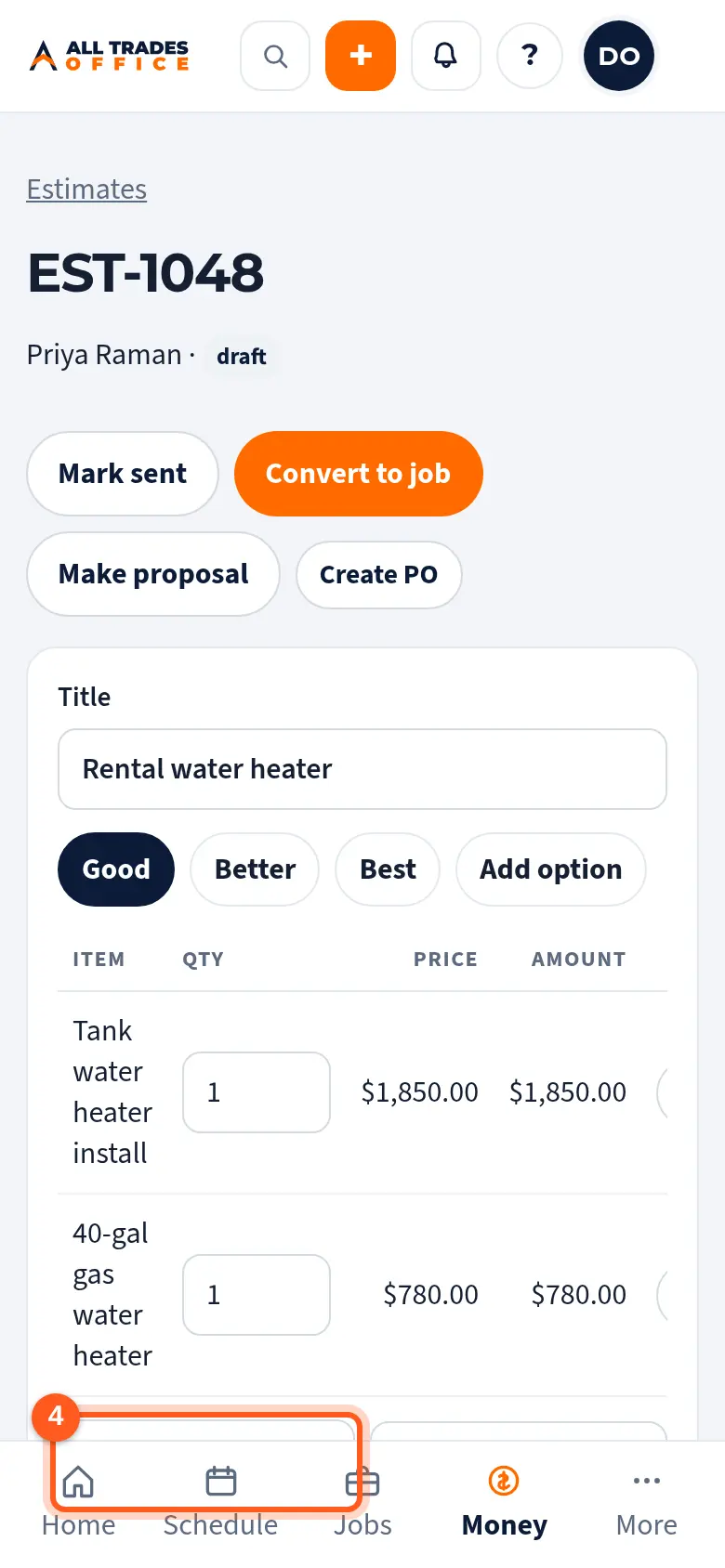
The totals for the selected option, with tax, show beside the lines.
Good to know
- Prices come from your price book, so they stay consistent. You can still type a custom line.
- Untick Tax on a line that isn't taxable.
- Once the customer approves or declines, the estimate locks. Tap Reopen to change it.
Related
- Send an estimate and record the customer's choiceEmail the estimate, let the customer approve an option from the link, or mark it declined.
- Turn an approved estimate into a job or projectConvert the estimate so the lines carry over and nothing gets typed twice.
- Folders, items, costs, and sell pricesOrganize the price book into folders, and set each item's sell price and cost.