
Install the app on Android
Put All Trades Office on your Android phone's home screen so it opens like any other app.
Who can do this: Owner, Admin, Office, Service Tech, Field Worker.
Last updated
The Android app is the same All Trades Office you use in a browser. It opens full screen and can send phone notifications.
Steps
Open the install link your company sent you on your Android phone and tap the All Trades Office file to install it.
This step happens on your phone, outside All Trades Office.
If your phone says installs from this source are blocked, tap Settings, turn on Allow from this source, then go back and tap Install.
This step happens on your phone, outside All Trades Office.
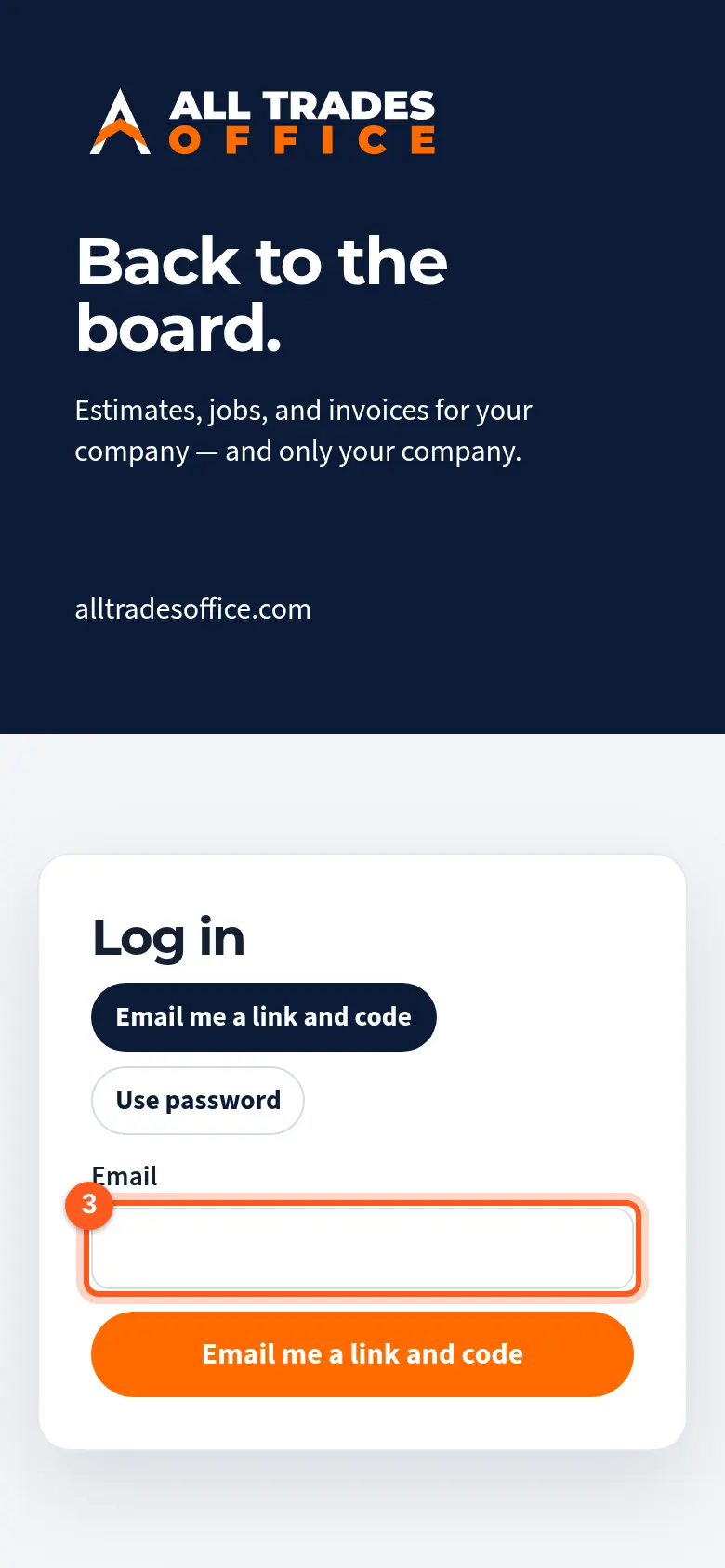
Open All Trades Office from your home screen and sign in with your work email.
Good to know
- Until the app is in the Play Store, it's installed from a file your company shares. Only install it from a link your company sent you.
- Updates to screens arrive by themselves the next time you open the app.
- After installing, turn on phone notifications so you hear about new work.
Related
- The Android app won't installWhat to do when your phone blocks the install or says the app isn't installed.
- Turn on phone notificationsGet a buzz when you're put on a job, someone @mentions you, or there's a new announcement.
- Notifications on a Samsung phoneSamsung phones can hold alerts back to save battery. Here's how to let All Trades Office through.