
Notifications on a Samsung phone
Samsung phones can hold alerts back to save battery. Here's how to let All Trades Office through.
Who can do this: Owner, Admin, Office, Service Tech, Field Worker.
Last updated
Samsung's battery saver can put apps to sleep, which delays alerts until you open the app.
Menu names change between Samsung software versions. If you can't find one, search Settings for "battery" or "sleeping apps".
Steps
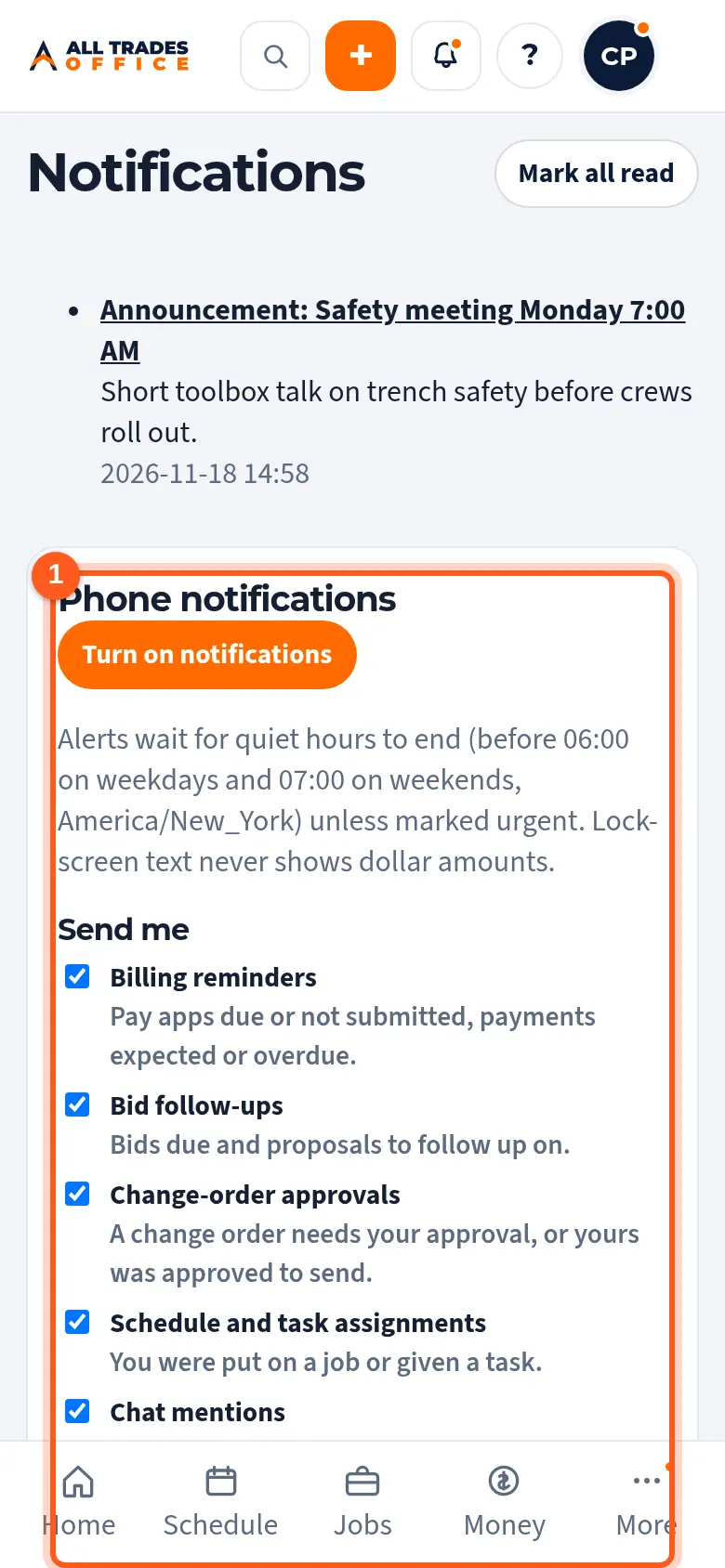
First make sure notifications are on in the app. Tap your initials, then Phone notifications, and check it says they're on.
On the phone, open Settings → Apps → All Trades Office → Notifications and turn on Allow notifications.
This step happens on your phone, outside All Trades Office.
In the same app screen, open Battery and choose Unrestricted.
This step happens on your phone, outside All Trades Office.
Open Settings → Battery → Background usage limits. Make sure All Trades Office isn't under Sleeping apps or Deep sleeping apps. If it is, remove it.
This step happens on your phone, outside All Trades Office.
Related
- Turn on phone notificationsGet a buzz when you're put on a job, someone @mentions you, or there's a new announcement.
- Install the app on AndroidPut All Trades Office on your Android phone's home screen so it opens like any other app.