
My customer didn't get the email
Check the address, check that it was sent, and have them look in spam.
Who can do this: Owner, Admin, Office.
Last updated
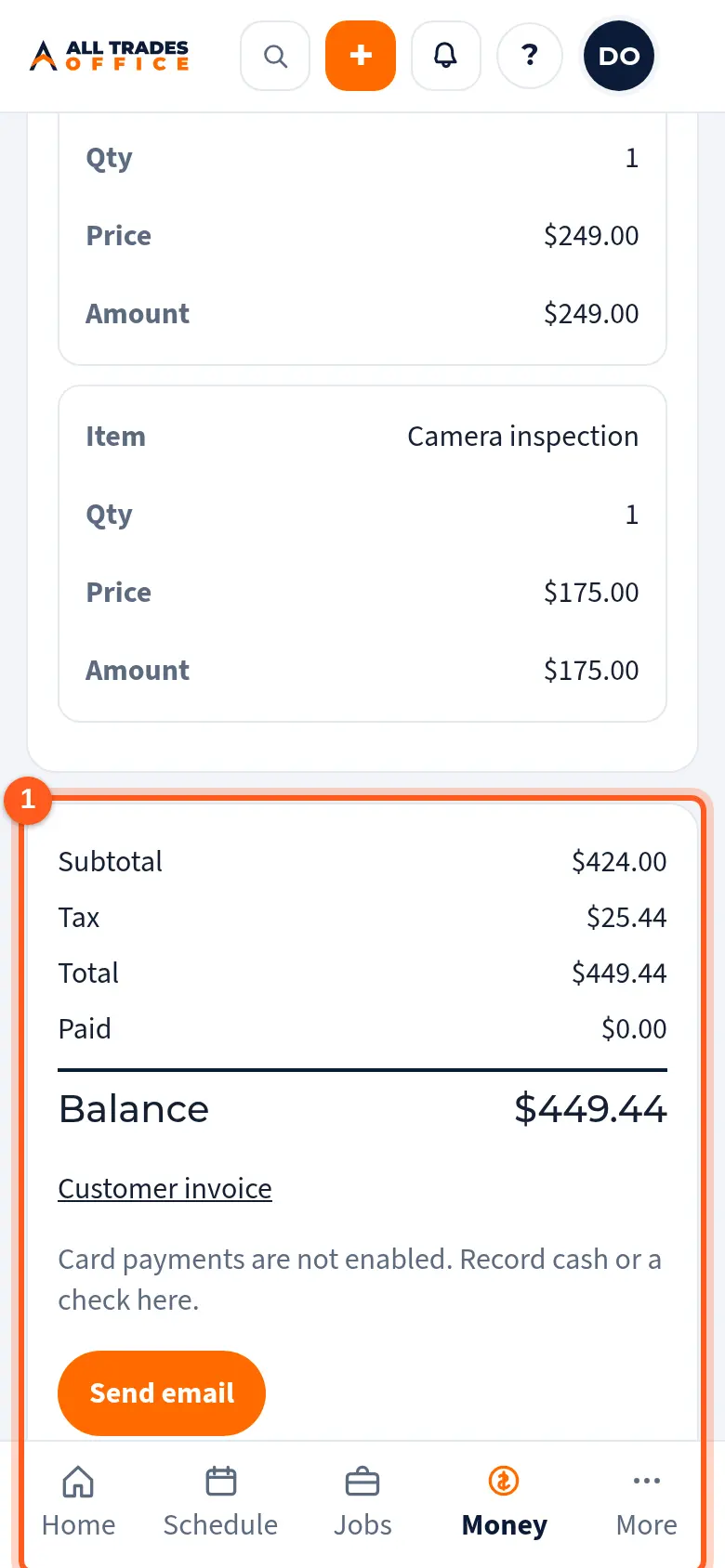
Ask the customer to check spam or junk. You can also copy the Customer link (or Customer invoice link) from the estimate or invoice and text it to them.
Steps
Open the estimate or invoice. The send history shows when it went out and to which address.
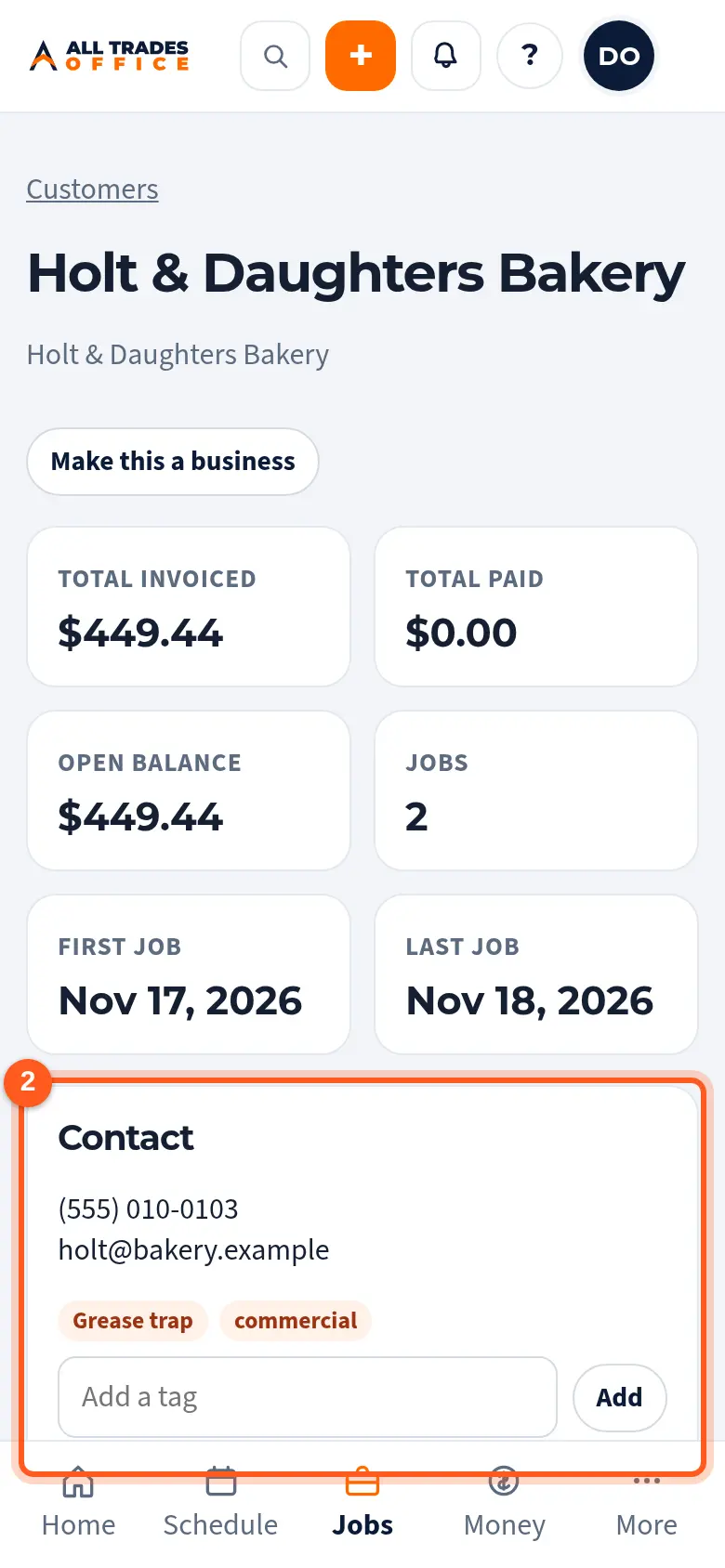
Check the customer's email on their page and fix it if needed. Then send it again.
Good to know
- Connecting your own Gmail or Outlook under Settings → Customer email sends from your address, which customers are more likely to recognize.
Related
- Send an estimate and record the customer's choiceEmail the estimate, let the customer approve an option from the link, or mark it declined.
- Customer email settingsSend estimates and invoices from your own Gmail or Outlook address.