
Notifications on iPhone
Not getting alerts on your iPhone? Check these three things.
Who can do this: Owner, Admin, Office, Service Tech, Field Worker.
Last updated
Phone notifications on iPhone need iOS 16.4 or newer, and only work from the Home Screen icon.
Steps
Open All Trades Office from its Home Screen icon, not from Safari. If you don't have the icon yet, add it first.
This step happens on your phone, outside All Trades Office.
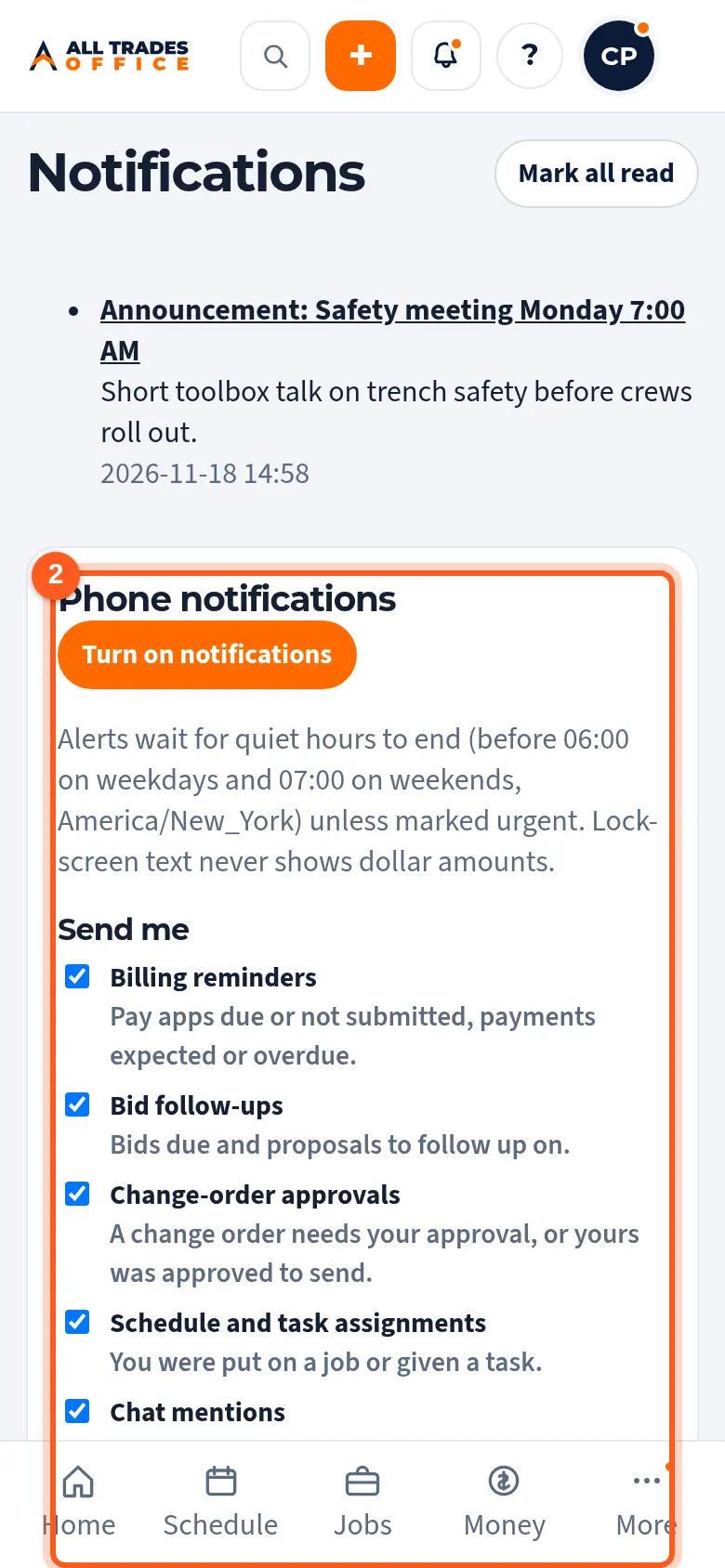
In the app, tap your initials, then Phone notifications, and tap Turn on notifications. Tap Allow when asked.
On the phone, open Settings → Notifications → All Trades Office and make sure Allow Notifications is on. Check that a Focus mode isn't silencing it.
This step happens on your phone, outside All Trades Office.
Related
- Add the app to your iPhone Home ScreenAdd All Trades Office to your Home Screen so it opens full screen and can send notifications.
- Turn on phone notificationsGet a buzz when you're put on a job, someone @mentions you, or there's a new announcement.