
Numbers and tax
Set your tax rate, how estimate, invoice, and job numbers look, and your time zone.
Who can do this: Owner, Admin with “Manage team and company settings” turned on for their role.
Last updated
New estimates, invoices, and jobs use these numbers. Ones you've already made keep theirs.
Steps
Open Settings and find Numbers & tax.
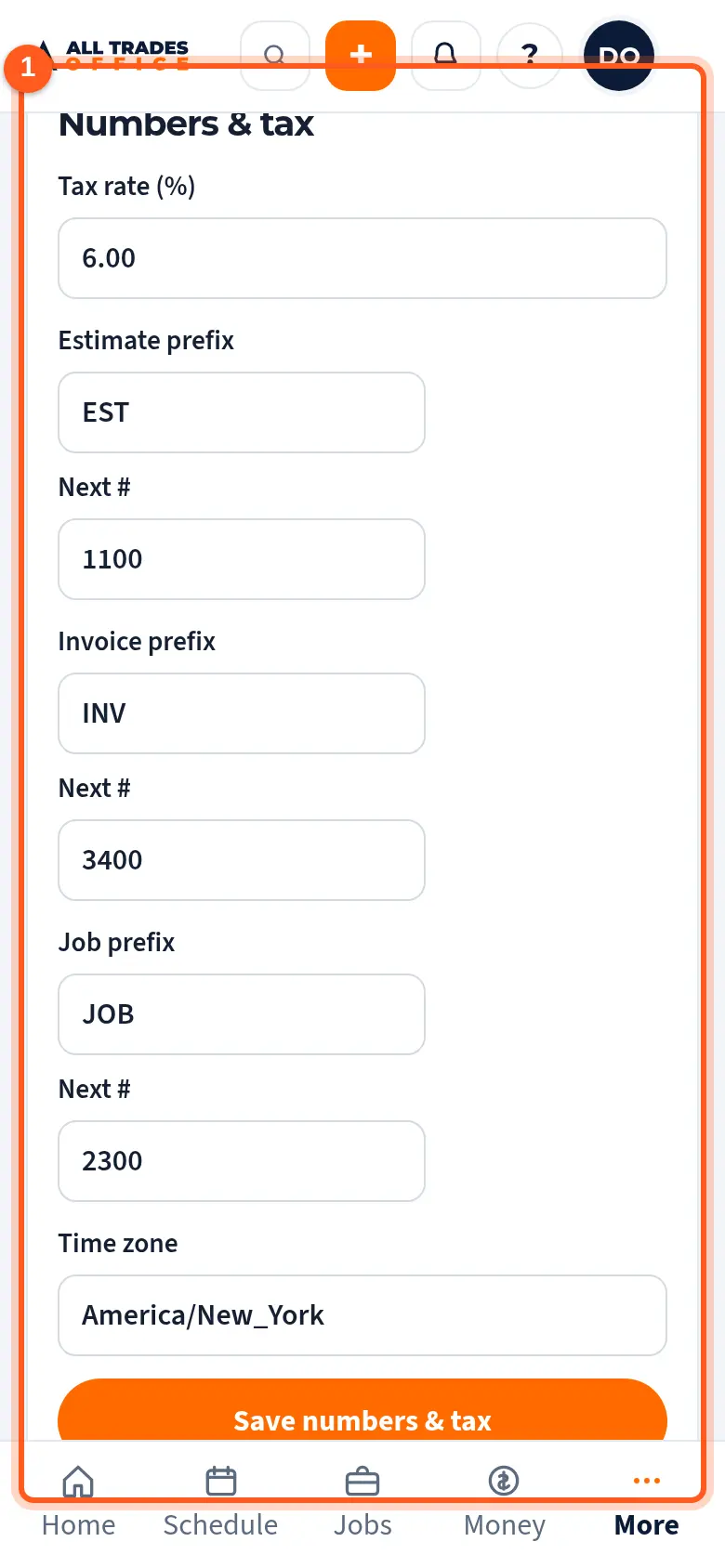
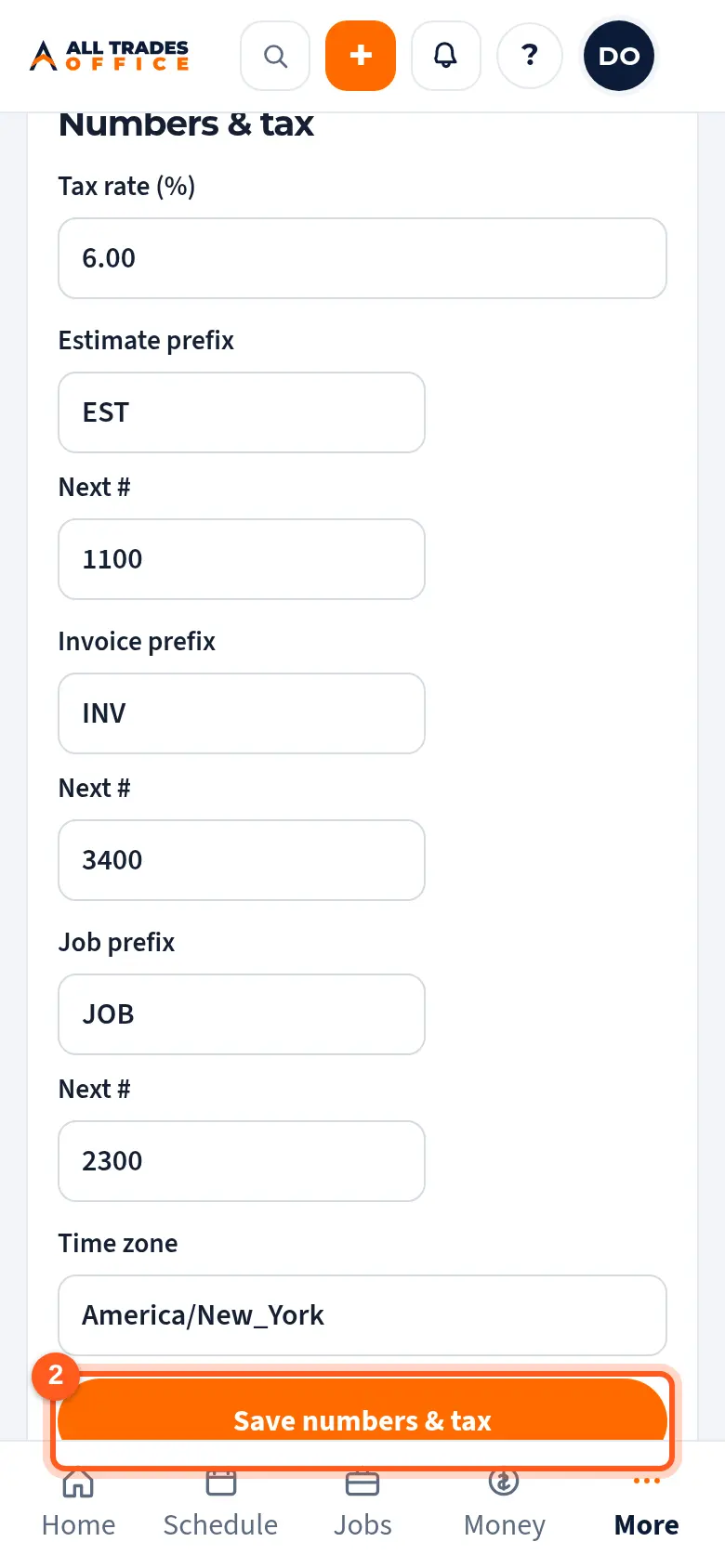
Set the tax rate, then each prefix and the Next # to use. Set your Time zone and tap Save numbers & tax.
Related
- PO numbering settingsChoose how PO numbers look, when they start over, and your shop delivery address.
- Company info, logo, and colorsSet the business name, address, license number, logo, and colors that show on your estimates, invoices, and emails.