
PO numbering settings
Choose how PO numbers look, when they start over, and your shop delivery address.
Who can do this: Owner, Admin with “Manage team and company settings” turned on for their role. Needs: Purchasing / POs turned on in Settings → Features.
Last updated
Numbers are never reused, even when a PO is voided. A PO's number can be changed until it's sent.
Steps
Open Settings and scroll to Purchase orders.
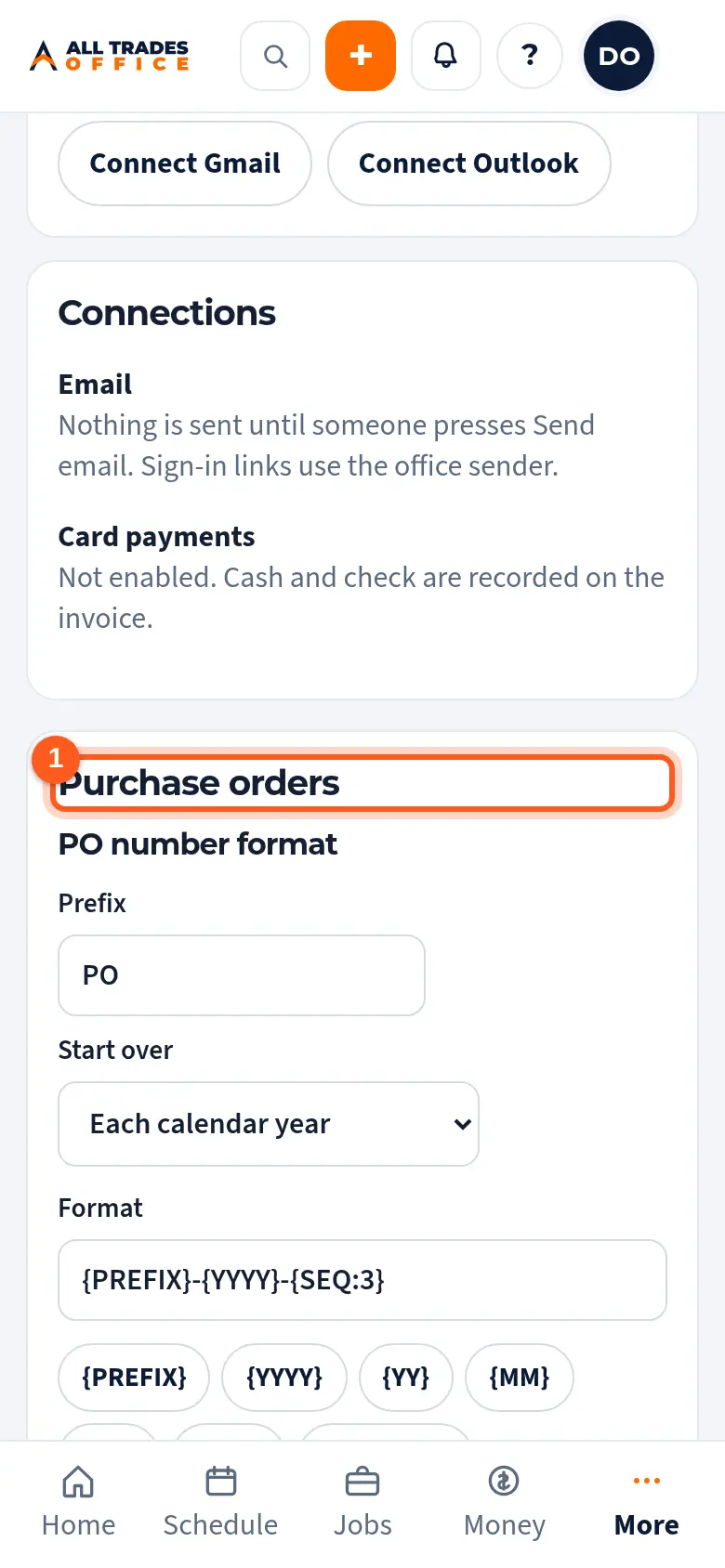
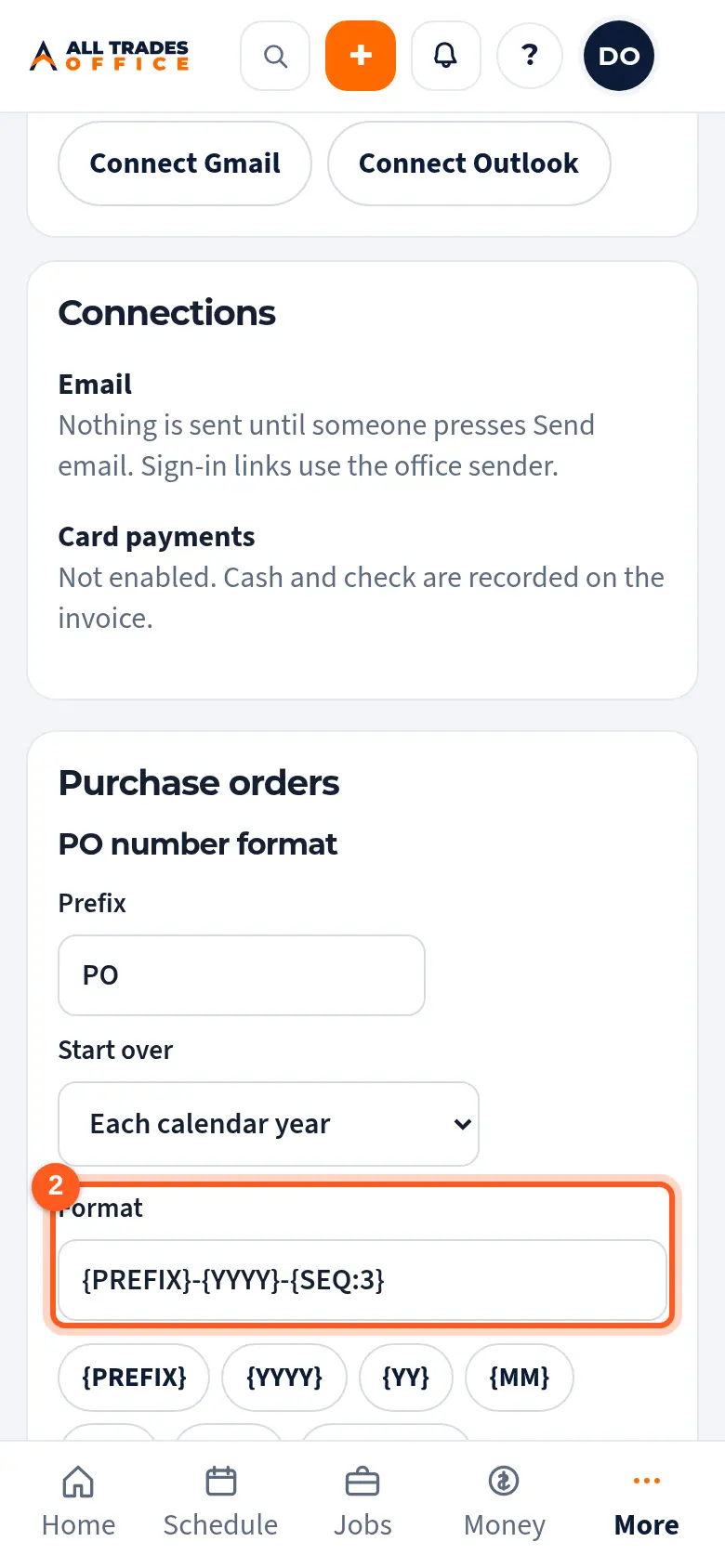
Set the Prefix and when numbers Start over. Tap the buttons to build the Format. The examples show what a number will look like.
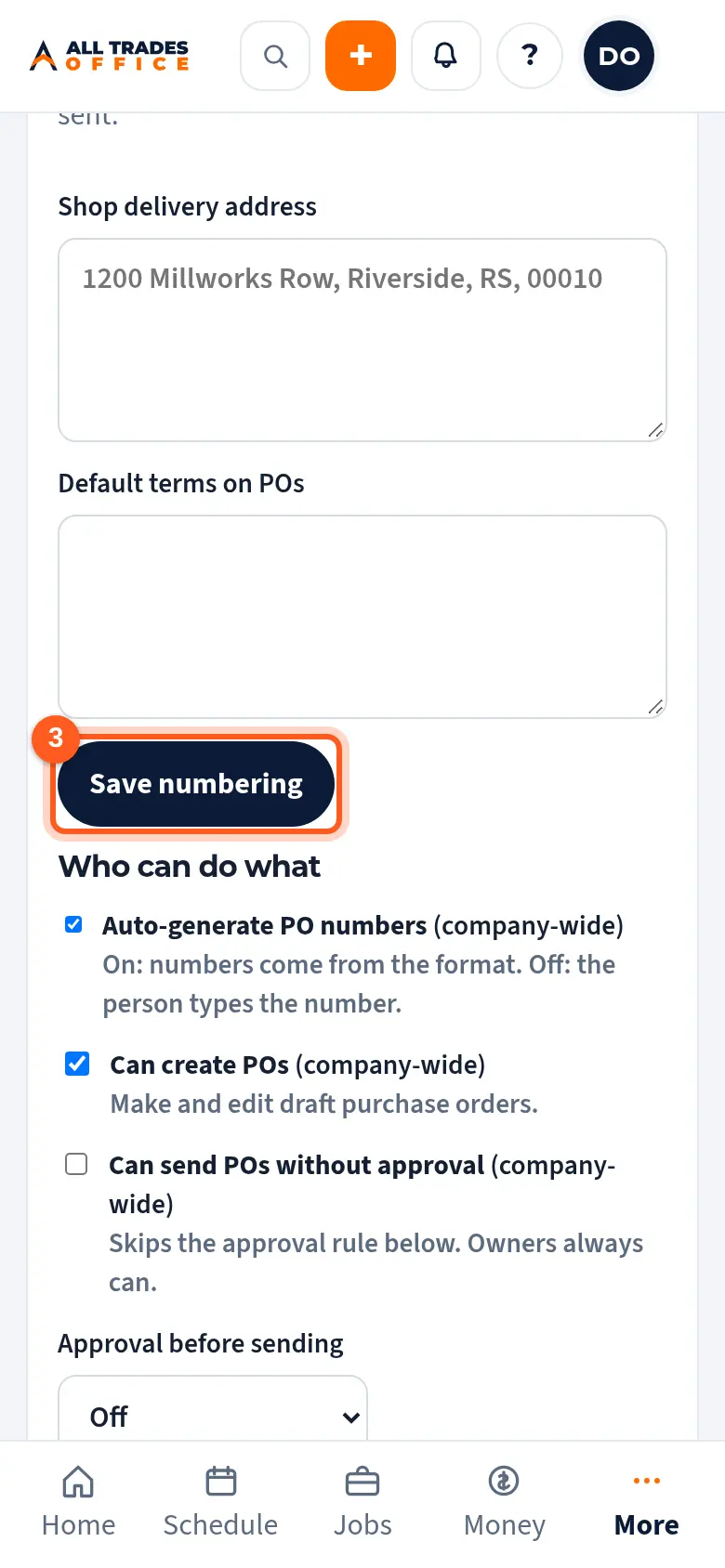
Add your shop delivery address and default terms, then tap Save numbering.
Related
- Create a purchase order and send it to a vendorStart a PO from a project, job, or the shop, add the items, and send it to the supplier.
- Numbers and taxSet your tax rate, how estimate, invoice, and job numbers look, and your time zone.