
Paperwork in one place
See every form and T&M ticket across your jobs and projects on one screen.
Who can do this: Owner, Admin, Office, Service Tech, Field Worker.
Last updated
Paperwork is a shortcut. Every form and ticket still lives on its project or job, and you can keep adding them there.
Steps
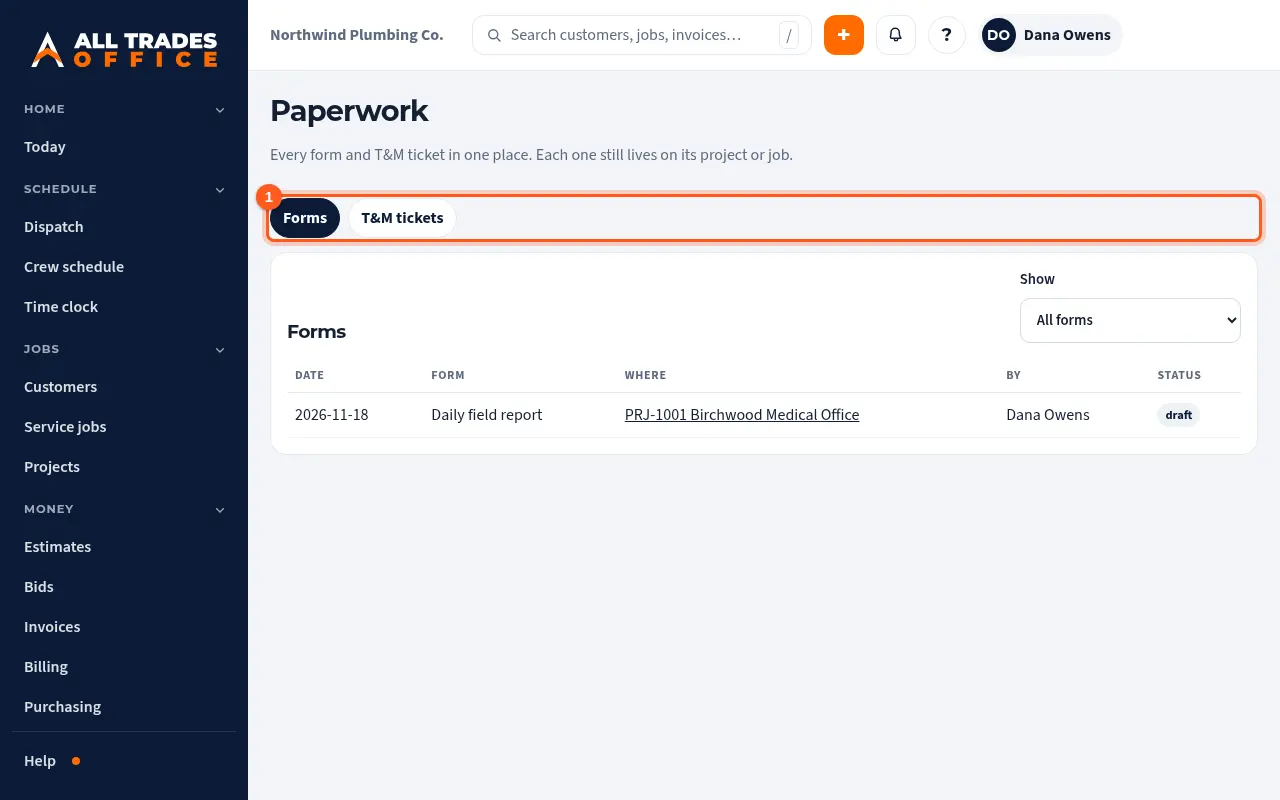
Open Paperwork in the menu. Forms lists daily reports, checklists and safety checks, newest first. Use Show to pick one kind.
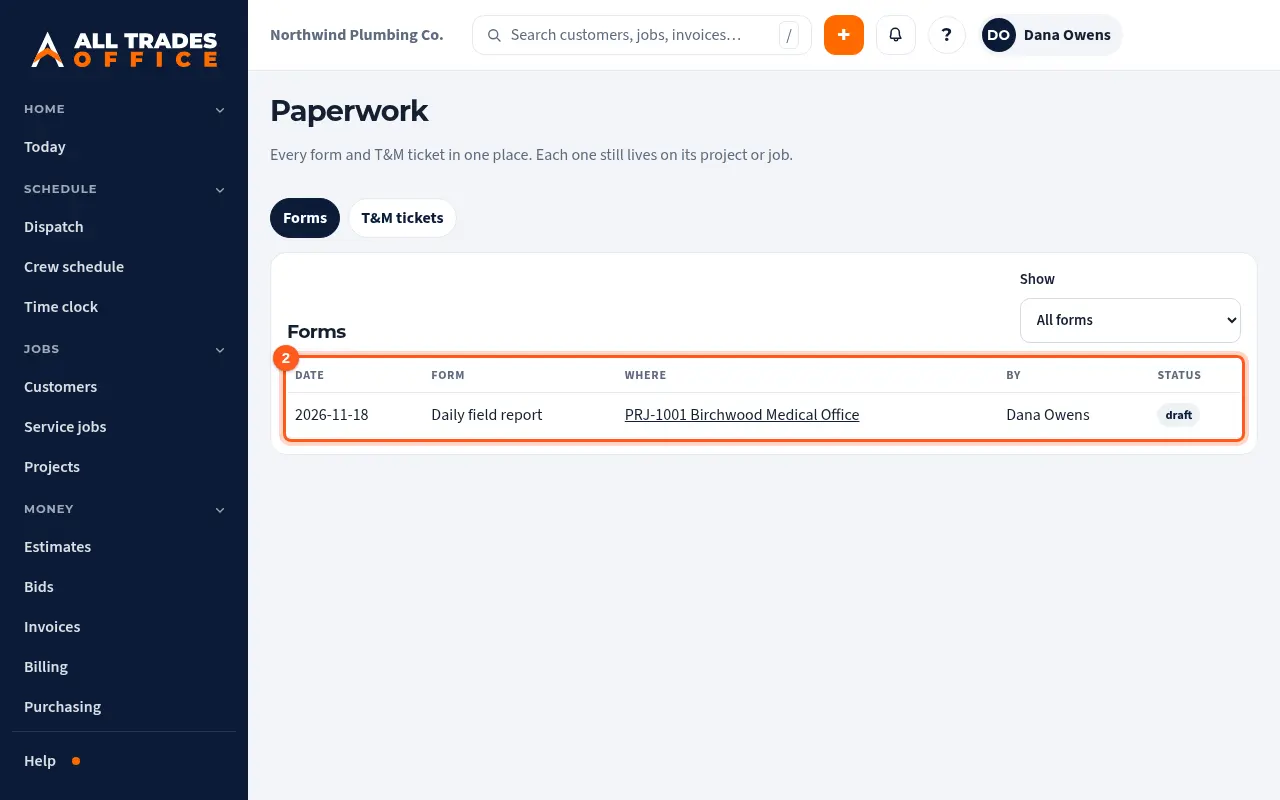
Each form shows the project or job it belongs to. Click that to open it there.
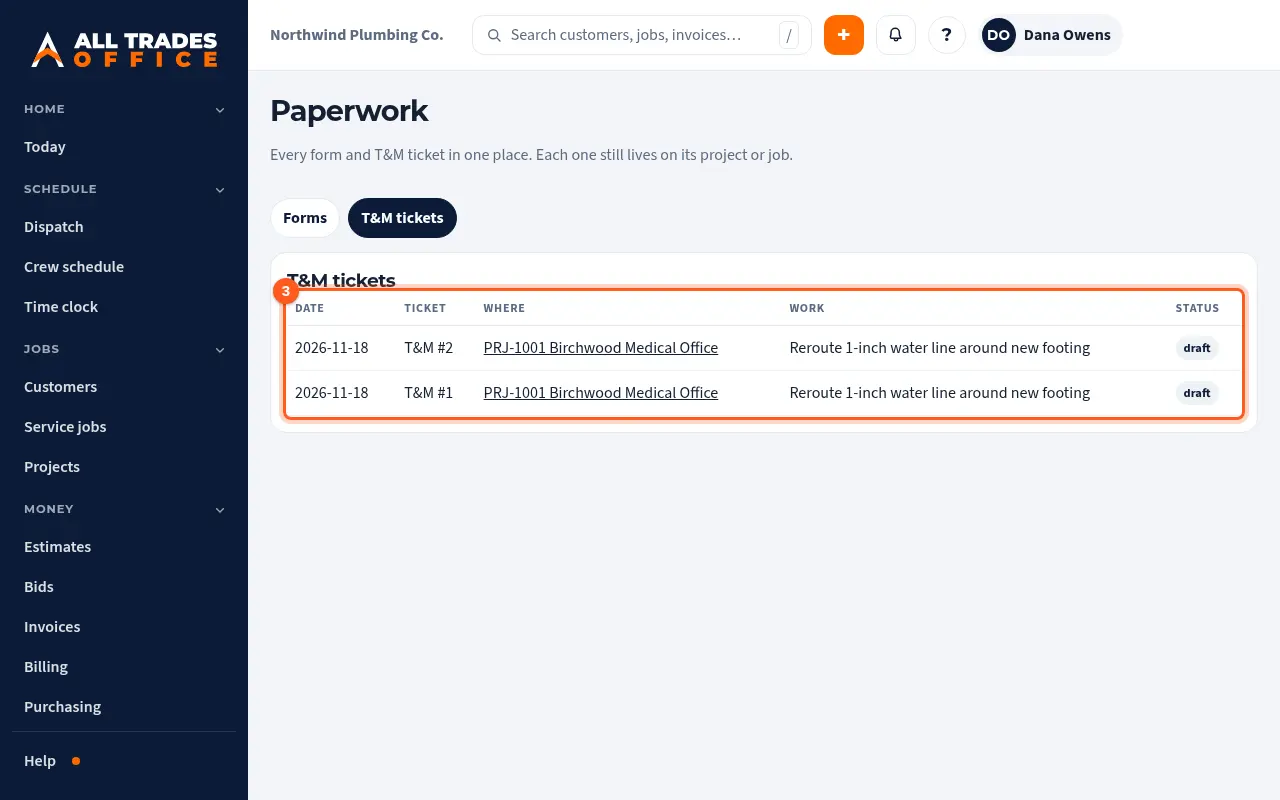
The T&M tickets tab lists every ticket and its status.
Good to know
- You only see paperwork for work your role can see.
- Money amounts aren't shown on this list.
Related
- Daily reports, inspection checklists, and safety checksFill out the day's report or a checklist from the project, then submit it for a PDF.
- Write a T&M ticket and get it signedWrite up extra work on site, list the labor and material, and get the GC or owner to sign on your phone.