
Project team chat
Keep the conversation about a project or job in one place with everyone on it.
Who can do this: Owner, Admin, Office, Service Tech, Field Worker. Needs: Team chat turned on in Settings → Features.
Last updated
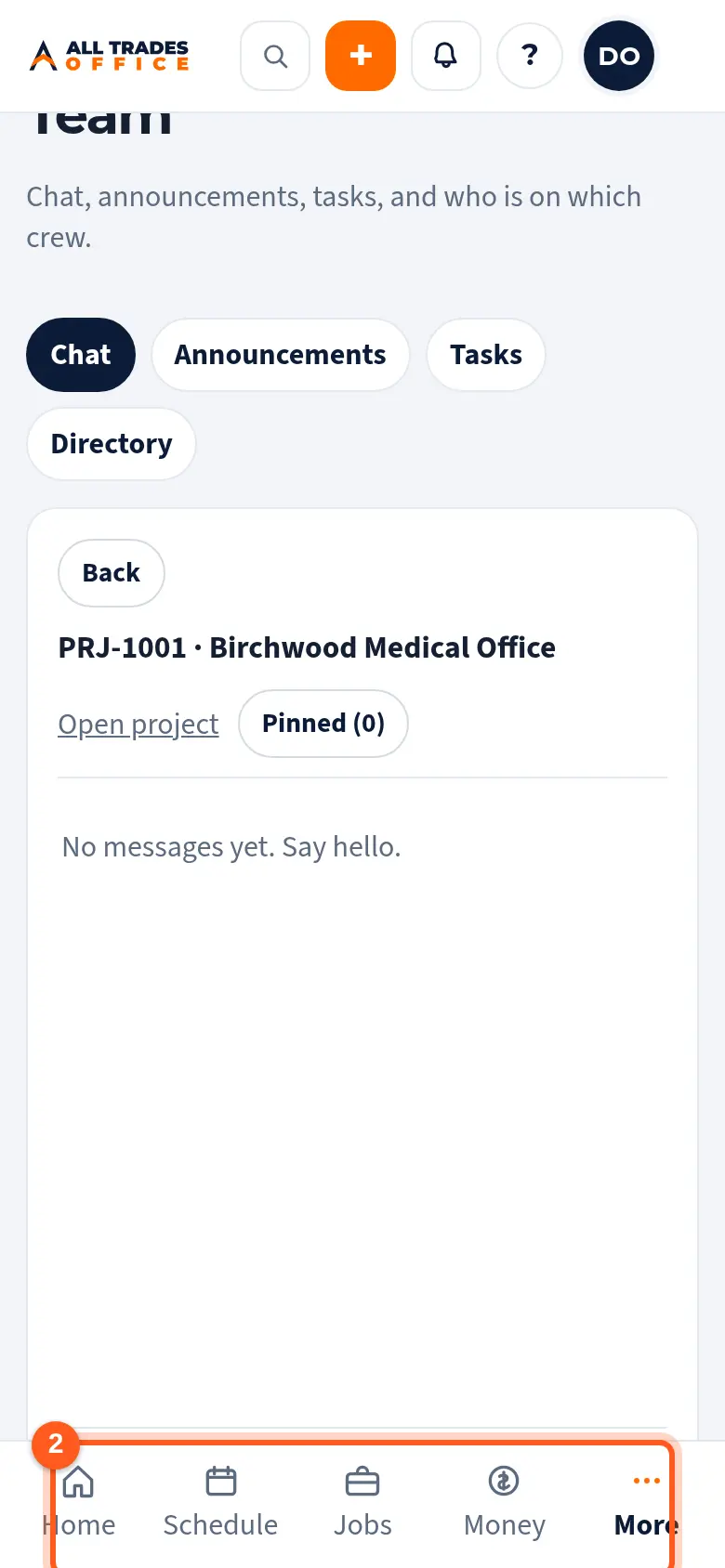
Each project and each job has its own chat. It opens in Crew, with your other conversations.
Steps
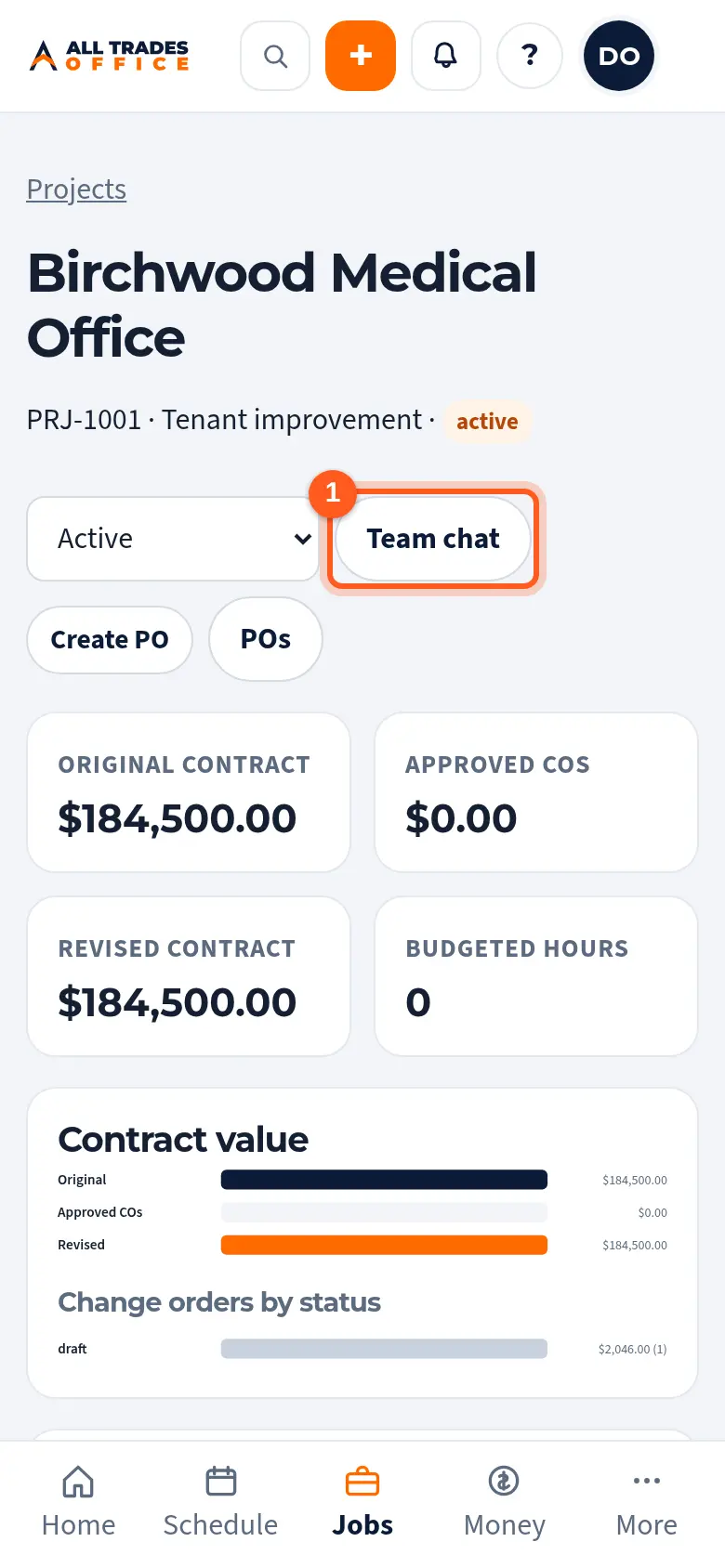
Open the project and tap Team chat at the top.
Type in Write a message and send it. Type @ and a name to get someone's attention.
Good to know
- Jobs have a Team chat button too.
Related
- Team chat and @mentionsMessage your whole team, a crew, or one person, and @mention someone to get their attention.
- Turn on phone notificationsGet a buzz when you're put on a job, someone @mentions you, or there's a new announcement.