
See your shifts
Your published shifts show on My day and on the Time screen.
Who can do this: Service Tech, Field Worker. Needs: Crew schedule turned on in Settings → Features.
Last updated
Your office plans shifts on the crew schedule. You only see shifts once they're published, and only your own.
Steps
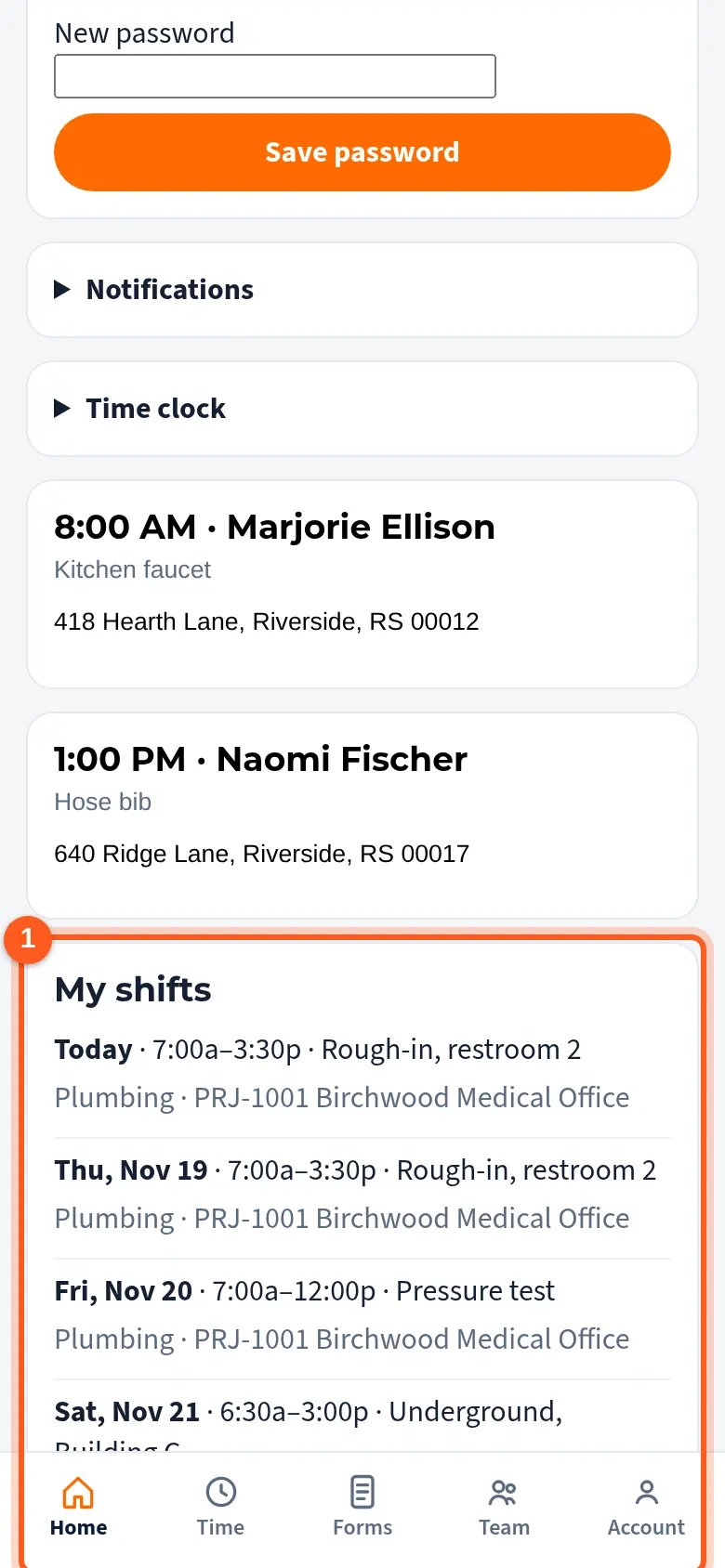
Your next shifts are on My day, under today's jobs, with the time, the scheduler and the job or project.
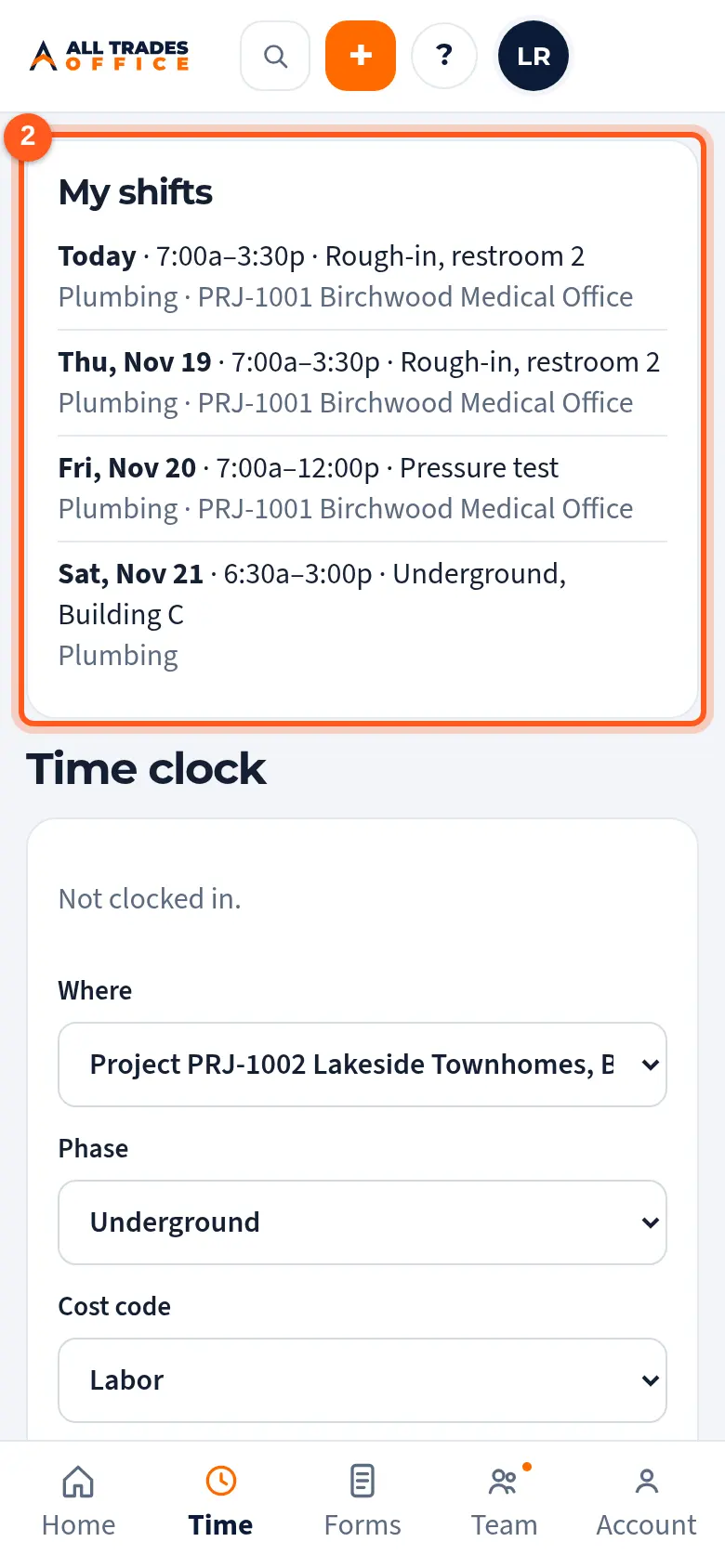
Tap Time at the bottom to see your shifts for the next two weeks next to the time clock.
Good to know
- You can't change shifts. If one is wrong, ask your office.
- Nobody gets a text or email about shifts. Check My day for changes.
- Shifts don't clock you in. Clock in on the Time screen when you start.
Related
- Clock in and out by job, phase, and cost codeTrack your hours against the right job so job costing stays accurate.
- Build the crew schedulePlan who works when, by week or day, then publish so your crew sees their shifts.