
Take a payment in the field
Record cash, a check, or a card you ran on your own terminal, right from the job.
Who can do this: Owner, Admin, Office, Service Tech with “Take payments in the field” turned on for their role. Needs: Service jobs turned on in Settings → Features.
Last updated
Field payments go on the job's invoice so the office doesn't have to re-enter them.
Steps
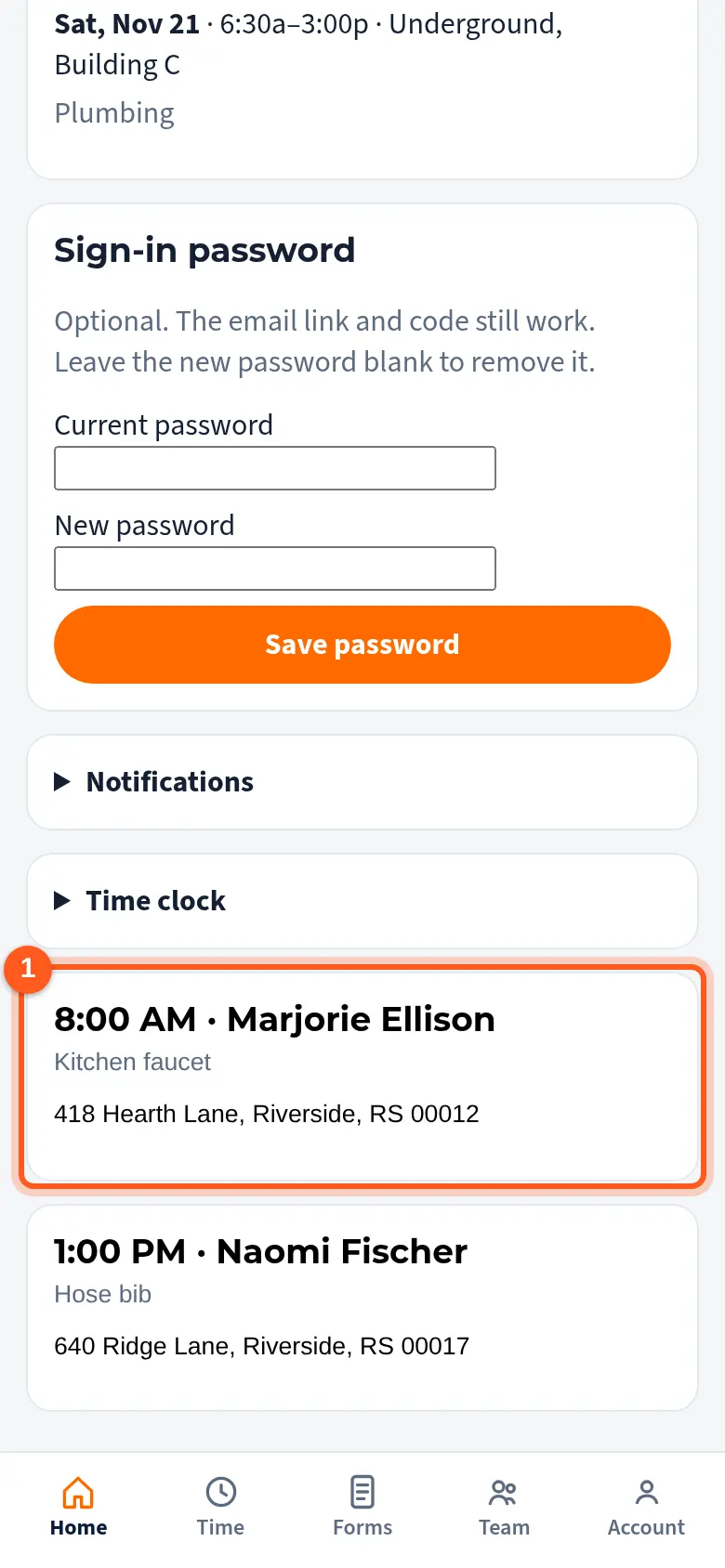
On My day, tap the job.
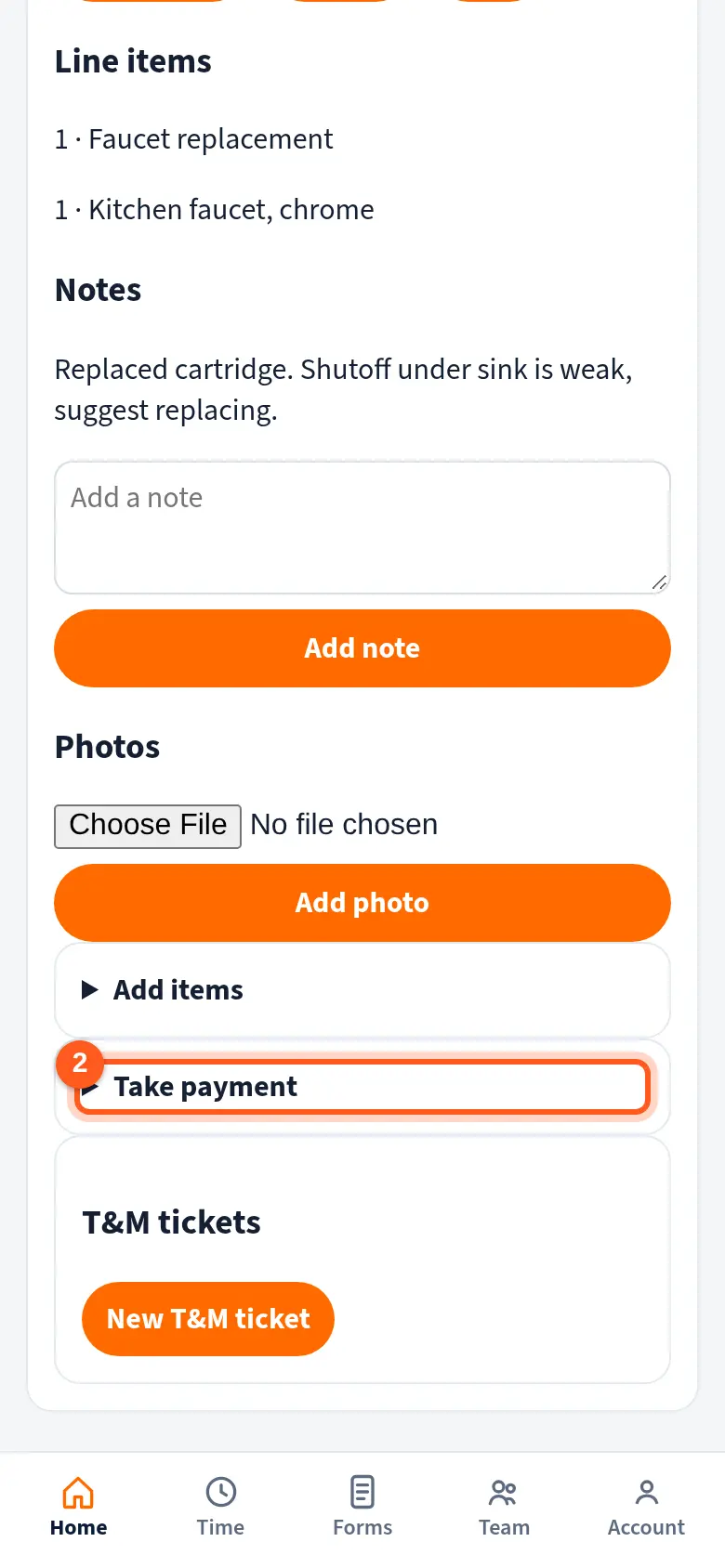
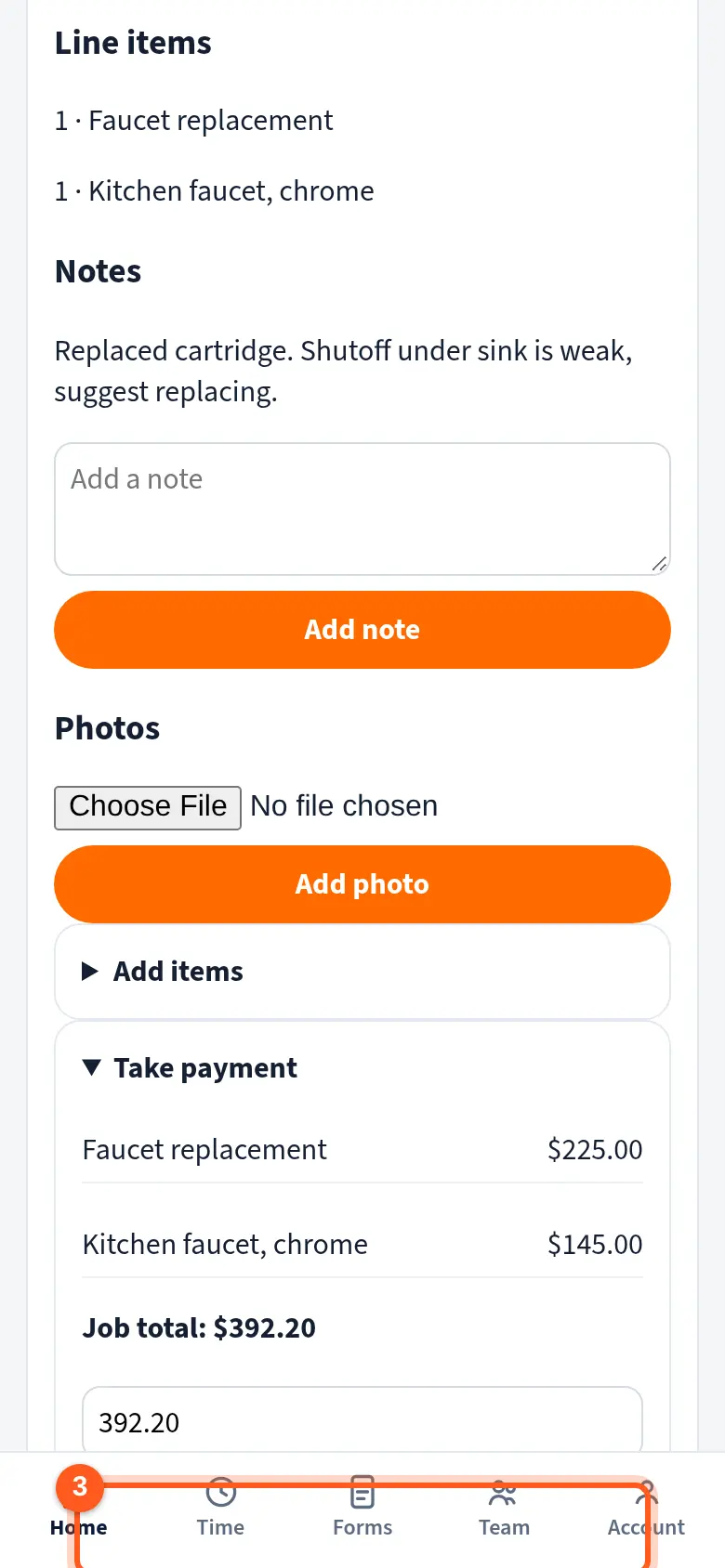
Open Take payment. It shows the job total or the invoice balance.
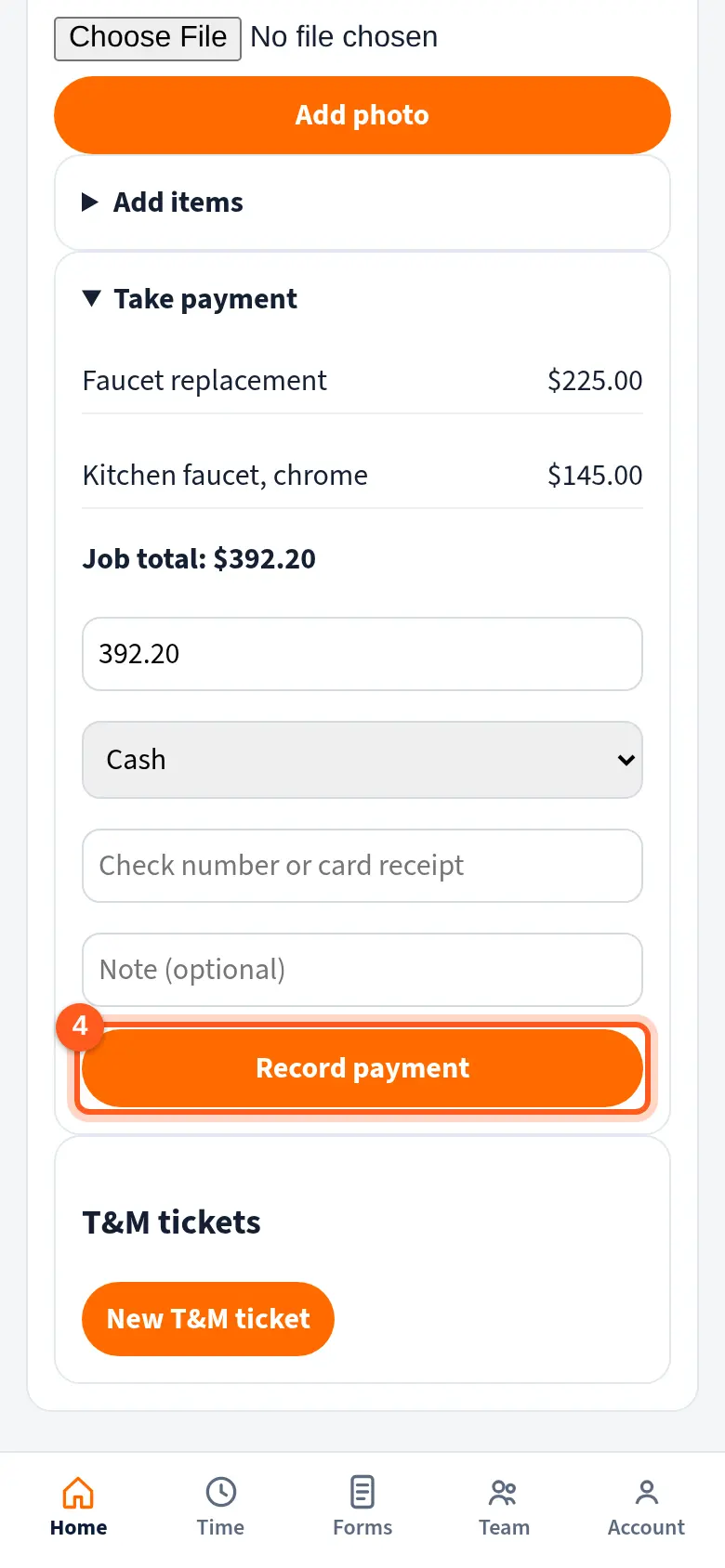
Check the amount, pick Cash, Check, or Card (own terminal), and add the check number or card receipt.
Tap Record payment. The office sees it on the invoice.
Good to know
- Card (own terminal) means you ran the card on your own card reader and are writing the payment down here.
- Field Workers can take payments only when their owner turns on Service access for them.
Related
- Create an invoice and record paymentsMake an invoice from a finished job, send the customer a link, and record checks or cash.
- Service access for a Field WorkerLet one Field Worker use the price book, take payments, and add items to their jobs.