
Turn a T&M ticket into a draft change order
Price a T&M ticket and turn it into a change order without typing it again.
Who can do this: Owner, Admin, Office. Needs: T&M tickets, Change orders turned on in Settings → Features.
Last updated
The change order keeps a link back to the ticket, so the GC can see the signed backup.
Steps
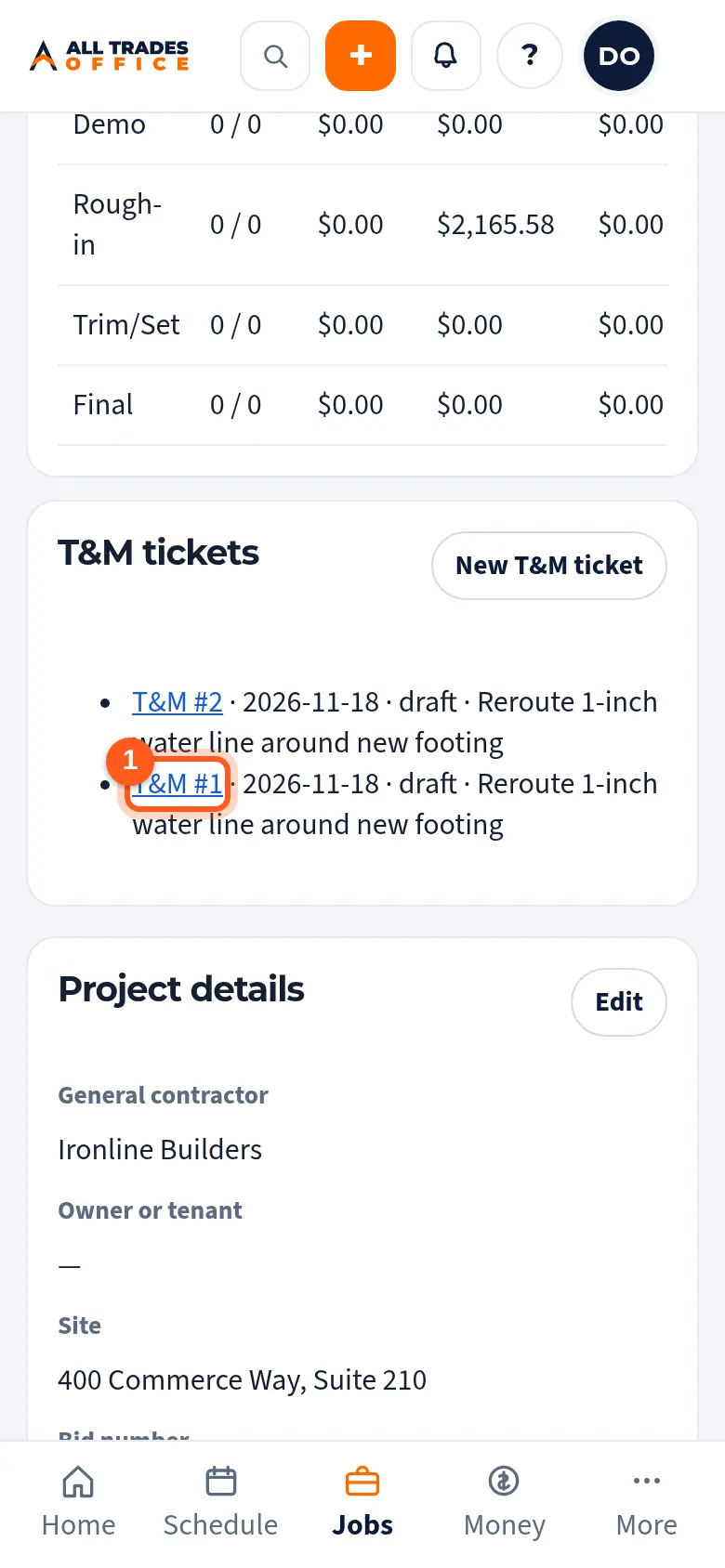
Open the project and, under T&M tickets, tap the ticket.
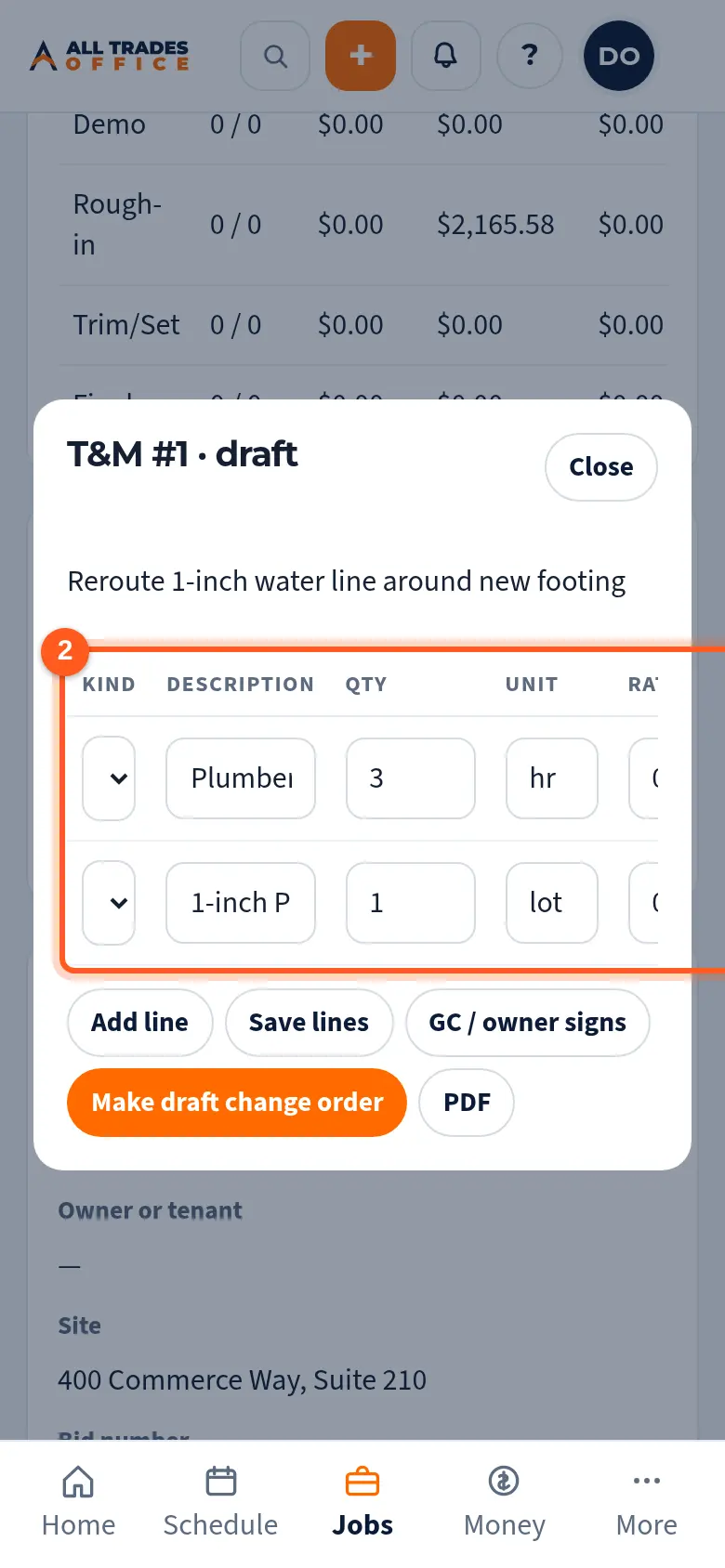
Check the rate on each line. Rates are visible only to people who can see money.
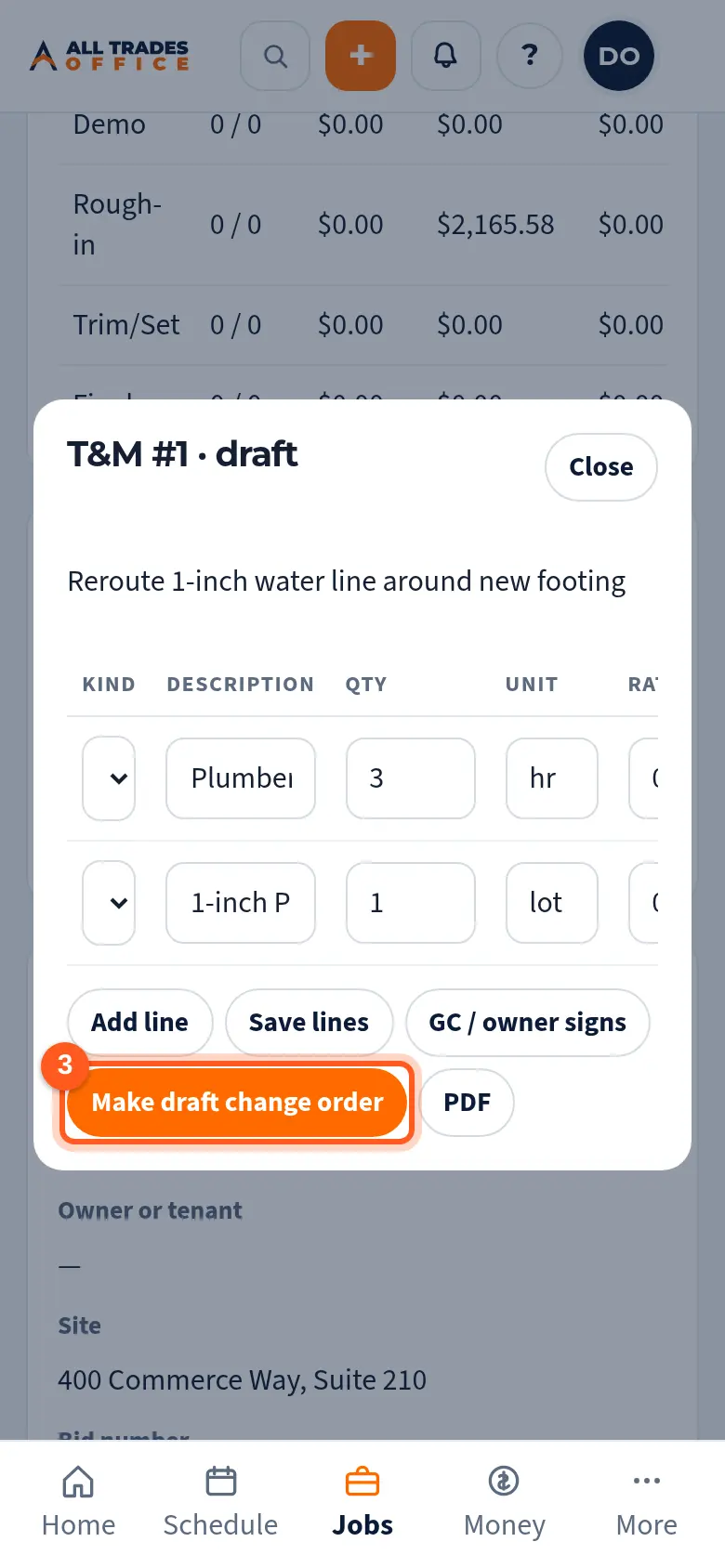
Tap Make draft change order. It shows up under Change orders as a draft, ready for the owner's approval.
Good to know
- Techs can write and sign tickets but can't make change orders.
- The new change order still needs the owner's Approve to send before it goes anywhere. See Change orders.
Related
- Write a T&M ticket and get it signedWrite up extra work on site, list the labor and material, and get the GC or owner to sign on your phone.
- Change orders: write, owner approves, sendWrite a change order, get the owner's OK inside the app, then send it to the GC or customer.