
Assign techs and dispatch from the schedule
Put the right people on each job and see the whole day or week at a glance.
Who can do this: Owner, Admin, Office. Needs: Service jobs turned on in Settings → Features.
Last updated
Service jobs, project phases, and inspections share one calendar, so you can see who's free.
Steps
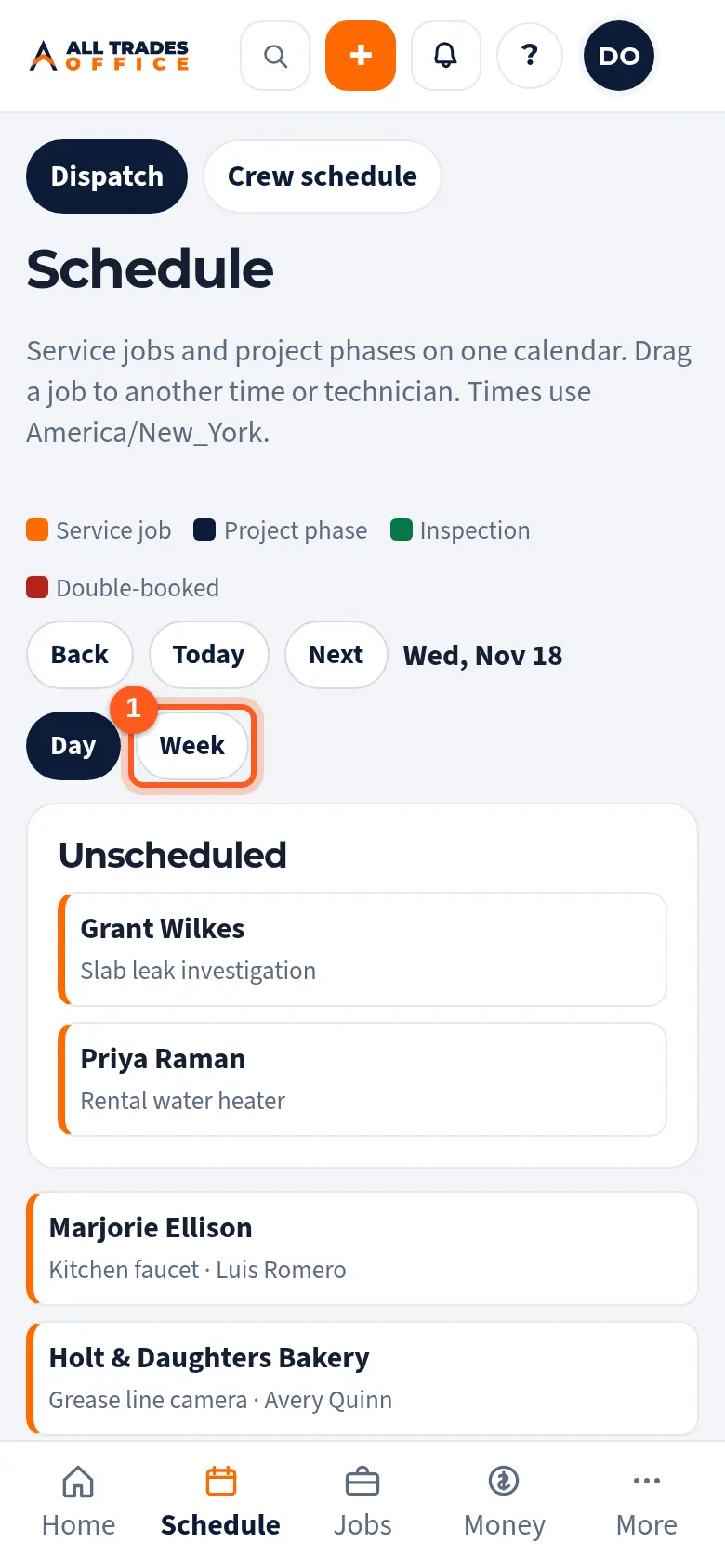
Open Schedule. The Dispatch tab is the job calendar. Switch between Day and Week, and use Back, Today, and Next to move around.
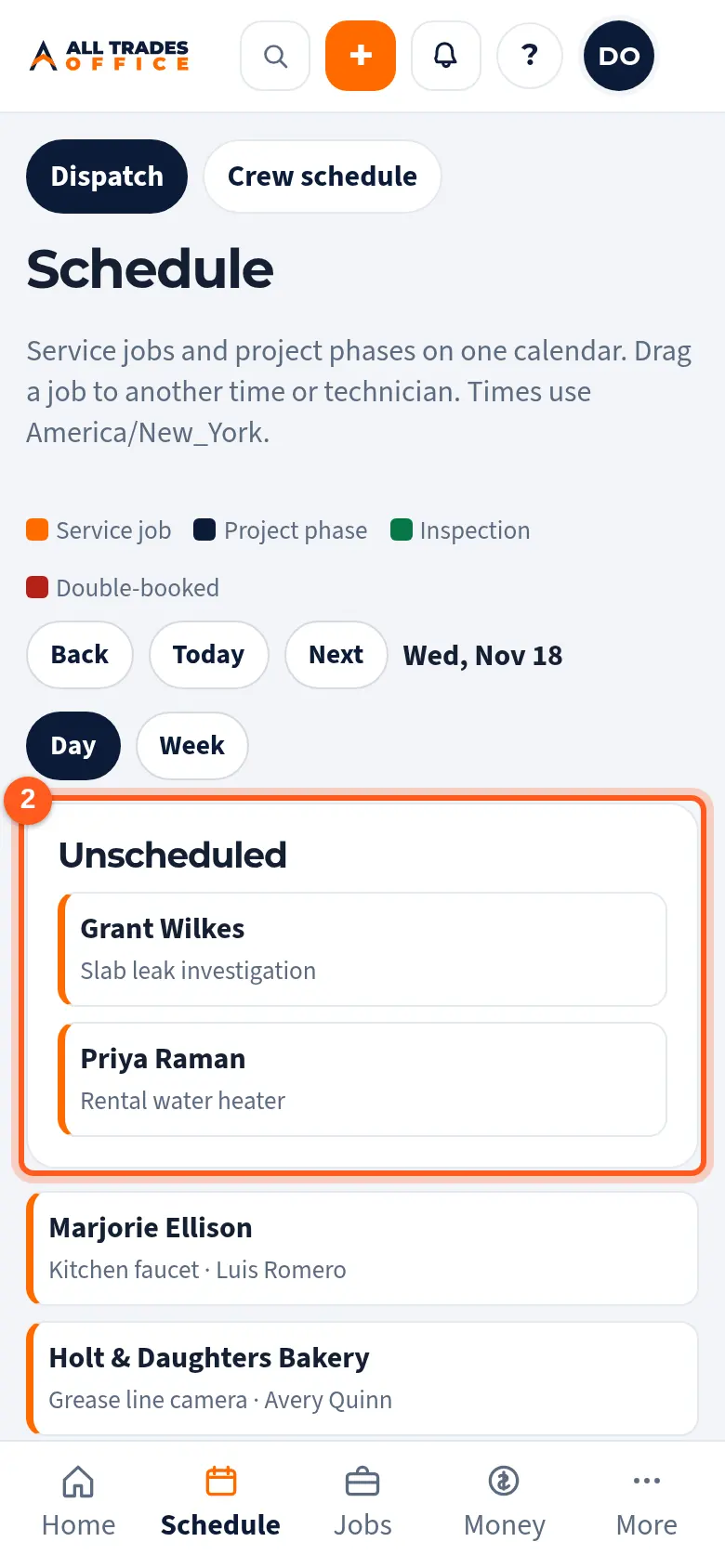
Jobs that still need a time are under Unscheduled. On a computer, drag one onto a day or a person to schedule it.
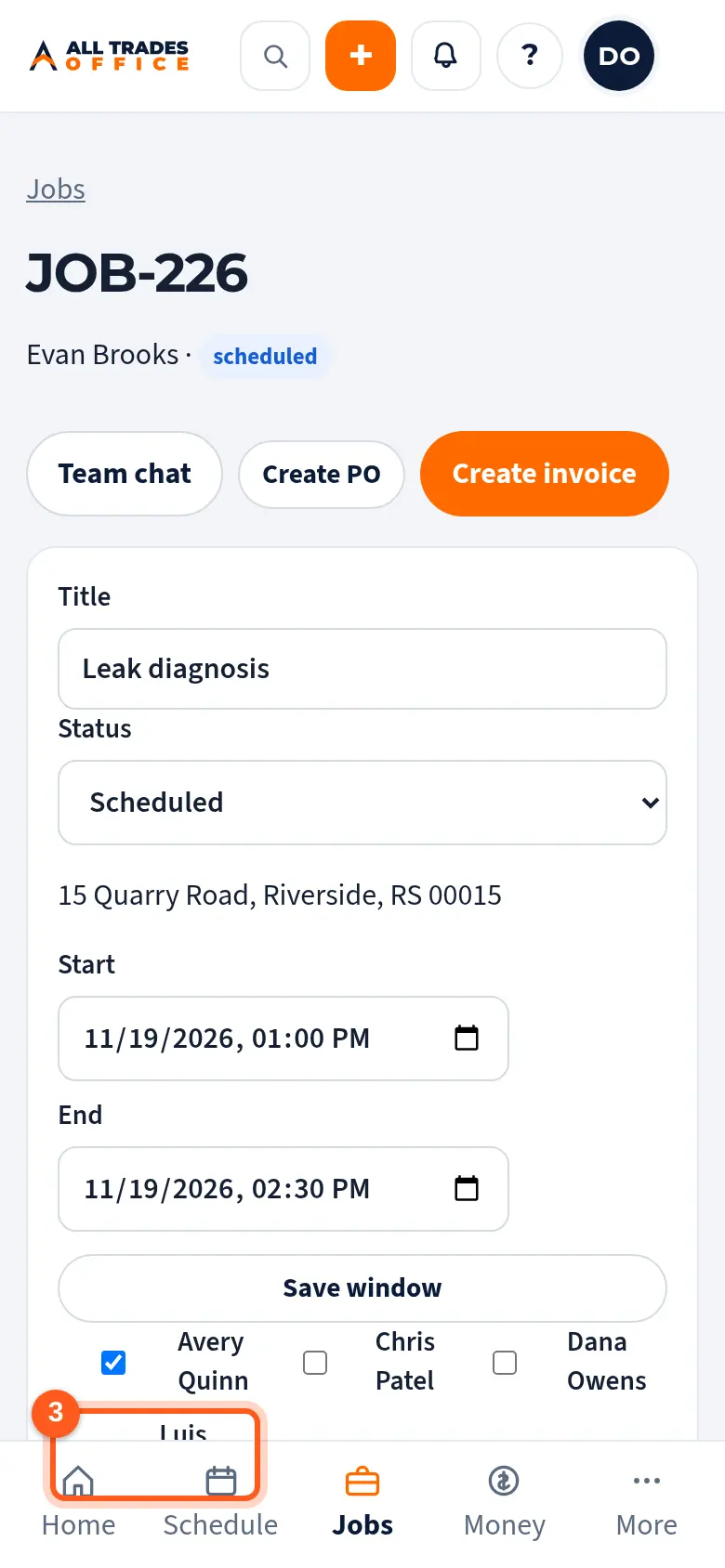
To assign people on a phone, open the job and tick each person who's going. They get a phone notification if they've turned them on.
Good to know
- Red means someone is double-booked.
- On a computer, you can also drag a job to a different time or person.
- Times use your company's time zone from Settings → Numbers & tax.
Related
- Create and schedule a service jobStart a job for a customer, set the time window, and add the scope.
- Build the crew schedulePlan who works when, by week or day, then publish so your crew sees their shifts.
- Turn on phone notificationsGet a buzz when you're put on a job, someone @mentions you, or there's a new announcement.