
Getting started as a Service Tech
Your day on your phone, opening a job, adding items, and taking a payment.
Who can do this: Service Tech.
Last updated
Service Techs work from their phone. Everything you need for the day is on one screen, and it keeps working when the signal drops.
Steps
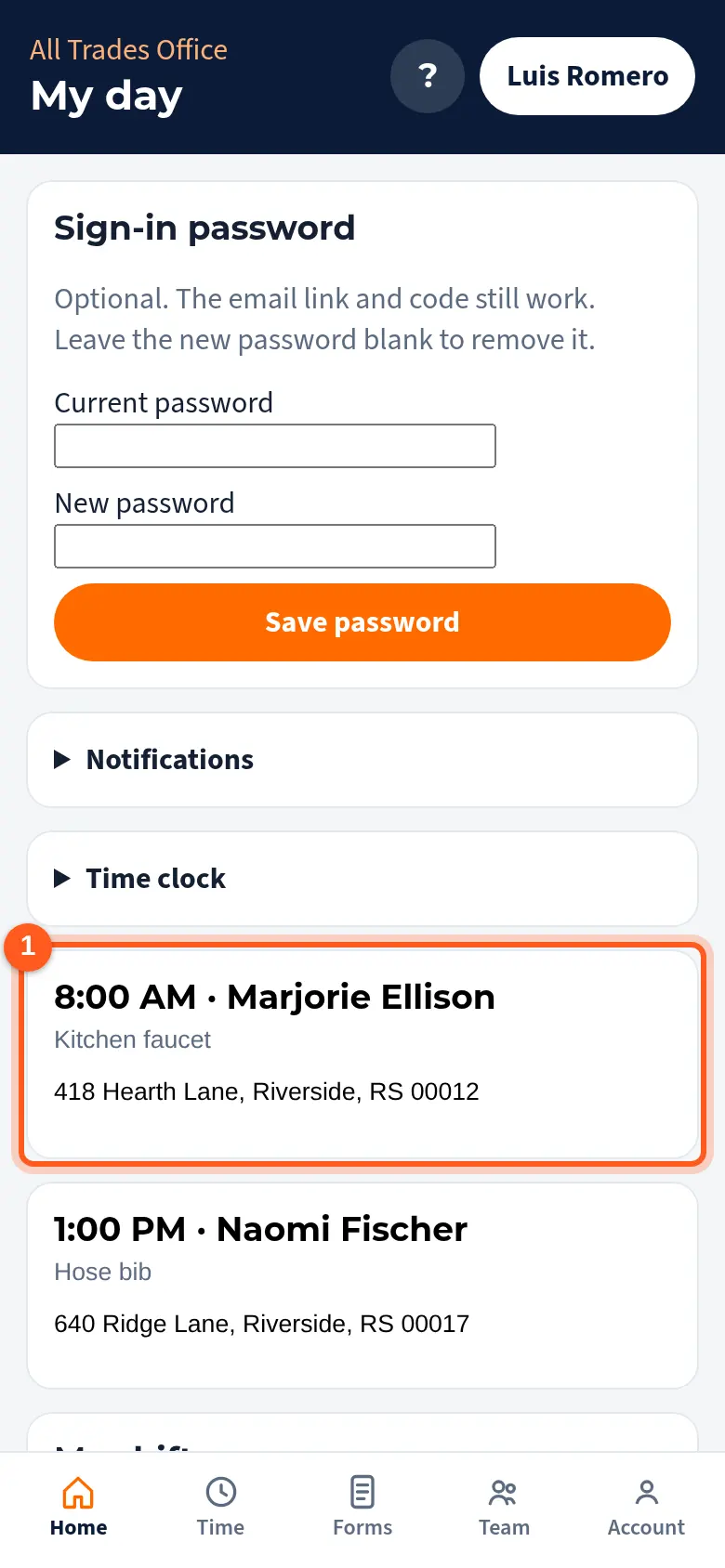
Sign in and My day opens with today's jobs in order. Tap a job to open it.
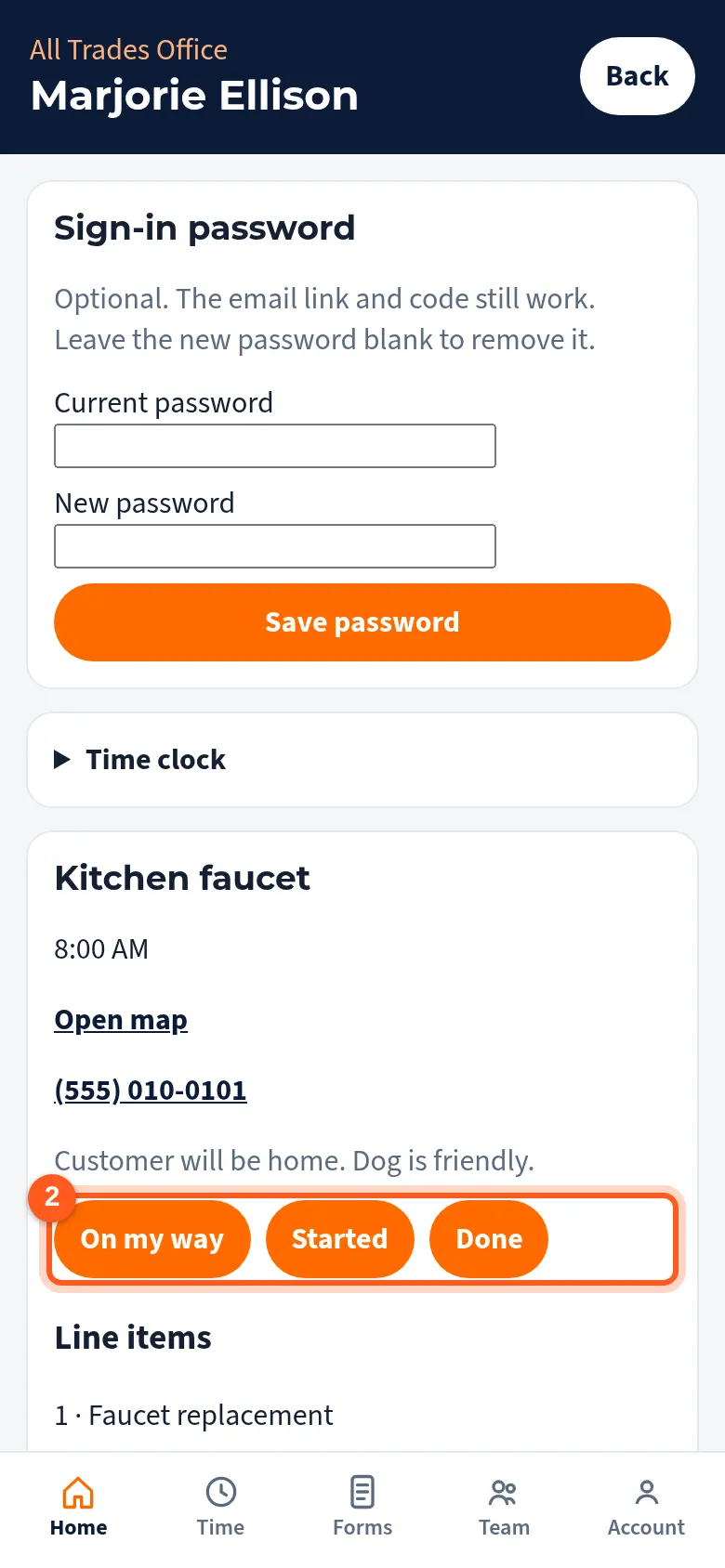
Tap On my way, Started, and Done as you go. The office sees it right away.
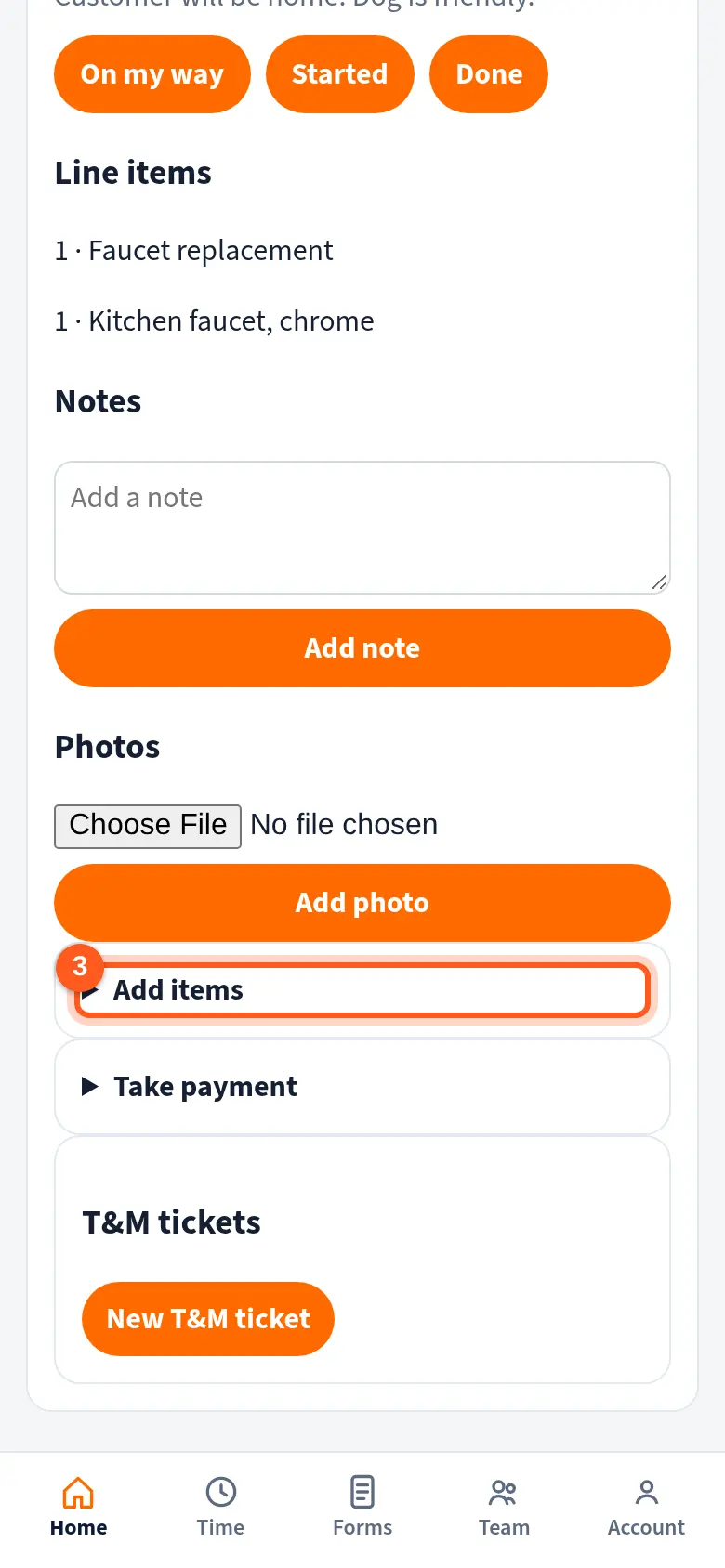
Open Add items to add parts and labor from the price book, or a custom item.
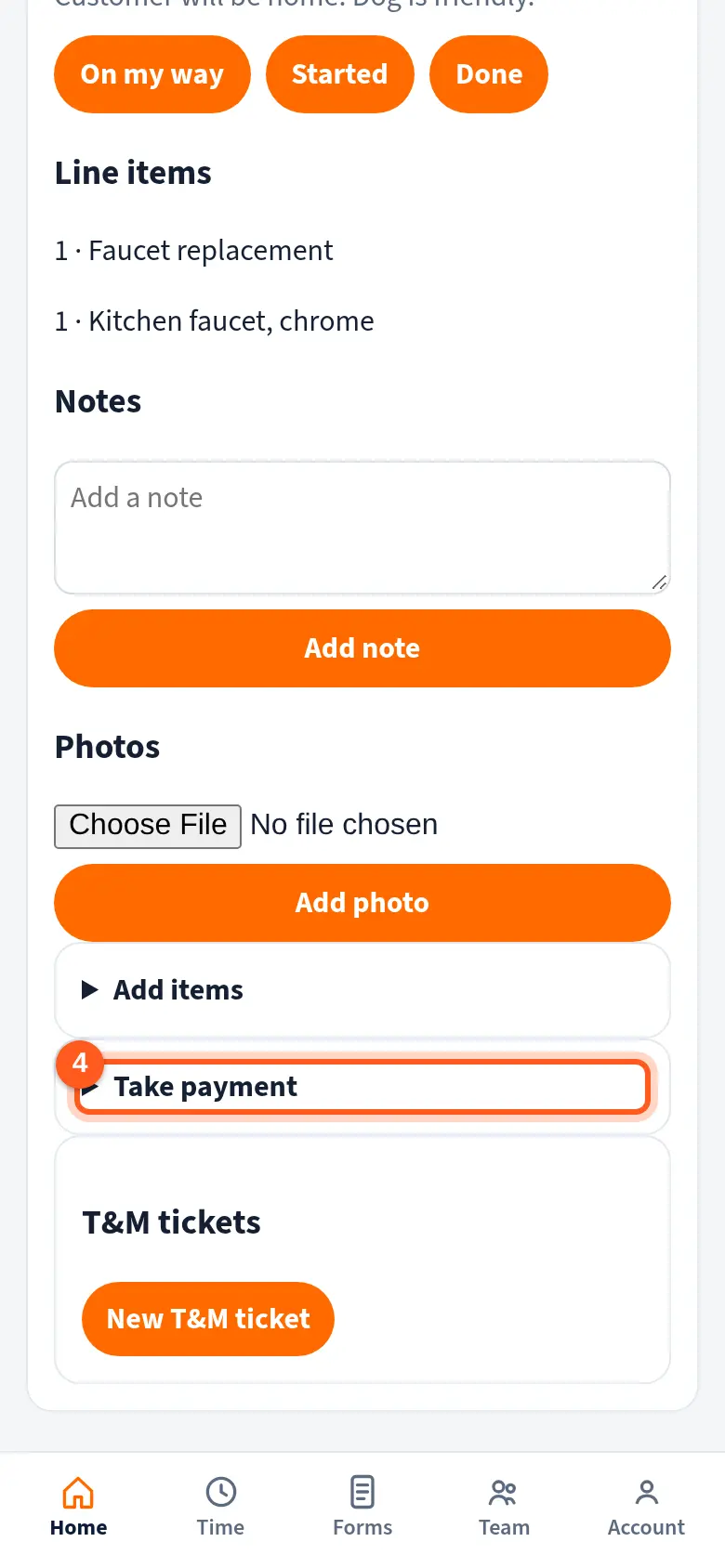
Open Take payment to record cash, a check, or a card you ran on your own terminal.
Good to know
- Status changes and notes save on your phone with no signal and sync when you're back online. Photos need a signal.
- You don't see costs or company money by default. Your owner decides that in People & access.
- Tap ? at the top of My day to open Help for this screen.
Related
- Field notes and job photosAdd notes and photos from the job on your phone. The office sees them on the job right away.
- Take a payment in the fieldRecord cash, a check, or a card you ran on your own terminal, right from the job.
- Clock in and out by job, phase, and cost codeTrack your hours against the right job so job costing stays accurate.