
Getting started as Admin or Office
Find your dashboard, customers, the schedule, and billing.
Who can do this: Admin, Office.
Last updated
Admin and Office people run the day: customers, the schedule, estimates, invoices, purchase orders, and the team.
Steps
The Dashboard shows today's board, unscheduled work, open estimates, and what's unpaid. Tap a box to jump to that list.
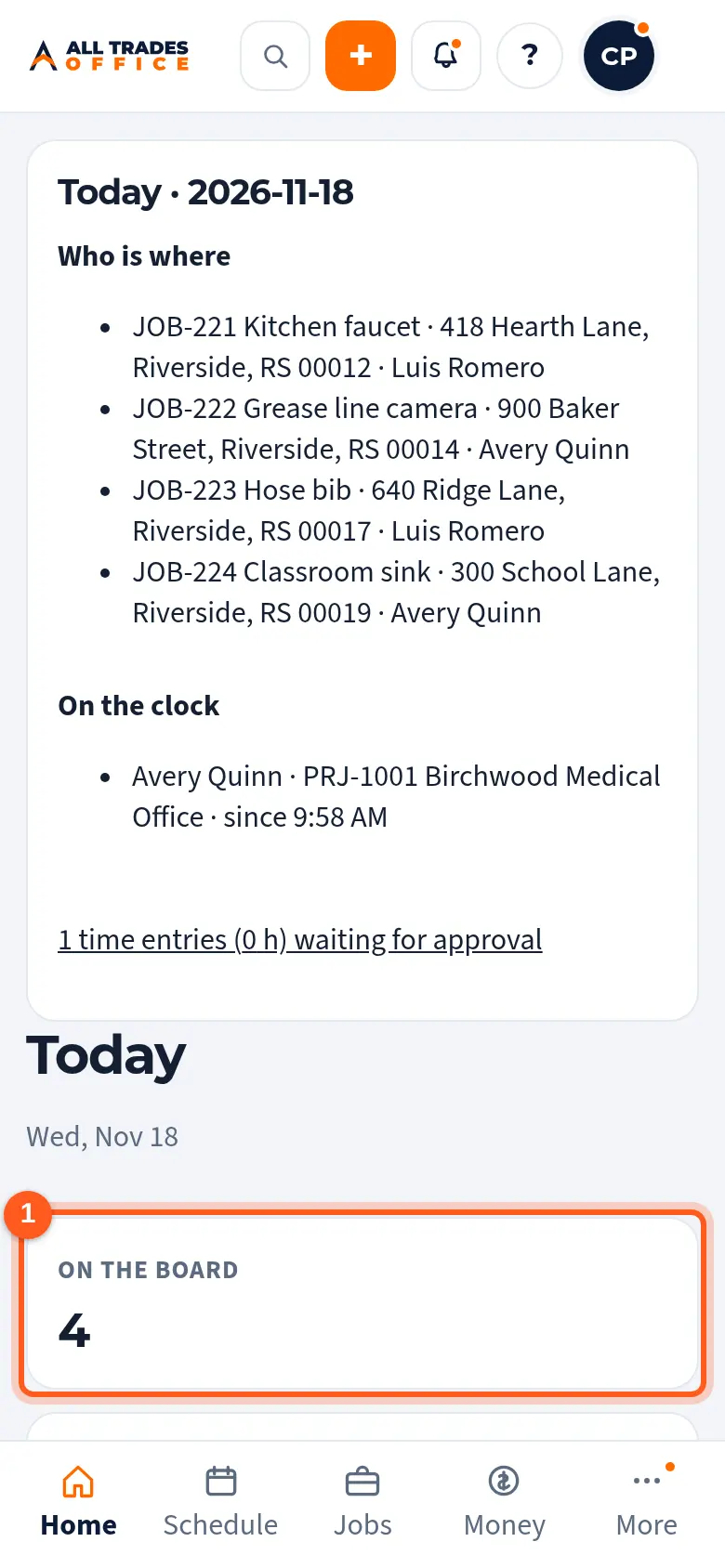
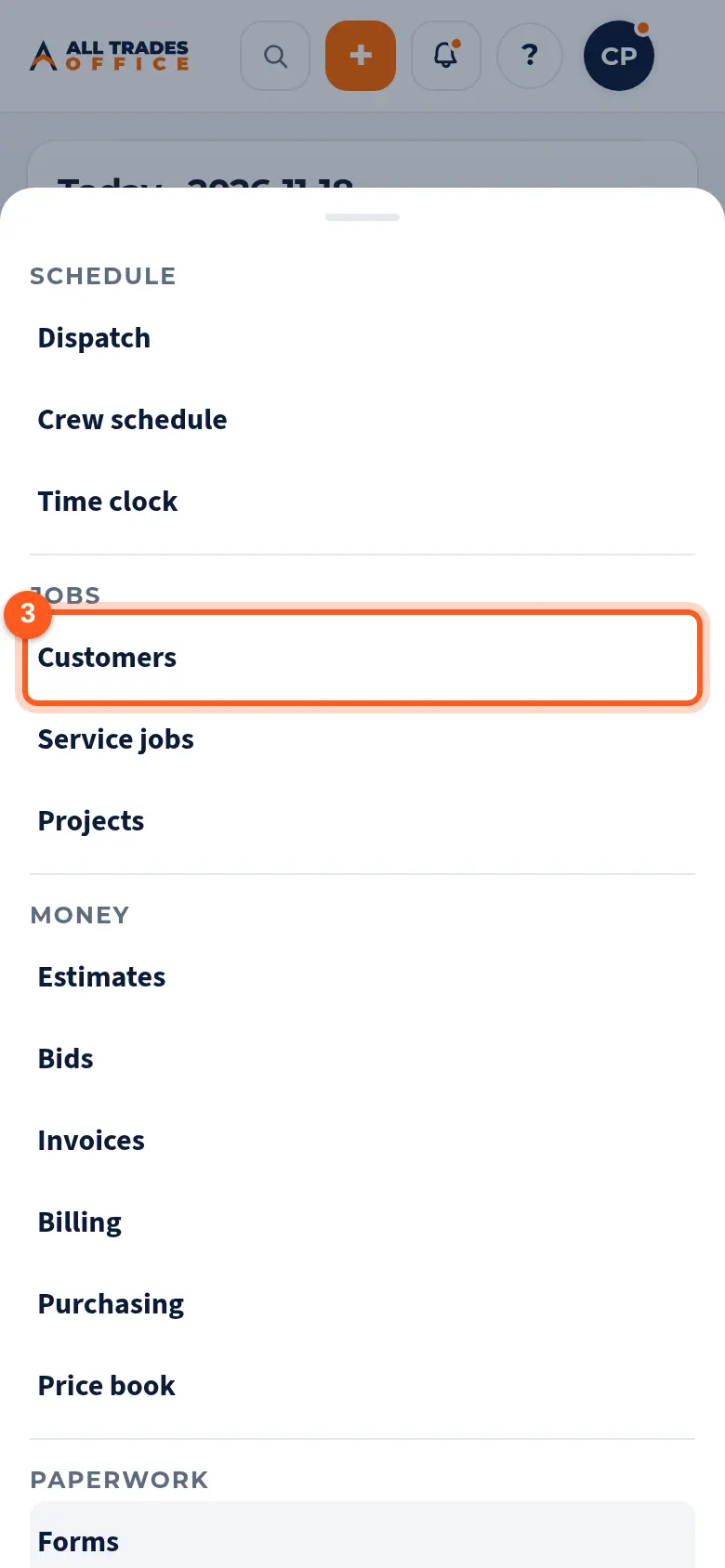
Use the bar at the bottom for Home, Schedule, Jobs and Money. Tap More for Customers, Projects, Paperwork, Team, Settings and the rest.
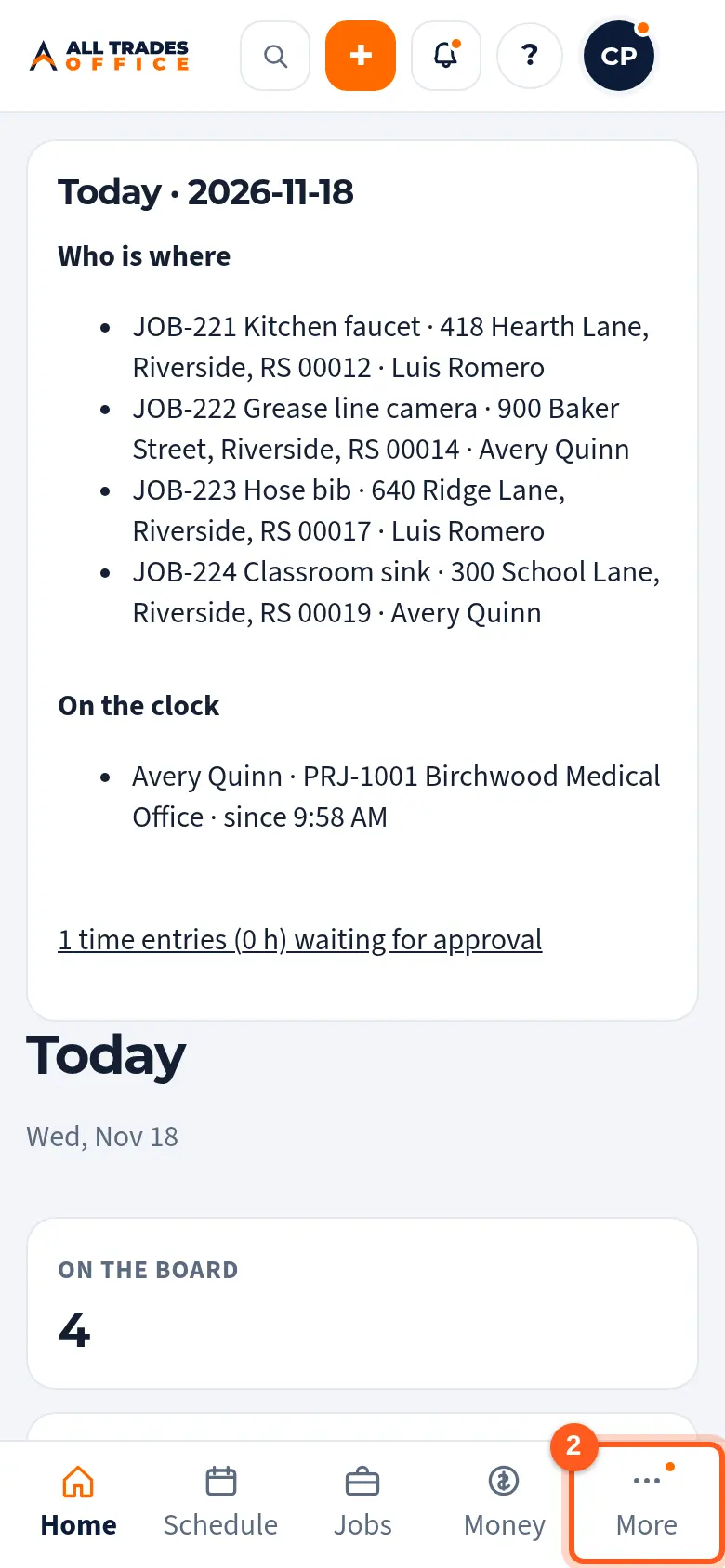
Tap Customers to look someone up or add a new customer.
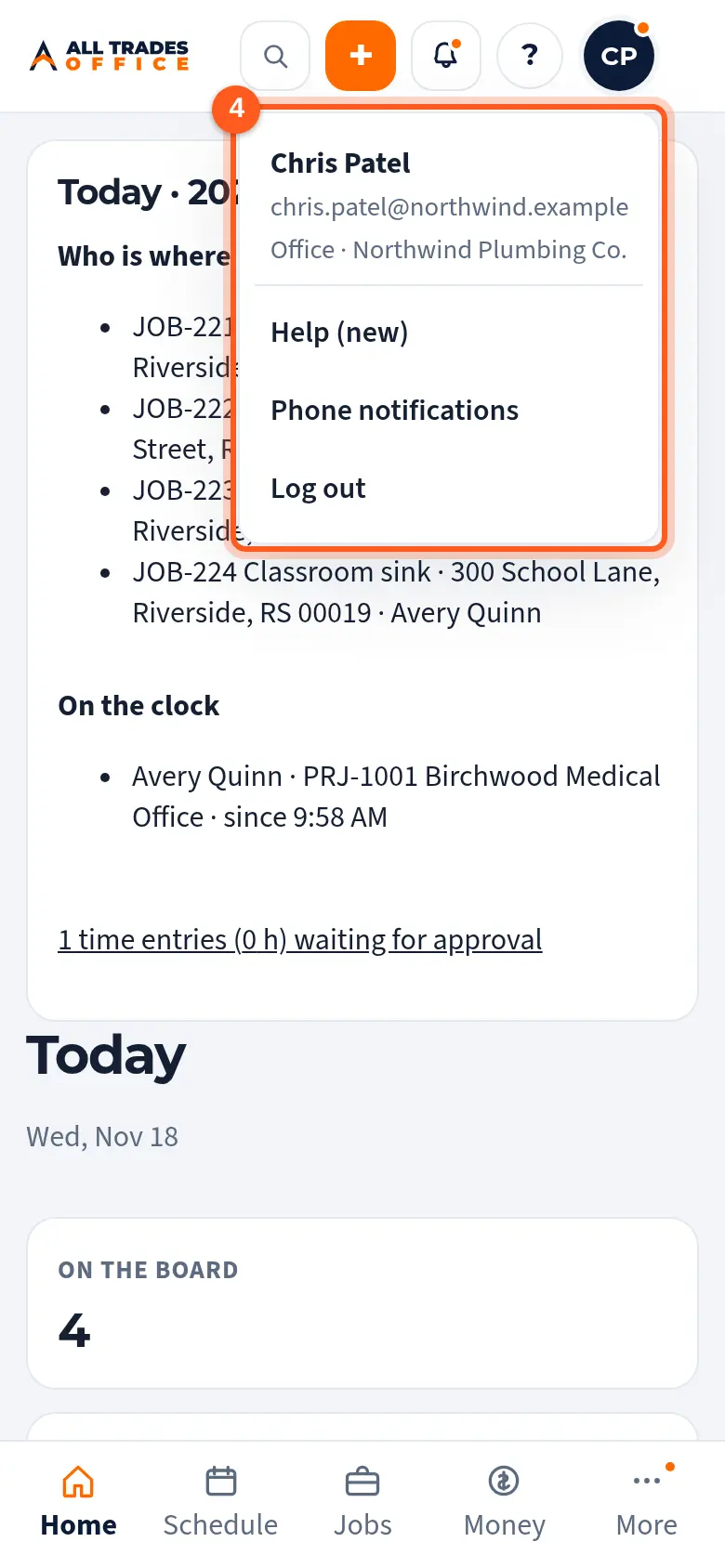
The bell at the top is Reminders. Tap your initials for Help, Phone notifications and Log out.
Good to know
- Admin can do everything an Owner can except send approved project documents, unless the Owner allows it.
- Office is like Admin but can't see labor rates or post announcements by default.
- What you see depends on your role and your company's features. If a menu item is missing, see A menu item is missing.
Related
- Add a customer, contacts, and service addressesAdd a person or business, then the people you deal with and every address you work at.
- Assign techs and dispatch from the schedulePut the right people on each job and see the whole day or week at a glance.
- Create an invoice and record paymentsMake an invoice from a finished job, send the customer a link, and record checks or cash.