
Getting started as a Field Worker
Clock in, see your work, add photos and daily reports, and write T&M tickets.
Who can do this: Field Worker.
Last updated
Field Workers see their assigned work without money: the time clock, projects, photos, daily forms, and T&M tickets.
Steps
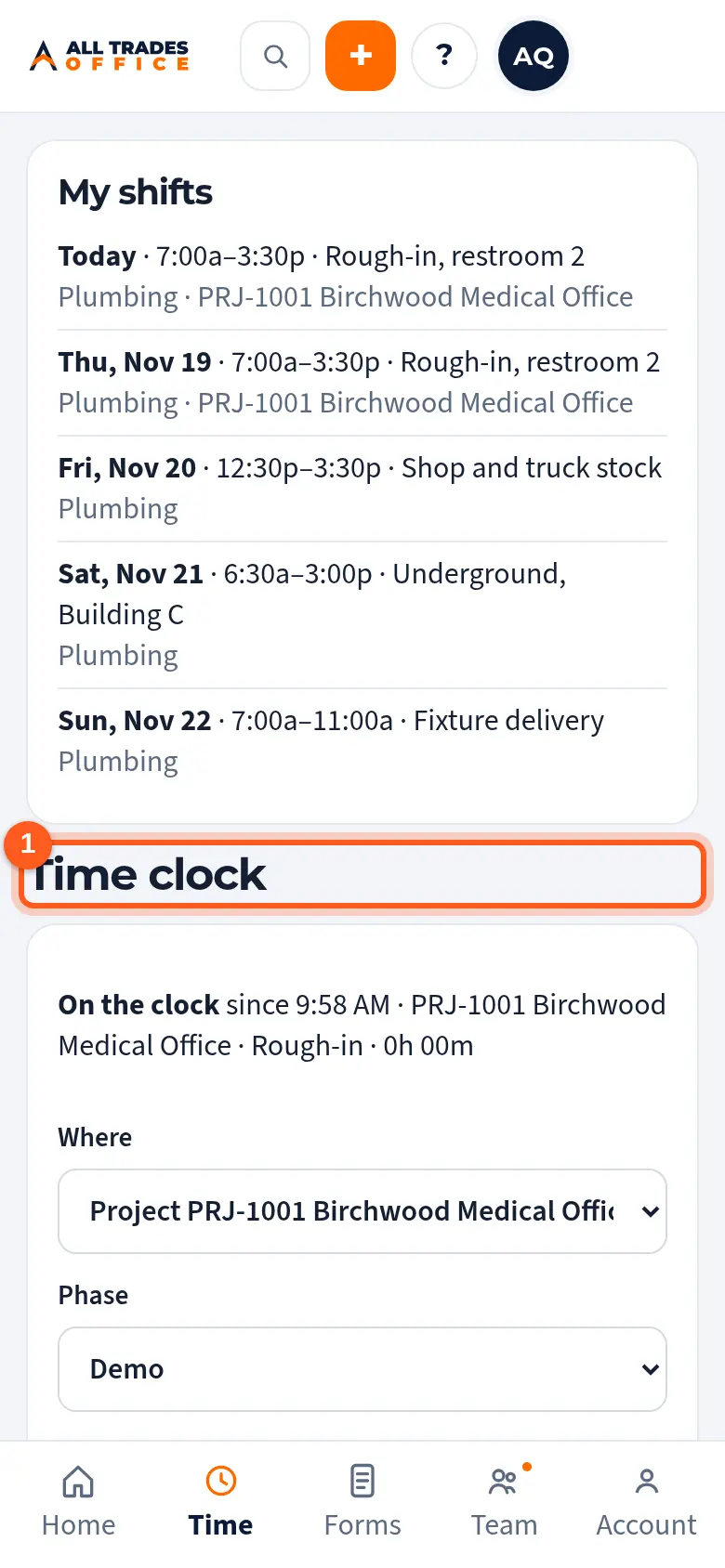
Tap Time at the bottom, pick the job or project and phase, and tap Clock in.
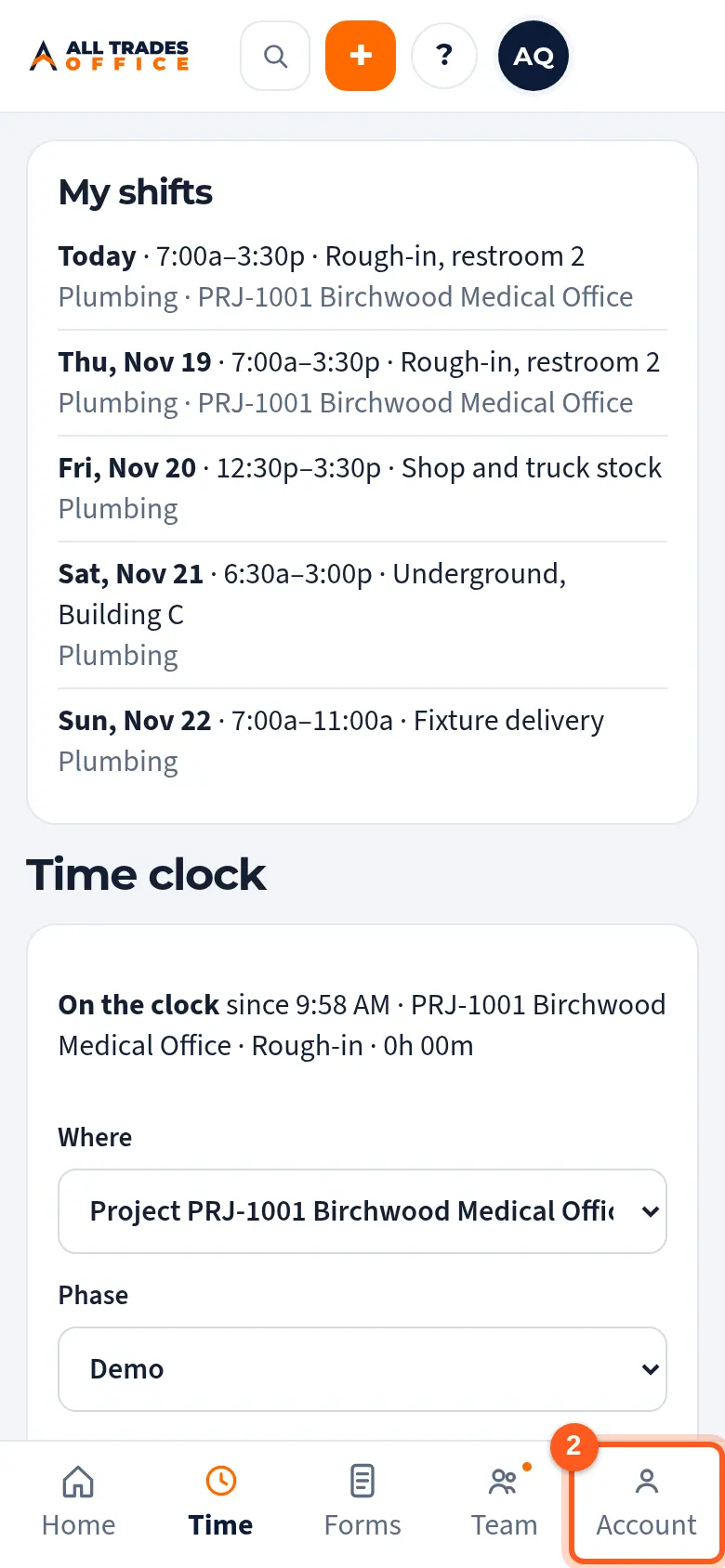
Tap Account at the bottom. Besides Help and Log out, it lists every screen you can open, like Projects.
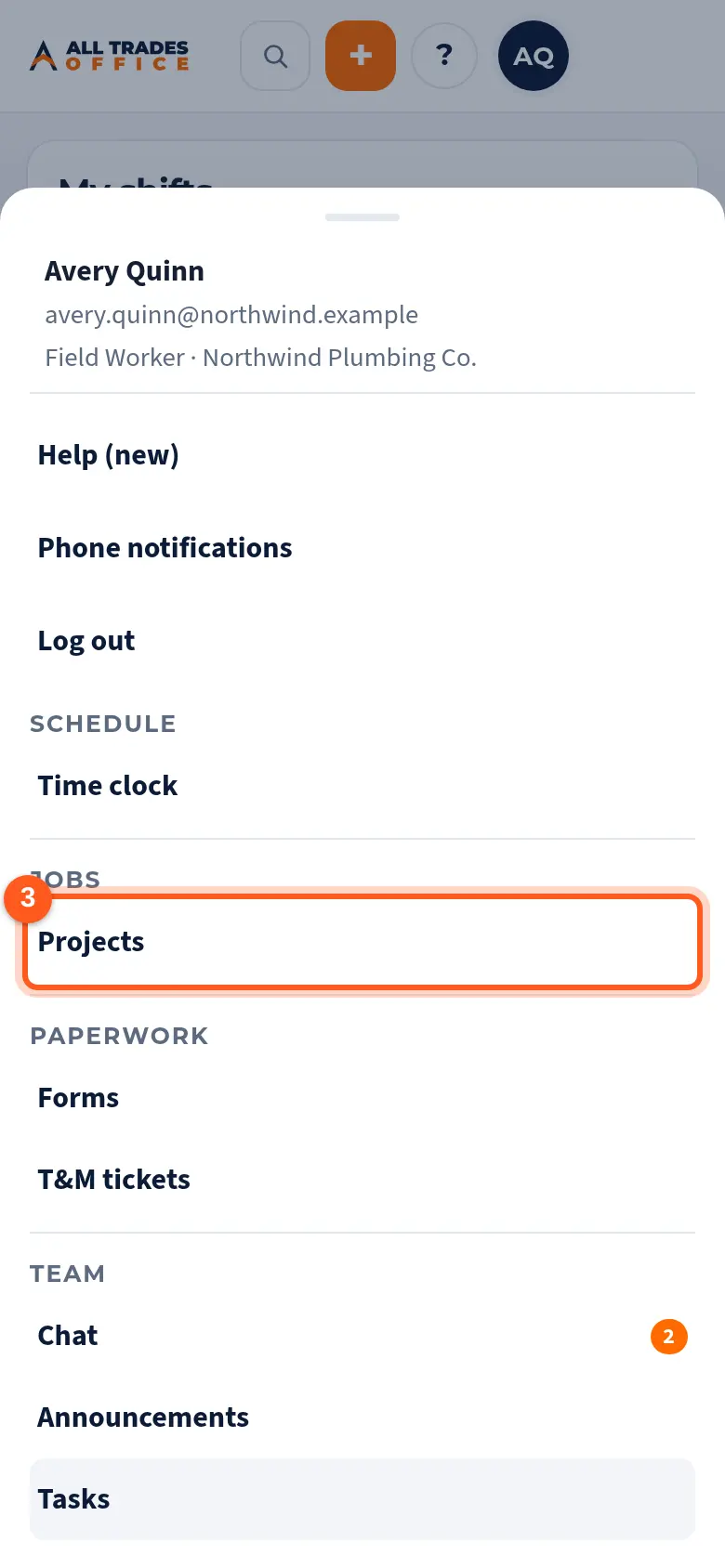
Tap Projects.
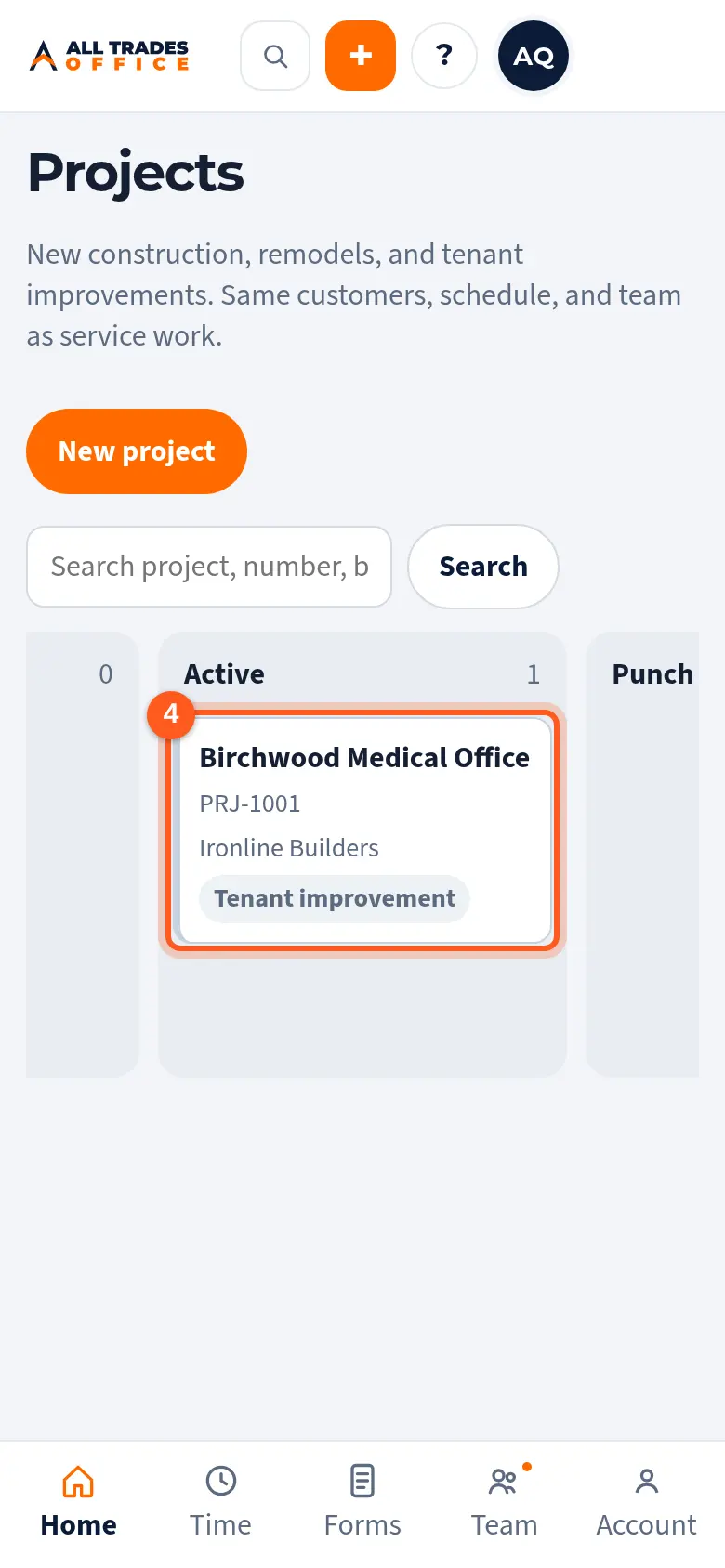
Open your project for photos, daily reports, the punch list, and T&M tickets.
Good to know
- Your owner can turn on Service access for you. That adds the price book, field payments, and adding items to your jobs. See Service access for a Field Worker.
- If a menu item you expect is missing, the feature may be turned off for your company.
Related
- Clock in and out by job, phase, and cost codeTrack your hours against the right job so job costing stays accurate.
- Daily reports, inspection checklists, and safety checksFill out the day's report or a checklist from the project, then submit it for a PDF.
- Write a T&M ticket and get it signedWrite up extra work on site, list the labor and material, and get the GC or owner to sign on your phone.